
Best Video AI tools (100+)
Discover 100+ best video AI tools. Compare features, pricing, and reviews. Free and paid options available.
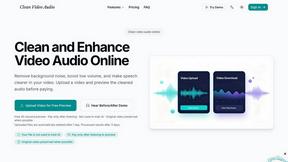
cleanvideoaudio.com
Clean your video audio online, remove noise, fix low volume, and preview free without any software.

Vidotoria
Vidotoria is the AI content engine that helps mobile app founders generate viral TikTok videos, reels, and memes to drive installs in minutes.
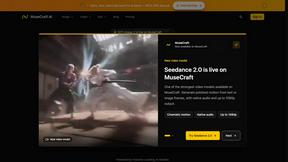
MuseCraft.ai
MuseCraft.ai is your all-in-one platform for creating stunning images and videos using top AI models, igniting your creative potential.
Seedance 3.0 AI Video Generator
Transform your ideas into stunning cinematic videos effortlessly with Seedance 3.0, the ultimate AI video generator for creators.
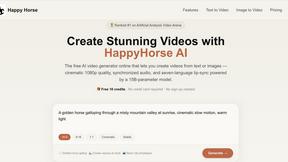
HappyHorse AI
Create stunning 1080p videos in seconds from text or images with HappyHorse AI's free, easy-to-use online video generator.
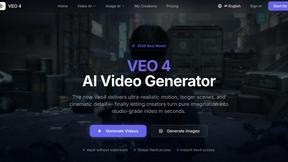
Veo 4 video generator
Veo 4 is the viral AI video generator turning your text prompts into ultra-realistic, cinematic clips in seconds.
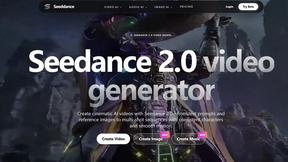
Seeddance
Seeddance 2.0 is the viral AI video generator everyone's using to create cinematic clips from text and images in seconds.

VideoAny
VideoAny is the viral AI video studio where creators use the latest models like Kling 3 to turn images into cinematic clips with one click.
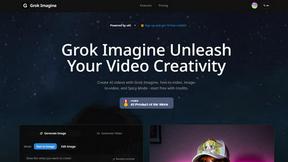
Grok Imagine
Create stunning AI-generated videos and images effortlessly with Grok Imagine's innovative tools and free credits to start your journey.
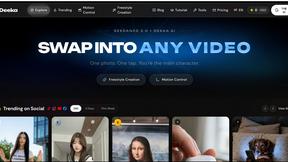

SeeDance Ai
Seedance AI instantly transforms your text, images, and audio into polished, sound-synced videos, making it the go-to tool for creators everywhere.
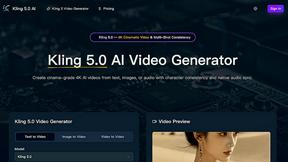

Wan 2.7 AI
Join thousands of creators using Wan 2.7 AI to effortlessly generate stunning, cinematic videos from just text or an image.
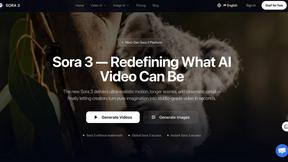
Sora 3 Video Generator
Sora 3 instantly transforms your imagination into viral, studio-grade AI videos that creators everywhere are using.
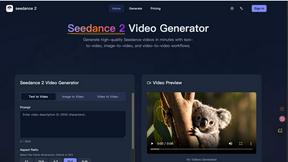
Seedance 2 AI Video Generator
Transform text, images, or clips into stunning videos quickly with Seedance 2.0's intuitive AI technology.
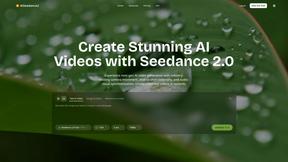
AISeedance2
Create stunning AI-generated videos in seconds with Seedance 2.0's cinematic camera movement and seamless audio sync.
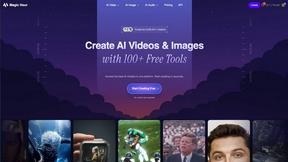
Magic Hour
Create stunning videos and images in seconds with Magic Hour, the free AI studio trusted by over 3 million creators.
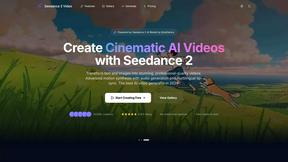
Seedance 2.0
Join 10,000+ creators using Seedance 2 to instantly turn text or images into stunning cinematic AI videos.
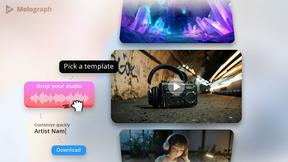
Melograph
Join thousands of musicians turning tracks into viral videos instantly with Melograph.
Seedance 2.0 AI Video Generator
Seedance 2.0 is an AI video generator that creates stunning cinematic clips from text, images, or audio effortlessly.
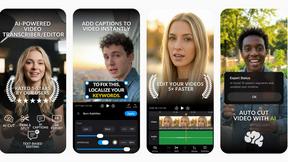
BlitzCut
BlitzCut transforms raw videos into viral-ready clips in minutes by auto-cutting silence and adding stylish captions.
Seedance 2.0
Generate high-quality videos from text or images. Consistent style, natural motion, and stable frames guaranteed.

Zunvix
Zunvix is the all-in-one AI suite creators trust for images, video, and voice in one popular subscription.

CCAPI
CCAPI is your all-in-one AI API gateway, seamlessly connecting you to top models for text, image, audio, and video.

Seedance 2.0
Create stunning 2K cinematic videos effortlessly with Seedance 2.0's powerful AI-driven text, image, and audio.

Seedream 5.0 AI
Seedream 5.0 AI instantly creates stunning 2K images and videos from your text.
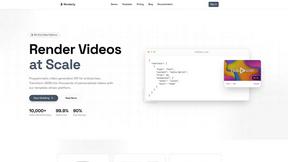
Renderly
Effortlessly create thousands of personalized videos at scale with Renderly's powerful API and template-driven platform.
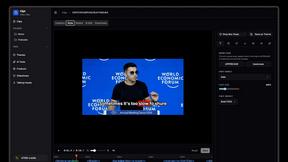
Clipt
Clipt automates tedious editing tasks so your team can create captivating content without the hassle.
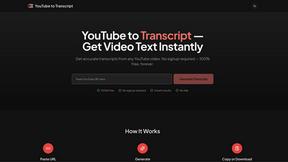
YouTube to Transcript
Instantly extract free, accurate transcripts from any YouTube video without limits or sign-up in over 100 languages.

Vidori
Vidori empowers creators to launch custom streaming apps effortlessly, keeping 100% of revenue and owning their.

apptovid
Apptovid turns your app's URL into stunning promo videos effortlessly, maximizing engagement and driving downloads.
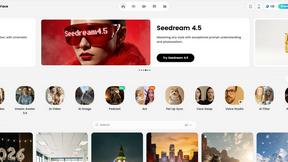
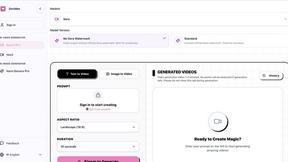
Sovideo
Join thousands creating viral AI videos and images with top models like Sora 2 and Veo 3 in one powerful platform.

Grok Imagine
Transform ideas into breathtaking AI-generated videos instantly with Grok Imagine's innovative creation tools.
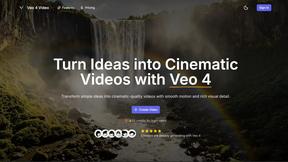
Veo 4 AI Video Generator
Transform ideas into stunning cinematic videos in minutes with Veo 4's powerful AI-driven video generation.
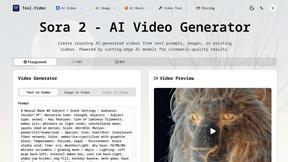
Tool.Video
Create stunning viral videos effortlessly with Tool.Video, your all-in-one AI toolkit for video, images, and music.
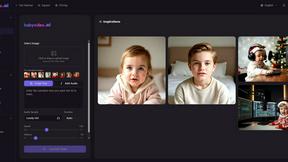
BabyVideo.ai
Create magical AI baby videos from photos in seconds, loved by thousands of parents.

AI Baby Dance
Join thousands who land jobs with our free AI resume analyzer for instant ATS feedback.
Popular Alternatives in Video
About Video AI tools
Video tools help creators, marketers, and businesses produce, edit, host, and distribute video content across platforms. This category includes video editors, screen recorders, video hosting platforms, live streaming tools, subtitle generators, and AI-powered video creation tools that streamline every stage of the video production pipeline.
Whether you are editing marketing videos, recording tutorials, hosting webinars, creating social media clips, or building a video content library, these tools provide the production, editing, and distribution capabilities needed for professional video output.
Compare video tools by their editing features, hosting capabilities, AI tools, collaboration options, and pricing to find the right video solution for your content creation workflow.
FAQs for Video
What types of video tools are listed?
This category includes video editors, screen recording software, video hosting platforms, live streaming tools, subtitle and caption generators, AI video creators, animation tools, video compression utilities, and social media video optimizers.
Can I create professional videos without experience?
Yes. Many video tools offer templates, AI-powered editing, drag-and-drop timelines, and automated features that make professional video creation accessible to beginners without traditional video editing experience.
Do video tools support AI features?
Yes. Modern video tools increasingly use AI for automated editing, subtitle generation, background removal, voice synthesis, scene detection, content repurposing, and intelligent cropping for different social media formats.
Which video formats are supported?
Most tools support MP4, MOV, AVI, WebM, and other common formats. Professional tools also support ProRes, RAW video, and high-resolution formats. Export options typically include presets optimized for different platforms.
Can I host and share videos with these tools?
Yes. Several tools include video hosting with customizable players, privacy controls, analytics, embedding options, and CDN delivery. Some specialize in hosting while others combine editing and hosting in one platform.
Are there free video tools?
Yes. Many video tools offer free tiers with basic editing, limited export resolution, and watermarks. Premium plans unlock HD/4K export, advanced features, longer video lengths, and watermark-free output.