
Best Image & Photo AI tools (103+)
Discover 103+ best image & photo AI tools. Compare features, pricing, and reviews. Free and paid options available.
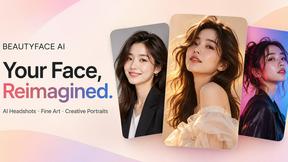
Beautyface
An AI photoshoot generator that transforms your selfies into professional headshots, wedding portraits, fashion photography, and creative studio photo
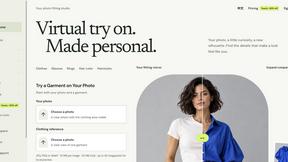
VirtualTryOn
Try on clothes, glasses, rings, hairstyles, and hair colors on your own photos with AI.
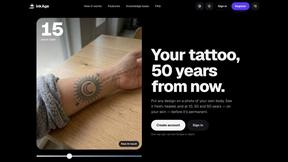
InkAge
AI tattoo aging simulator: your design on your own photo, fresh and 10, 30 and 50 years later, plus laser removal previews.

SciDrawer AI
AI scientific diagram maker for publication-ready visuals from research questions, sketches, and reference figures.

Vikas Editor AI
AI photo and video creative studio for cinematic portraits, fashion edits, festival greetings, and more.
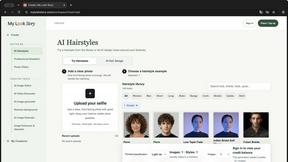
MyLookStory
AI hairstyle try-on, photo editing, image generation and short videos in one workspace.
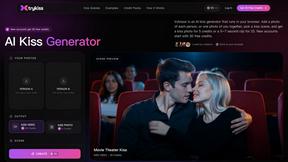
trykissai
AI kiss generator: add a photo of each person, pick a kiss scene, and get a kiss photo or a 5–7 second clip. 30 free credits.
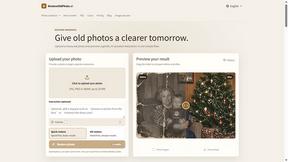
RestoreOldPhoto
RestoreOldPhoto.ai repairs old, faded photos with AI: remove scratches, sharpen blurry faces, colorize black-and-white pictures in seconds.

Enhance My Photo
Online AI photo enhancer that sharpens portraits, products, scenery, pets and text images and exports JPEG/PNG/WebP without watermarks.
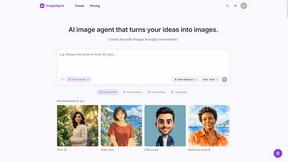
ImageAgent
Create and edit AI images through conversation, using text or reference images and refining results in chat.
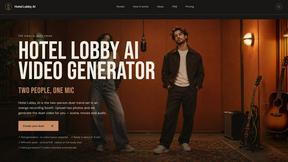
Hotel Lobby AI
Hotel Lobby AI turns two separate portraits into a stylish duet video inside an orange recording booth. Pick each performer's side, framing, and 8- or
AiAgeFilter
Free AI age filter: upload an adult portrait, add 10-40 years, meet your older self. No app needed.
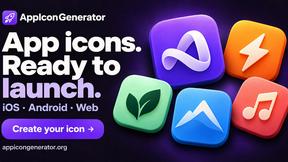
AppIconGenerator
Generate iOS and Android app icons from any image and export all platform sizes for free.
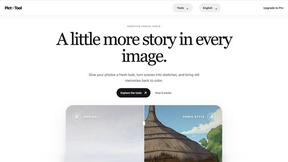
picttool
Create and edit images with a collection of easy-to-use AI tools
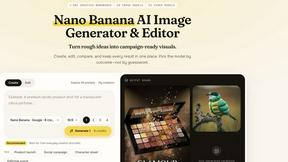
Nano AI
Create and edit AI images, generate videos, and compare models in one creative workbench.
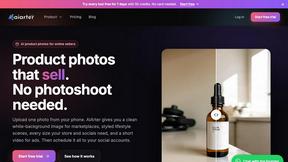
AiArter
AI product photos and UGC video ads for Amazon, Etsy and Shopify sellers, made from one phone photo.
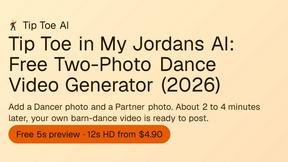
Tip Toe AI
Upload a Dancer photo and a Partner photo and get your own AI Tip Toe barn-dance video. Free 5s preview, 12s HD from $4.90. No subscription.
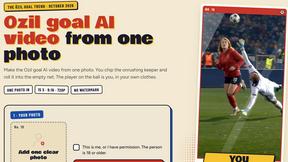
Ozil Goal AI
Make the Ozil goal AI video from one photo. You chip the keeper and roll it into the empty net. 15 seconds, 9:16, 720p, no watermark.
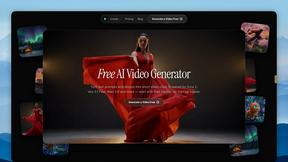
FreeVideoGenerator
Free AI video generator: turn text prompts and photos into video clips with Sora 2, Veo 3.1, Wan and more. Free starter credits, no watermark download
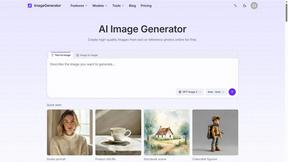
ImageGenerator
Create and edit AI images online with multiple models, text-to-image, image-to-image, background removal, and upscaling.
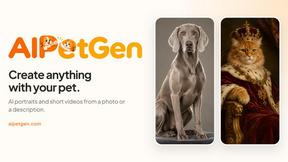
AIPetGen
AIPetGen turns a photo of your dog, cat, or other pet, or a written description, into a new picture or a short animation.
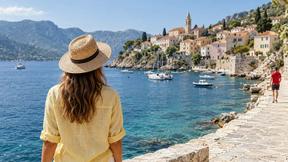
AI Object Remover
Remove unwanted objects, people, text and watermarks from photos with AI

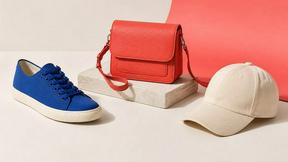
Image to Layers AI
Turn any image into editable transparent PNG/PSD layers with AI
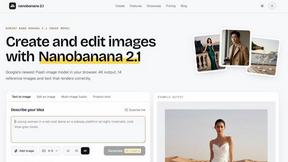
nanobanana 21
A fast, simple image studio powered by Nano Banana 2.1 — create and edit high-quality images with readable text and consistent characters.
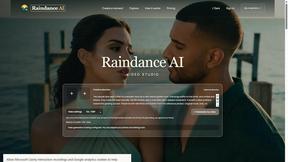
Raindance AI
Turn two authorized portraits into a seaside golden-hour video: a wooden dock, two people taking turns singing, and a slow pullback to the sunset. Pre
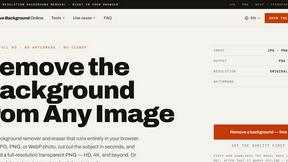
Free AI Image Background Remover
Remove image backgrounds free — no uploads, no signup, no watermark, full resolution. The AI runs in your browser; photos never touch a server.
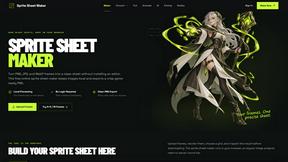
Sprite Sheet Maker
A free browser-based toolkit for creating, cutting, converting, and previewing sprite sheet animations.
RemoveMate
AI background remover for product photos, portraits, pets and everyday objects. Preview the cutout, then download.
GPT Image 2 API
Production-ready image generation and editing with GPT Image 2 API
Qwen Image Edit
Qwen Image Edit lets creators edit and generate visuals with prompts for backgrounds, text, products, posters, outpainting, styles, and Qwen Image wor
Hailuo AI
Create Hailuo AI videos from text or images with guided prompts, camera controls, task tracking, and downloadable results.
AIEnhancer
AI enhancer for photos, images, videos, and creative effects with guided workflows and a shared asset library.
Z Image Turbo
Z Image Turbo creates photorealistic images, bilingual posters, ecommerce visuals, and social content with prompts and free trial credits.

ProfileLoom
ProfileLoom turns one photo into platform-ready AI portraits for professional, social, and creator profiles, with presets and built-in editing.

AI Image Editor
Free AI image editor that edits, retouches, and transforms photos with natural-language text prompts.

Imagine2
Private browser-based AI image generation and editing with text-to-image, targeted edits, and multi-image references.

Kogashitsuka AI
An online AI image tool that enhances photos and illustrations at their original size or upscales them by 2x or 4x.

HubVanta
HubVanta is an AI image toolkit for creating, editing, enhancing, and transforming visual assets in the browser.
Popular Alternatives in Image & Photo
About Image & Photo AI tools
Image and Photo tools help users capture, edit, enhance, organize, and share visual content for personal, creative, and commercial purposes. This category includes photo editors, image enhancers, background removers, batch processing tools, image compression utilities, and AI-powered visual content creation platforms.
Whether you are editing product photos for an online store, enhancing images for social media, removing backgrounds for marketing materials, or managing large photo libraries, these tools provide the visual editing capabilities needed for professional-quality image output.
Compare image and photo tools by their editing features, AI capabilities, batch processing support, output quality, and pricing to find the right solution for your visual content workflow.
FAQs for Image & Photo
What types of image tools are listed?
This category includes photo editors, AI image enhancers, background removal tools, image compression utilities, batch processing platforms, screenshot tools, image format converters, and visual content creation platforms.
Can AI improve my photos automatically?
Yes. Many image tools use AI to automatically enhance resolution, adjust lighting, remove noise, sharpen details, colorize images, and fix common photo issues with minimal manual intervention.
Do image tools support batch processing?
Yes. Many tools offer batch processing for resizing, formatting, watermarking, compressing, and enhancing multiple images simultaneously, saving significant time for users working with large image collections.
What image formats are typically supported?
Most tools support JPEG, PNG, WebP, TIFF, SVG, and GIF formats. Professional tools also support RAW camera formats, PSD, and high-dynamic-range formats. Check individual listings for specific format support.
Are there free image editing tools?
Yes. Many image tools offer free tiers with core editing features, basic AI enhancements, and standard export options. Premium plans typically unlock advanced AI features, batch processing, and higher resolution outputs.
How do image tools handle quality and compression?
Quality image tools use smart compression algorithms that reduce file size while preserving visual quality. Many offer adjustable compression levels and format-specific optimization to balance file size with output quality for your specific use case.