
Best Photography AI tools (15+)
Discover 15+ best photography AI tools. Compare features, pricing, and reviews. Free and paid options available.

Raindance AI
Turn two authorized portraits into a seaside golden-hour video: a wooden dock, two people taking turns singing, and a slow pullback to the sunset. Pre
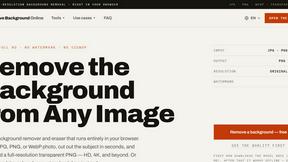
Free AI Image Background Remover
Remove image backgrounds free — no uploads, no signup, no watermark, full resolution. The AI runs in your browser; photos never touch a server.

99x Prompts
Discover 50,000+ ready-to-use AI prompts for text, image, and video generation. Save time and create better results with AI.

AIEnhancer
AI enhancer for photos, images, videos, and creative effects with guided workflows and a shared asset library.
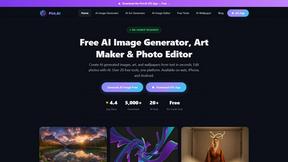
Pict AI - Image Generator & Editor
Pict AI generates stunning images and edits photos with 20+ free tools, no signup required, on web and mobile.
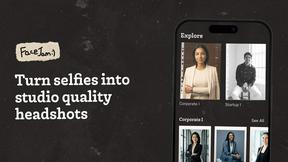
Facejam
Transform your selfies into stunning professional headshots in minutes with Facejam's AI-powered photo generation.
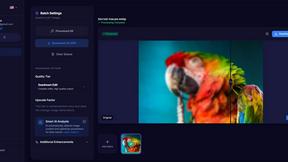
MyImageUpscaler
Join 54 founding members and upscale your photos instantly with AI while keeping text perfectly sharp.

PhotoWeather
Get instant alerts for ideal photo conditions so you can capture breathtaking moments when they happen.
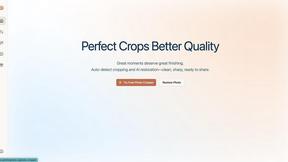
ShinePhoto
Transform your photos instantly with ShinePhoto's smart auto-crop and restoration for stunning, share-ready images.

Looktara
Looktara is your private AI photographer creating real you photos for any platform in minutes.
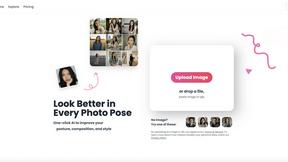
poseup
Transform your photos with PoseUp's AI for flawless posture and stunning composition in just one click.
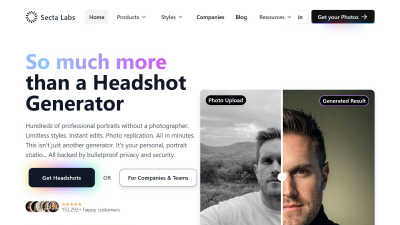
Secta Labs
Transform your first impression with Secta Labs, generating hundreds of custom AI headshots in under an hour.
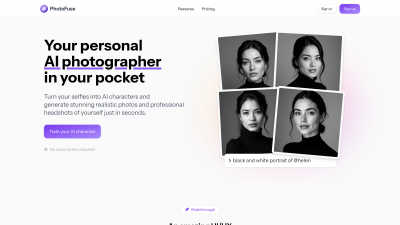
PhotoFuse
Join thousands creating stunning AI headshots from selfies in seconds, no subscription needed.
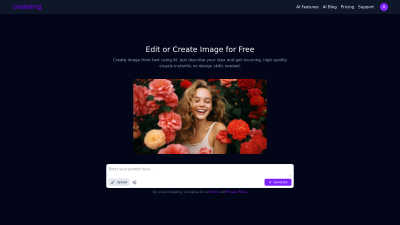
CreateImg
Transform your ideas into stunning, unique images in seconds with CreateImg's easy AI image editor—no skills needed!.
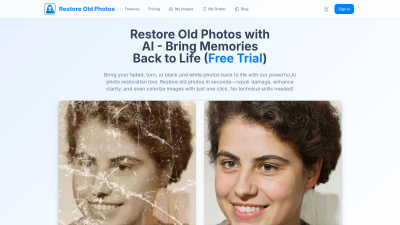
Restore Old Photos
Join 104k+ users reviving faded memories instantly with our AI photo restoration tool.
Popular Alternatives in Photography
About Photography AI tools
Photography tools help photographers capture, edit, manage, and share their work through specialized software and platforms. This category includes photo editing software, camera control apps, photo management systems, portfolio builders, print ordering services, and AI-powered photography enhancement tools.
Whether you are a professional photographer managing client shoots, an enthusiast processing RAW files, a content creator optimizing images for social media, or a business building a photography portfolio, these tools provide the specialized capabilities the photography workflow demands.
Compare photography tools by their editing capabilities, RAW support, organizational features, output options, and pricing to find the right software for your photography needs and skill level.
FAQs for Photography
What types of photography tools are listed?
This category includes RAW photo editors, photo management and cataloging software, portfolio and gallery builders, photo printing services, camera control and tethering apps, AI enhancement tools, and photography business management platforms.
Do these tools support RAW file editing?
Yes. Many professional photography tools support RAW files from major camera manufacturers including Canon, Nikon, Sony, Fujifilm, and others with non-destructive editing, color grading, and lens correction capabilities.
Can AI tools help improve my photography?
Yes. AI photography tools offer automatic exposure correction, noise reduction, sky replacement, subject detection, intelligent cropping, and style transfer features that can significantly enhance photo quality with minimal manual effort.
Are there tools for managing large photo libraries?
Yes. Photo management tools offer features like AI-powered tagging, face recognition, keyword search, smart albums, cloud storage, and organizational features designed to handle libraries containing thousands or millions of photos.
Do photography tools support client delivery?
Many tools offer client gallery features with proof selection, download options, print ordering, watermark protection, and password-protected sharing designed specifically for professional photographer-client workflows.
Are there free photography tools?
Yes. Several photography tools offer free versions with basic editing and management capabilities. Professional features like advanced RAW processing, batch editing, and client delivery typically require paid subscriptions.