
CreateImg
Transform your ideas into stunning, unique images in seconds with CreateImg's easy AI image editor—no skills needed!.
VisitPublished on:
June 19, 2025
Category:
About CreateImg
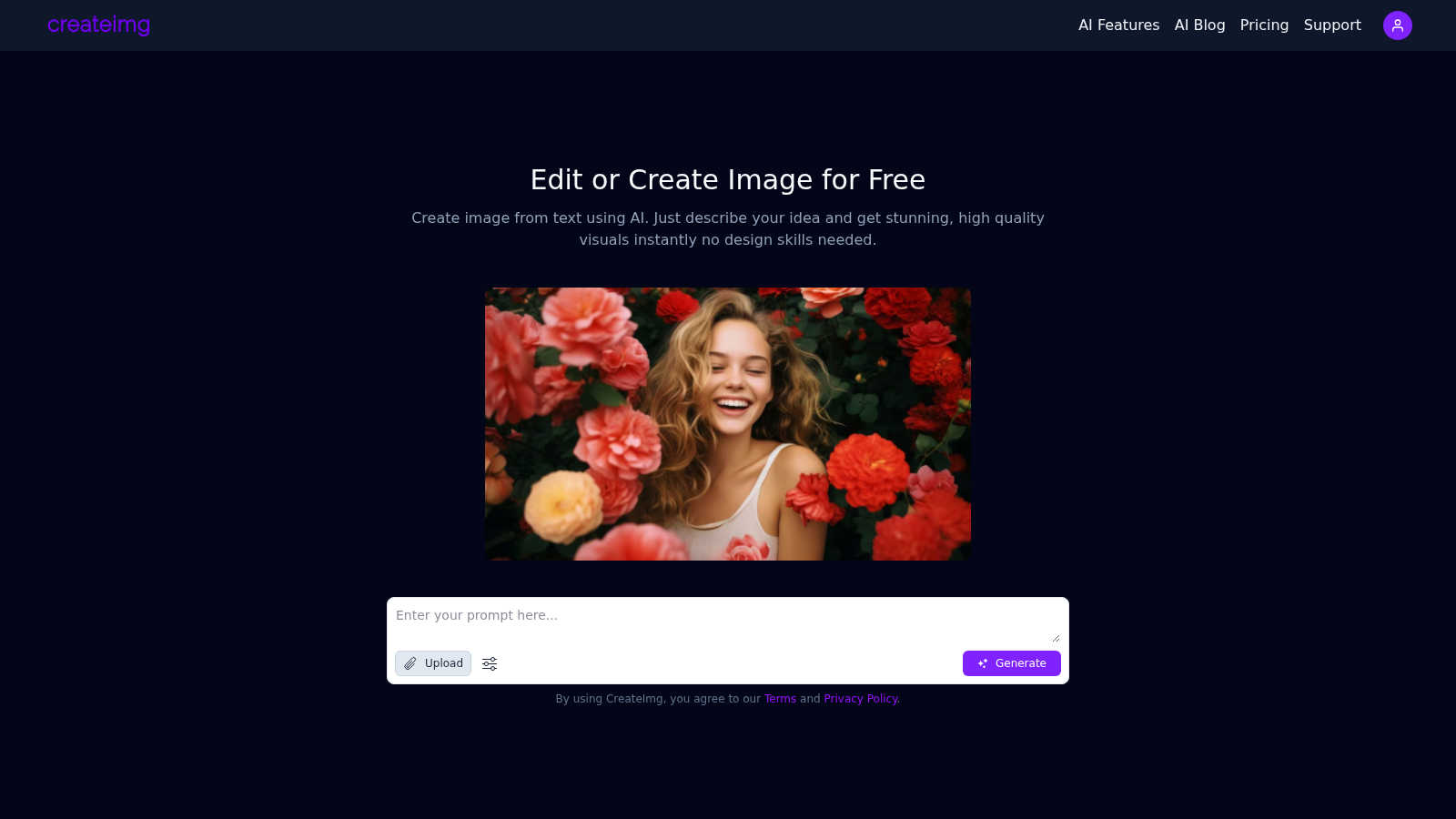
CreateImg is a groundbreaking free AI image editor that revolutionizes the way users enhance and stylize their photos with ease. This versatile platform is designed for photographers, content creators, and anyone eager to elevate their visual content without needing extensive design skills. By harnessing the power of advanced AI technology, CreateImg offers features like automatic background removal, AI upscaling, and unique image generation from text prompts. Users can quickly create stunning visuals in just seconds, making it an essential tool for social media, marketing, and personal projects. The completely free platform ensures that every feature is accessible without subscriptions or hidden fees, promoting a user-friendly experience. CreateImg focuses on simplicity and functionality, allowing everyone—from novices to seasoned designers—to enjoy a seamless editing experience. With its wide array of features, users can unleash their creativity and produce eye-catching images that captivate their audience.
Features of CreateImg
Create Images from Text Prompts
Transform your ideas into high-quality visuals instantly with AI. Just describe what you envision in words, and the tool will generate custom images tailored to your request, making it perfect for any project.
Automatic Background Removal
Easily eliminate unwanted backgrounds from your images with our advanced AI technology. This feature allows users to isolate subjects effortlessly, providing a clean and professional look without any technical skills.
AI Upscaling
Enhance the quality of your images with our AI upscaling feature. This tool improves the resolution of your visuals, ensuring that every detail is sharp and vibrant, ideal for printing or high-resolution displays.
Unique Image Generation
Every image created with CreateImg is one-of-a-kind, generated from your specific description. This guarantees that your visuals are completely original, providing you with the creative freedom to explore and express your ideas.
Use Cases of CreateImg
Social Media Content Creation
CreateImg is perfect for generating eye-catching images for social media platforms like Instagram and Facebook. Users can quickly produce visuals that resonate with their audience, boosting engagement and shares.
Marketing and Promotional Materials
Utilize CreateImg to design unique visuals for marketing campaigns. Whether it's for digital ads, brochures, or presentations, the tool enables businesses to create professional-grade images that capture attention.
Personal Projects and Gifts
From birthday photoshoots to personalized gifts, CreateImg simplifies the process of creating stunning visuals. Users can design custom images that make memorable keepsakes for friends and family.
Blog and Website Graphics
Enhance your blog or website with original images generated by CreateImg. The platform allows bloggers and web designers to craft unique visuals that complement their content, driving more traffic and interest.
Frequently Asked Questions
How does CreateImg generate images from text?
CreateImg uses advanced AI algorithms to analyze and interpret your text prompts. By transforming words into visuals, the tool produces custom images that reflect your ideas in real-time.
Is CreateImg really free to use?
Yes! CreateImg is entirely free, with all features accessible without any subscriptions or hidden fees. Users can enjoy the full range of tools and capabilities without worrying about costs.
Can I use the images I create for commercial purposes?
Absolutely! CreateImg allows users to create and download images for both personal and commercial use, giving you the freedom to utilize your visuals in any way you choose.
What types of styles can I choose from when generating images?
CreateImg offers a variety of styles, including realistic, cartoon, drawing, and creative options. This allows you to customize the look and feel of your images to match your project's requirements perfectly.
Explore more in this category:
Similar to CreateImg
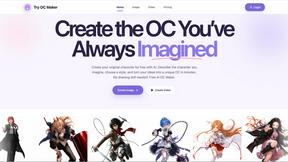
Try OC Maker
Create OCs from text or images, customize their look, and turn them into animated videos with AI.
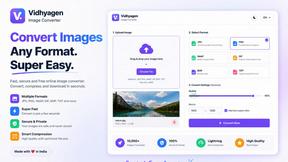
VidhyaGen - Image Converter
VidhyaGen is a comprehensive, all-in-one web platform built to make handling images, media, and digital files seamless and fast. Instead of juggling m

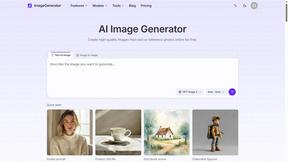
ImageGenerator
Create and edit AI images online with multiple models, text-to-image, image-to-image, background removal, and upscaling.

Verla AI
Verla is an AI academic assistant for university and college students, combining AI essay writing, academic research, AI detection, AI humanization

Memorable Contact
Memorable Contact helps you remember people, save conversation details, find contacts using AI-powered search, and share digital business cards

screenRIG
Signage and kiosk infrastructure for AI agents. Your agent publishes images, video, streams, web pages and apps to screens via one plugin.screenRIG is
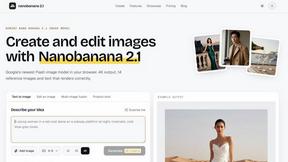
nanobanana 21
A fast, simple image studio powered by Nano Banana 2.1 — create and edit high-quality images with readable text and consistent characters.