
Alternatives to CloneUI
CloneUI instantly transforms any website screenshot or URL into responsive React, HTML, or Vue code with remarkable.
Explore 20 alternatives to CloneUI. Compare features, pricing, and find the best fit for your needs.

Enhance My Photo
Online AI photo enhancer that sharpens portraits, products, scenery, pets and text images and exports JPEG/PNG/WebP without watermarks.
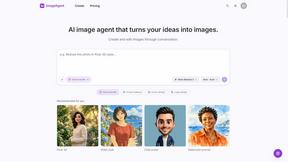
ImageAgent
Create and edit AI images through conversation, using text or reference images and refining results in chat.

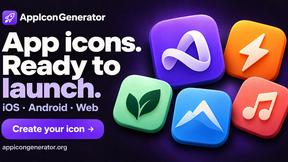
AppIconGenerator
Generate iOS and Android app icons from any image and export all platform sizes for free.
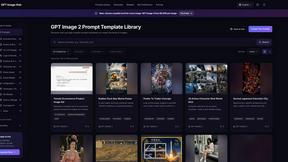
GPT Image Hub
Curated image prompts, reusable templates, and multi-model AI image generation in one workspace.
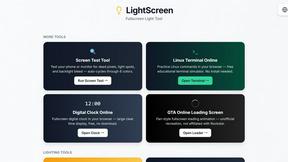
LightScreen
Free light screen tool online. Turn any display into a flashlight, ambient light, or solid-color screen. No download or sign-up.
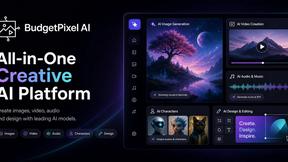
Budgetpixel AI
Create and edit AI images, videos, music, and designs in one workspace, with multiple models, reusable characters, and API access.
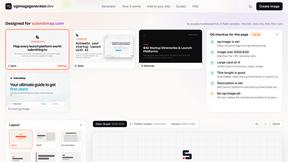
OG Image Generator
Paste a URL and AI designs on-brand Open Graph images from your page's colours, fonts and logo. Free, no sign-up.
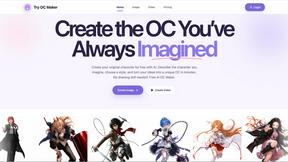
Try OC Maker
Create OCs from text or images, customize their look, and turn them into animated videos with AI.
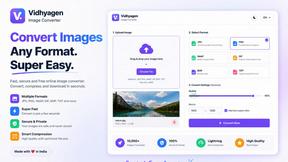
VidhyaGen - Image Converter
VidhyaGen is a comprehensive, all-in-one web platform built to make handling images, media, and digital files seamless and fast. Instead of juggling m

Posy
A link-in-bio page that looks hand-made. Pick a look, add your links and publish in a minute. Free, open source, and your AI can edit it for you.

ImageGenerator
Create and edit AI images online with multiple models, text-to-image, image-to-image, background removal, and upscaling.
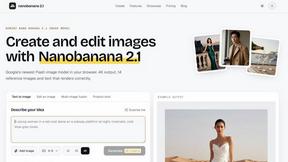
nanobanana 21
A fast, simple image studio powered by Nano Banana 2.1 — create and edit high-quality images with readable text and consistent characters.

qwenimage-21
AI image generation and editing with detailed prompts, multiple references, portrait and typography refinement, and transparent RGBA output.
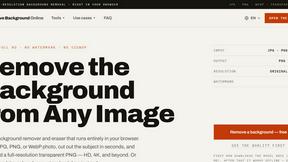
Free AI Image Background Remover
Remove image backgrounds free — no uploads, no signup, no watermark, full resolution. The AI runs in your browser; photos never touch a server.

RemoveMate
AI background remover for product photos, portraits, pets and everyday objects. Preview the cutout, then download.
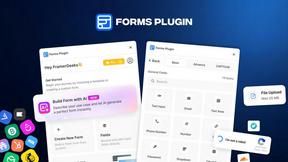
Forms Plugin
The #1 Native Form Builder Plugin for Framer - No Code, No Embeds, No External Platforms.
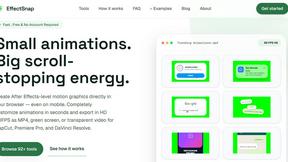
EffectSnap
For creators and marketers: Free browser-based animation generator creating After Effects-quality motion graphics, chat bubbles, and video overlays in

Qwen Image Edit
Qwen Image Edit lets creators edit and generate visuals with prompts for backgrounds, text, products, posters, outpainting, styles, and Qwen Image wor
About CloneUI Alternatives
CloneUI is an innovative AI-powered tool that transforms website screenshots and URLs into responsive React, HTML, or Vue code instantaneously. It sits at the intersection of design tools and development, catering to web designers, front-end developers, and anyone involved in UI/UX design. Users often seek alternatives to CloneUI for various reasons, including pricing, specific feature sets, or compatibility with their preferred platforms and workflow requirements. When searching for an alternative, it's essential to consider the features that matter most to you, such as ease of use, the quality of generated code, integration capabilities with design tools like Figma, and overall efficiency in streamlining your coding process. Ensuring that the alternative aligns with your project needs and enhances your productivity is key to making the right choice.
FAQs about CloneUI Alternatives
What is CloneUI?
CloneUI is an AI-powered tool that converts website screenshots and URLs into clean, responsive code in formats like HTML, CSS, React, and Vue.
Who is CloneUI for?
CloneUI is designed for web designers, front-end developers, and anyone involved in UI/UX design looking to enhance their coding efficiency.
Is CloneUI free?
CloneUI is a premium tool, and while it may offer a free trial or demo, users typically need to purchase a subscription for full access.
What are the main features of CloneUI?
Key features of CloneUI include URL to code conversion, screenshot to code generation, Figma integration, and intelligent component recognition.