
CloneUI
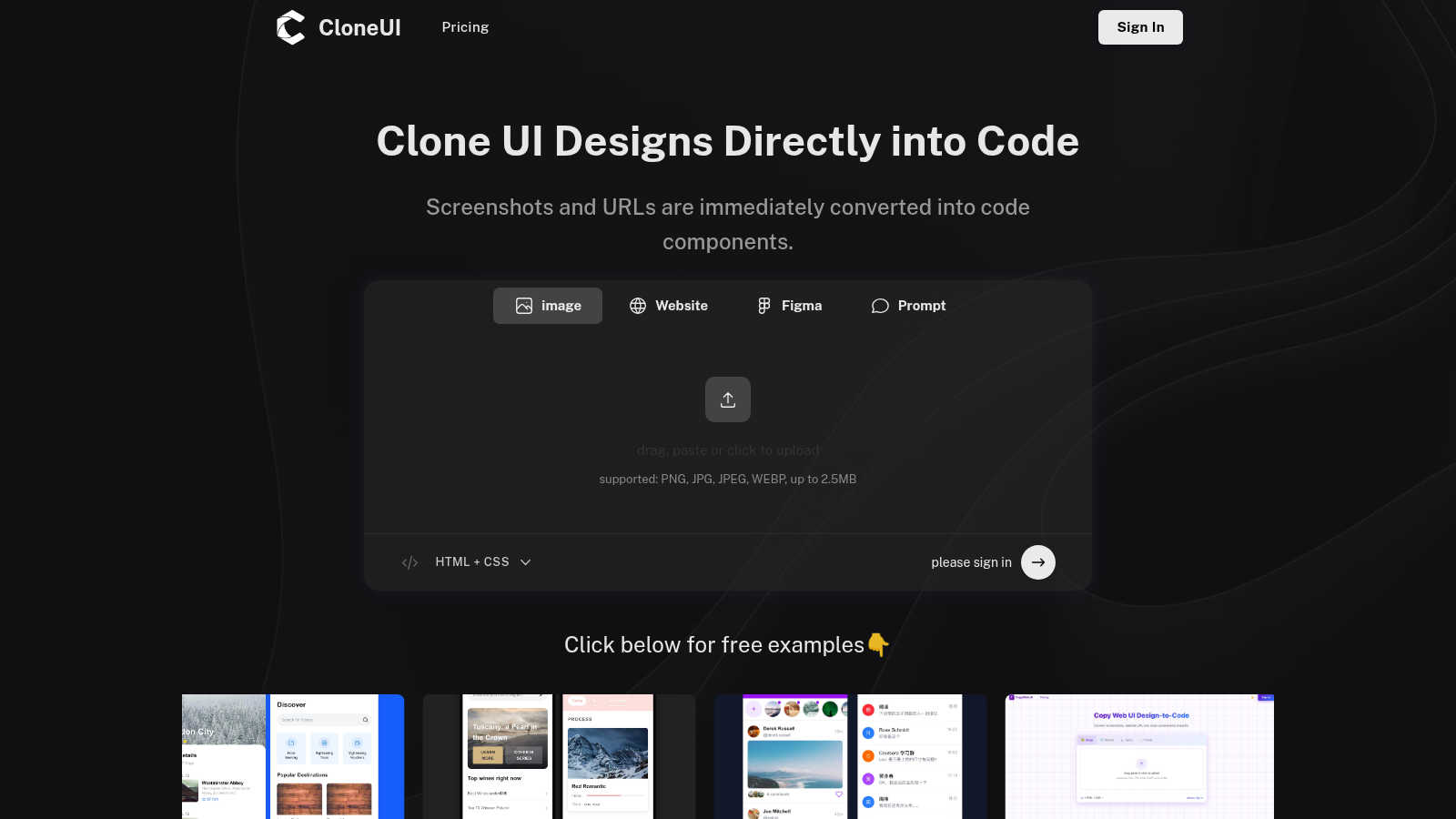
CloneUI instantly transforms any website screenshot or URL into responsive React, HTML, or Vue code with remarkable.
VisitPublished on:
June 18, 2025
About CloneUI
CloneUI is a groundbreaking AI-powered tool designed to revolutionize the way web designers and developers convert website designs into production-ready code. This innovative platform enables users to transform a simple screenshot or a website URL into clean, responsive HTML, CSS, and code tailored for specific frameworks in mere seconds. Whether you are a seasoned web designer, a front-end developer, or an enthusiastic hobbyist, CloneUI streamlines your workflow, allowing you to focus on creativity rather than tedious manual coding. The main value proposition of CloneUI lies in its ability to generate high-quality, production-ready code instantly. This not only saves precious time but also enhances productivity, ensuring that your designs come to life effortlessly. With a user-friendly interface and intelligent component recognition, CloneUI empowers anyone in the UI/UX design space to enhance their coding efficiency and deliver exceptional results quickly. Join the growing community of users who have already embraced this essential tool to elevate their web development experience.
Features of CloneUI
URL to Code
CloneUI allows you to replicate entire website structures by simply entering a URL. This feature eliminates the need for manual inspection and coding, providing instant access to clean code that mirrors the original design seamlessly.
Screenshot to Code
Effortlessly convert your design screenshots into pixel-perfect code. All you need to do is upload a screenshot, and CloneUI will deliver responsive HTML and CSS that accurately reflects your design, saving you valuable time in the development process.
Figma to Code
With CloneUI, you can convert your Figma designs to code with just one click. This integration allows designers to maintain their creative workflow while instantly generating the necessary code for implementation, thus bridging the gap between design and development.
Intelligent Component Recognition
CloneUI employs advanced AI technology to automatically identify and map UI components within your designs. This intelligent component recognition ensures that each design element is accurately translated into code, allowing for high fidelity and functionality in the final output.
Use Cases of CloneUI
Rapid Prototyping
CloneUI is ideal for designers looking to create rapid prototypes. By converting designs to code quickly, teams can iterate on concepts and gather feedback faster, significantly speeding up the project timeline.
Freelance Development
Freelance developers can leverage CloneUI to enhance their service offerings. By using this tool, they can deliver high-quality code to clients in a fraction of the time, allowing them to take on more projects and increase their income potential.
Educational Purposes
Students and educators in web development can use CloneUI to understand the coding process better. By seeing how designs translate into code, learners can grasp the fundamentals of HTML, CSS, and various frameworks more effectively.
UI/UX Design Enhancements
For UI/UX designers, CloneUI serves as a powerful tool to visualize and implement ideas. By quickly generating code from their designs, they can focus on improving user experience without getting bogged down by the technical aspects of coding.
Frequently Asked Questions
Which input formats are compatible with CloneUI?
CloneUI supports various image formats, including PNG, JPG, JPEG, and WEBP, with a maximum file size of 2.5MB. This wide range of compatibility ensures users can easily upload their designs without worrying about format limitations.
How is the code generated?
The code is generated through a sophisticated AI algorithm that analyzes the uploaded screenshot or URL. It identifies design elements and translates them into clean, responsive code, tailored for different frameworks like React or Vue.
Supported frameworks?
CloneUI allows for code export to multiple frameworks, including React and Vue, as well as plain HTML and CSS. This flexibility ensures that developers can work within their preferred environment and stack.
Is the generated code customizable?
Yes, the generated code from CloneUI can be customized to meet specific project requirements. Developers have the freedom to edit and refine the code, ensuring it perfectly aligns with their unique needs and standards.
Explore more in this category:
Similar to CloneUI
Try OC Maker
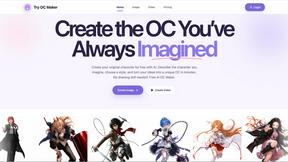
Create OCs from text or images, customize their look, and turn them into animated videos with AI.
VidhyaGen - Image Converter
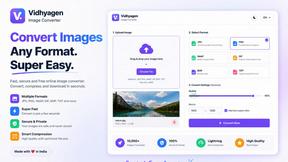
VidhyaGen is a comprehensive, all-in-one web platform built to make handling images, media, and digital files seamless and fast. Instead of juggling m

Posy
A link-in-bio page that looks hand-made. Pick a look, add your links and publish in a minute. Free, open source, and your AI can edit it for you.
ImageGenerator
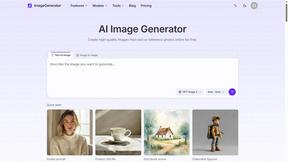
Create and edit AI images online with multiple models, text-to-image, image-to-image, background removal, and upscaling.
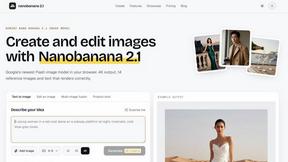
nanobanana 21
A fast, simple image studio powered by Nano Banana 2.1 — create and edit high-quality images with readable text and consistent characters.
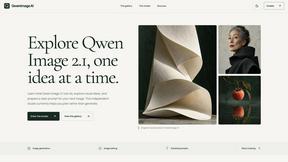
qwenimage-21
AI image generation and editing with detailed prompts, multiple references, portrait and typography refinement, and transparent RGBA output.
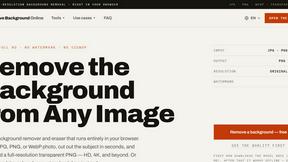
Free AI Image Background Remover
Remove image backgrounds free — no uploads, no signup, no watermark, full resolution. The AI runs in your browser; photos never touch a server.

RemoveMate
AI background remover for product photos, portraits, pets and everyday objects. Preview the cutout, then download.