

Alternatives to Before After Photo Maker
Join thousands creating viral before-and-after comparisons instantly with our free, professional photo maker.
Explore 20 alternatives to Before After Photo Maker. Compare features, pricing, and find the best fit for your needs.
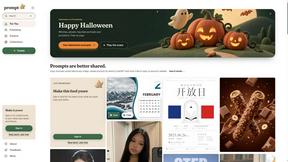
Promptclay
Free-to-copy AI image prompt library. Each prompt is shown next to the image it made.

Enhance My Photo
Online AI photo enhancer that sharpens portraits, products, scenery, pets and text images and exports JPEG/PNG/WebP without watermarks.
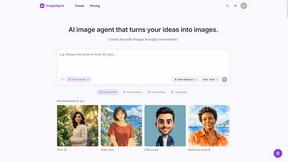
ImageAgent
Create and edit AI images through conversation, using text or reference images and refining results in chat.
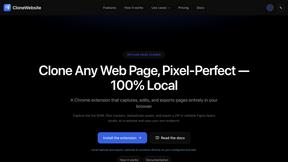
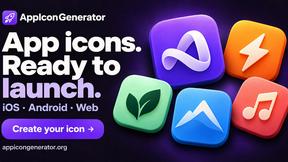
AppIconGenerator
Generate iOS and Android app icons from any image and export all platform sizes for free.
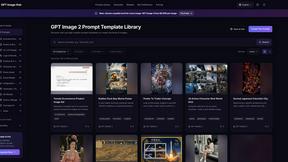
GPT Image Hub
Curated image prompts, reusable templates, and multi-model AI image generation in one workspace.
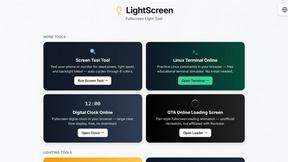
LightScreen
Free light screen tool online. Turn any display into a flashlight, ambient light, or solid-color screen. No download or sign-up.
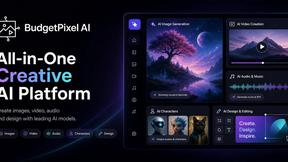
Budgetpixel AI
Create and edit AI images, videos, music, and designs in one workspace, with multiple models, reusable characters, and API access.
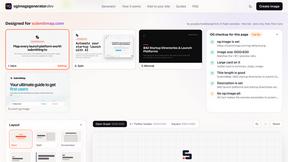
OG Image Generator
Paste a URL and AI designs on-brand Open Graph images from your page's colours, fonts and logo. Free, no sign-up.
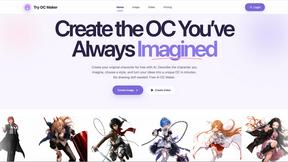
Try OC Maker
Create OCs from text or images, customize their look, and turn them into animated videos with AI.
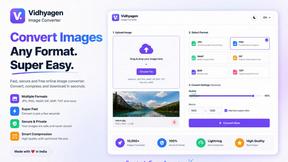
VidhyaGen - Image Converter
VidhyaGen is a comprehensive, all-in-one web platform built to make handling images, media, and digital files seamless and fast. Instead of juggling m
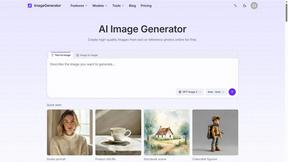
ImageGenerator
Create and edit AI images online with multiple models, text-to-image, image-to-image, background removal, and upscaling.
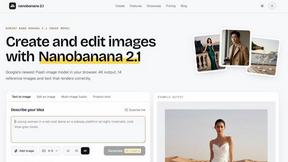
nanobanana 21
A fast, simple image studio powered by Nano Banana 2.1 — create and edit high-quality images with readable text and consistent characters.
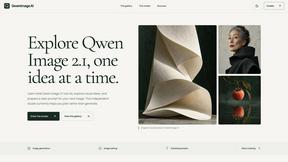
qwenimage-21
AI image generation and editing with detailed prompts, multiple references, portrait and typography refinement, and transparent RGBA output.
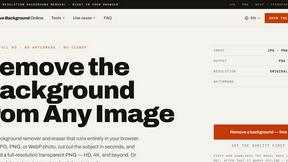
Free AI Image Background Remover
Remove image backgrounds free — no uploads, no signup, no watermark, full resolution. The AI runs in your browser; photos never touch a server.
RemoveMate
AI background remover for product photos, portraits, pets and everyday objects. Preview the cutout, then download.
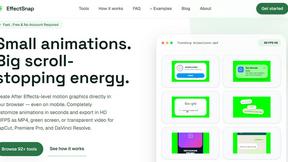
EffectSnap
For creators and marketers: Free browser-based animation generator creating After Effects-quality motion graphics, chat bubbles, and video overlays in
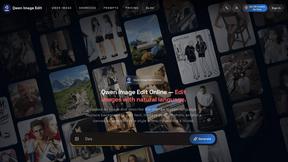
Qwen Image Edit
Qwen Image Edit lets creators edit and generate visuals with prompts for backgrounds, text, products, posters, outpainting, styles, and Qwen Image wor
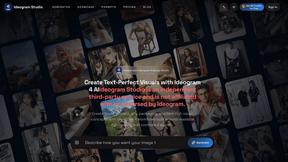
Ideogram Studio
Create text-rich logos, posters, ads, packaging, and ecommerce visuals with Ideogram 4 AI workflows.
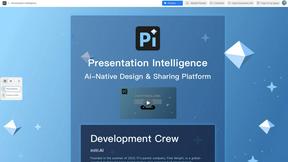
Presentation Intelligence
AI-native presentation and visual content platform that turns prompts, documents, images, videos, and data into polished, shareable decks.
About Before After Photo Maker Alternatives
Before After Photo Maker is a popular online design tool that lets you create stunning before-and-after photo comparisons in seconds. It falls into the category of visual content creation and design utilities, helping users across various fields showcase transformations with professional flair. People often search for alternatives for several key reasons. Some need more advanced editing features, while others require a tool that works directly on their mobile device or desktop app. Budget is another major factor, as users look for different pricing models, from freemium to one-time purchases, that better suit their long-term needs. When evaluating other options, focus on core capabilities. Look for flexible layout options like sliders and split views, ease of use with drag-and-drop functionality, and the ability to maintain high image quality. Security for your uploaded photos and the tool's overall speed are also critical deciding factors for a smooth workflow.
FAQs about Before After Photo Maker Alternatives
What is Before After Photo Maker?
Before After Photo Maker is a free online tool that generates professional before and after photo comparisons instantly, perfect for showcasing transformations in fitness, renovation, beauty, or digital art.
Who is Before After Photo Maker for?
It's ideal for anyone needing to visually demonstrate a change, including fitness coaches, renovators, beauty professionals, digital artists, marketers, and social media content creators.
Is Before After Photo Maker free?
Yes, it is a free online tool that allows you to create comparisons instantly without any cost.
What are the main features of Before After Photo Maker?
Its key features include support for multiple layouts like side-by-side and interactive sliders, and easy upload via drag-and-drop for a quick creation process.