
Alternatives to AI Image Maker
Effortlessly create stunning images and customize with 20+ tools using AI Image Maker, your go-to online design.
Explore 20 alternatives to AI Image Maker. Compare features, pricing, and find the best fit for your needs.
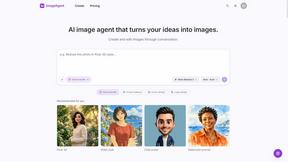
ImageAgent
Create and edit AI images through conversation, using text or reference images and refining results in chat.
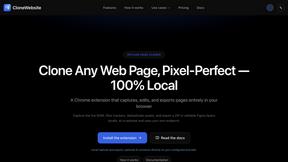

Hotel Lobby AI
Hotel Lobby AI turns two separate portraits into a stylish duet video inside an orange recording booth. Pick each performer's side, framing, and 8- or
AiAgeFilter
Free AI age filter: upload an adult portrait, add 10-40 years, meet your older self. No app needed.
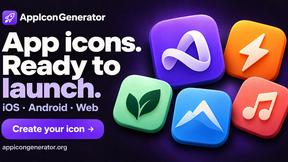
AppIconGenerator
Generate iOS and Android app icons from any image and export all platform sizes for free.
GPT Image Hub
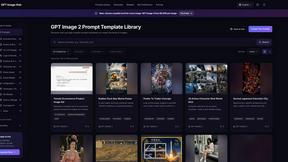
Curated image prompts, reusable templates, and multi-model AI image generation in one workspace.
Nano AI
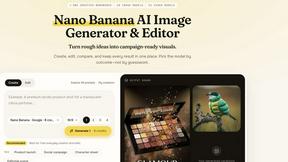
Create and edit AI images, generate videos, and compare models in one creative workbench.
LightScreen
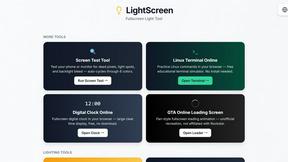
Free light screen tool online. Turn any display into a flashlight, ambient light, or solid-color screen. No download or sign-up.
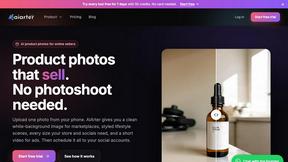
AiArter
AI product photos and UGC video ads for Amazon, Etsy and Shopify sellers, made from one phone photo.
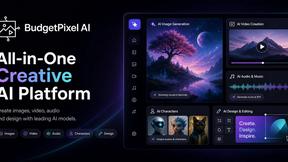
Budgetpixel AI
Create and edit AI images, videos, music, and designs in one workspace, with multiple models, reusable characters, and API access.
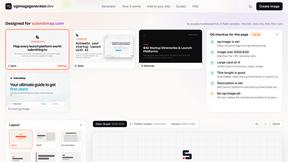
OG Image Generator
Paste a URL and AI designs on-brand Open Graph images from your page's colours, fonts and logo. Free, no sign-up.

Tip Toe AI
Upload a Dancer photo and a Partner photo and get your own AI Tip Toe barn-dance video. Free 5s preview, 12s HD from $4.90. No subscription.
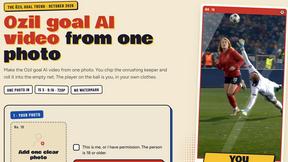
Ozil Goal AI
Make the Ozil goal AI video from one photo. You chip the keeper and roll it into the empty net. 15 seconds, 9:16, 720p, no watermark.
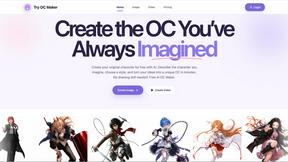
Try OC Maker
Create OCs from text or images, customize their look, and turn them into animated videos with AI.

FreeVideoGenerator
Free AI video generator: turn text prompts and photos into video clips with Sora 2, Veo 3.1, Wan and more. Free starter credits, no watermark download
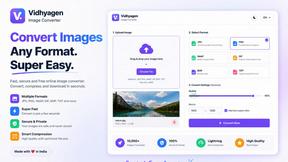
VidhyaGen - Image Converter
VidhyaGen is a comprehensive, all-in-one web platform built to make handling images, media, and digital files seamless and fast. Instead of juggling m
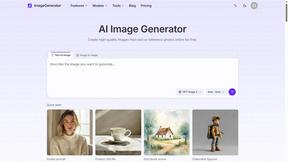
ImageGenerator
Create and edit AI images online with multiple models, text-to-image, image-to-image, background removal, and upscaling.
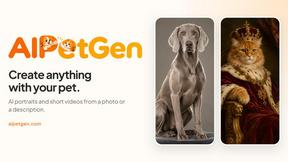
AIPetGen
AIPetGen turns a photo of your dog, cat, or other pet, or a written description, into a new picture or a short animation.

About AI Image Maker Alternatives
AI Image Maker is a cutting-edge design tool that allows users to create stunning visuals effortlessly, catering to a wide audience from content creators to business owners. As a free online platform, its intuitive interface and AI-powered features make it an attractive option for those who need professional-grade images quickly and without prior design experience. However, users often seek alternatives due to factors such as pricing, additional features, or specific platform compatibility that may better suit their needs. When looking for an alternative to AI Image Maker, it is essential to consider several factors including the range of features offered, ease of use, and overall cost. Users should prioritize tools that provide similar functionalities, such as image editing options and access to design materials, while also evaluating the user experience and community support available. A reliable alternative should empower users to create high-quality visuals with minimal hassle, ensuring they can maintain their creative workflow effectively.
FAQs about AI Image Maker Alternatives
What is AI Image Maker?
AI Image Maker is a powerful online design tool that lets users create stunning visuals effortlessly using AI technology.
Who is AI Image Maker for?
AI Image Maker is designed for everyone from content creators and designers to business owners who need high-quality images quickly.
Is AI Image Maker free?
Yes, AI Image Maker is completely free to use, with no sign-up required.
What are the main features of AI Image Maker?
Key features include multi-functional image editing, AI-powered background removal, and a rich material library for design elements.