
JFIF to JPG Converter
Instantly convert JFIF to JPG in your browser with zero quality loss and no uploads for ultimate privacy and speed.
Visit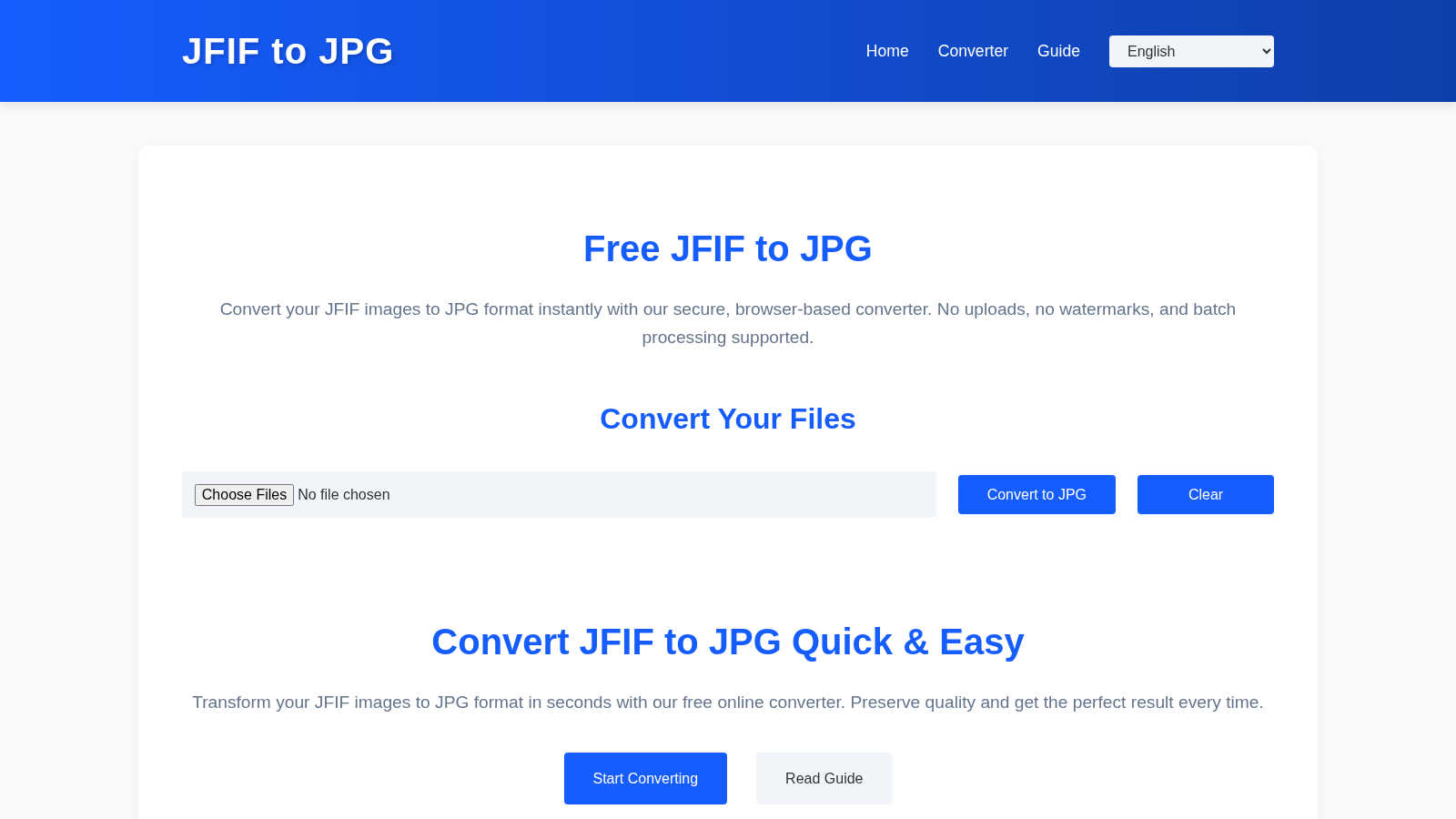
About JFIF to JPG Converter
The JFIF to JPG Converter is an essential online tool designed to transform outdated JFIF files into standard JPG images. This conversion ensures your images are universally compatible with all web platforms, content management systems, and graphic software. Millions of users, from professional photographers to casual social media enthusiasts, have experienced the frustration of uploading JFIF files only to face rejection or display issues. This converter eliminates those headaches by performing a seamless "container swap," preserving the original image quality and metadata. With no uploads required and all processing occurring locally in your browser, this tool guarantees maximum privacy and security, making it the go-to solution for anyone looking to streamline their image library. Whether you are dealing with a single image or need to batch convert dozens of files, the JFIF to JPG Converter provides a quick, reliable, and efficient way to ensure your images meet industry standards without compromising quality.
Features of JFIF to JPG Converter
Batch Conversion
Convert multiple JFIF files to JPGs simultaneously with our intuitive batch conversion feature. Just drag and drop your files into the interface or select them from your computer, and watch as they are transformed into universally compatible JPGs in seconds. This feature saves time, making it perfect for users with large collections of images.
Local Processing
Experience unparalleled privacy and security with our local processing feature. Unlike traditional converters that upload your images to external servers, our tool processes everything in your browser. This means your images never leave your device, ensuring that all your personal and professional photos remain confidential.
Quality Preservation
Worried about losing image quality during conversion? Fear not. Our JFIF to JPG Converter maintains the original JPEG data without any recompression. This guarantees that the conversion does not alter the visual integrity of your images, allowing you to share them confidently across various platforms.
User-Friendly Interface
Designed with simplicity in mind, our converter features an easy-to-navigate interface that requires no technical expertise. Whether you are a tech novice or an experienced user, you can effortlessly convert your files in just a few clicks, making the process quick and hassle-free.
Use Cases of JFIF to JPG Converter
Social Media Management
For social media managers, having images in the correct format is crucial for engagement. Use the JFIF to JPG Converter to prepare all your images for platforms like Facebook and Instagram, ensuring they upload seamlessly and look professional.
Website Development
Web developers often face the challenge of uploading the right file formats to content management systems. This converter allows developers to quickly convert JFIF images to JPG, ensuring compatibility with various CMS platforms and preventing upload errors.
Photography Portfolio
Photographers can utilize this tool to convert their JFIF images into JPG format, ensuring their portfolios are accessible and professional. This conversion maintains the quality of their work while making it easier to share with clients and on websites.
Personal Use
Everyday users can benefit from the JFIF to JPG Converter to organize and prepare their image collections for sharing via email or cloud storage. It simplifies the process of converting files, making it perfect for personal projects or family photo albums.
Frequently Asked Questions
Will converting from JFIF to JPG reduce image quality?
No. The conversion process only changes the file container and metadata while preserving the original JPEG data. You can rest assured that your images will maintain their quality.
How does the batch conversion feature work?
Simply drag and drop multiple JFIF files into the converter interface, or use the "Choose Files" option to select them. The tool will process each file and allow you to download them individually or as a ZIP archive.
Is my privacy guaranteed when using the JFIF to JPG Converter?
Absolutely. All processing occurs locally in your browser, meaning your images are never uploaded to external servers. Your privacy and security are our top priorities.
Why can't I just rename a JFIF file to JPG?
Renaming a JFIF file to JPG does not change its internal structure, which many systems may still recognize as JFIF. Our converter rewrites the file container to ensure it conforms to the JPG standard, allowing for universal compatibility.
Explore more in this category:
Similar to JFIF to JPG Converter

FreeVideoGenerator
Free AI video generator: turn text prompts and photos into video clips with Sora 2, Veo 3.1, Wan and more. Free starter credits, no watermark download
ImageGenerator
Create and edit AI images online with multiple models, text-to-image, image-to-image, background removal, and upscaling.
AIPetGen
AIPetGen turns a photo of your dog, cat, or other pet, or a written description, into a new picture or a short animation.

AI Object Remover
Remove unwanted objects, people, text and watermarks from photos with AI

Image to Layers AI
Turn any image into editable transparent PNG/PSD layers with AI
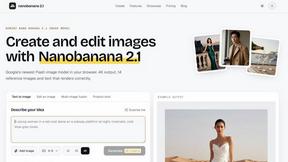
nanobanana 21
A fast, simple image studio powered by Nano Banana 2.1 — create and edit high-quality images with readable text and consistent characters.

Raindance AI
Turn two authorized portraits into a seaside golden-hour video: a wooden dock, two people taking turns singing, and a slow pullback to the sunset. Pre