
ChatGPT Image 2
Generate and edit images, then create videos in ChatGPT Image 2, with text-to-image, image-to-image, and image-to-video workflows.
Visit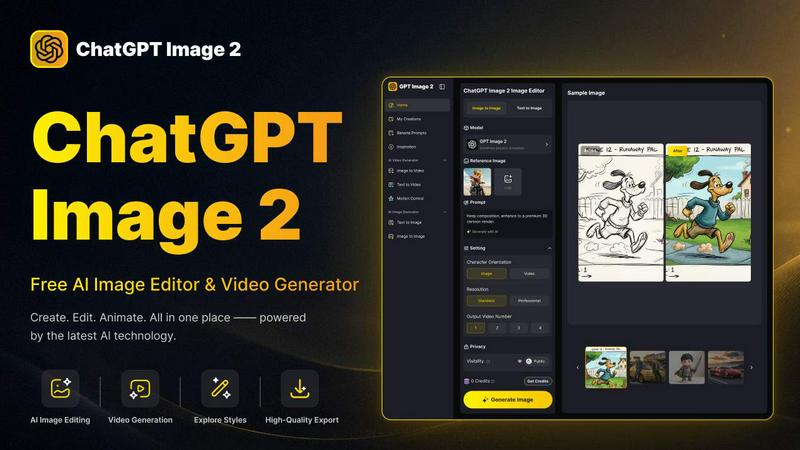
About ChatGPT Image 2
ChatGPT Image 2 combines AI image tools and video creation in a prompt-led workspace. A creator can upload an image or start with text, describe the intended result, and generate a visual. Separate tools cover image-to-image, text-to-image, image-to-video, text-to-video, and motion control.
Its editing examples include replacing a scene, changing an image style, extending the canvas, and restoring an old or damaged photo. The product page also highlights text rendering, local image edits, and high-resolution output for commercial creative work. Teams considering recurring use should look closely at credit quantities and task allowances: the listed plans differ in daily tasks, concurrent generations, and queue priority.
Features of ChatGPT Image 2
- Text-to-image and image-to-image generation and editing.
- Scene replacement, outpainting, style transfer, and photo restoration.
- Video generation from text or images, plus motion control.
- Paid tiers specify credits, daily task limits, and concurrent tasks.
Use Cases of ChatGPT Image 2
- Explore campaign concepts and marketing graphics.
- Create e-commerce product imagery and packaging drafts.
- Build visual storyboards and environment studies.
- Produce illustrations and social media assets.
Frequently Asked Questions
Can it create video from a still image?
Yes. Image-to-video is listed alongside text-to-video and motion control.
What kinds of image edits are available?
Examples include scene replacement, style changes, outpainting, restoration, and combining multiple images.
What affects plan capacity?
Monthly credits, daily task limits, concurrent tasks, and queue speed vary by plan.
Explore more in this category:
Similar to ChatGPT Image 2
FoxyLab
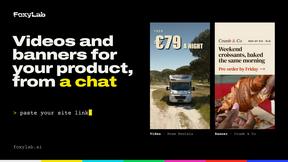
FoxyLab turns chat briefs or product URLs into videos and banner sets, with conversational revisions and optional API access.

FLUX 3 Max
Make short videos with sound from prompts, photos or keyframes, choosing clip length, format and resolution before generation.
Clean Audio
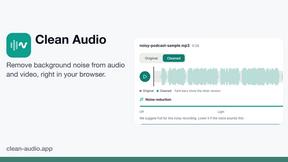
Clean Audio removes background noise from voice recordings and videos in your browser, with controls to compare and adjust the cleaned result.
LayerSplit
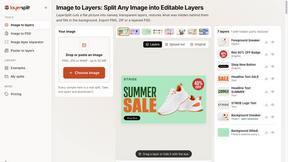
LayerSplit turns flat images into named, editable layers, rebuilding hidden areas and backgrounds for designers who need reusable assets.
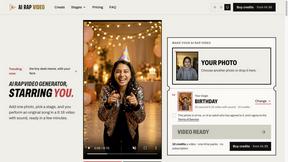
AI Rap Video
Generate a short rap video from one photo, with original lyrics, a performed vocal and a choice of themed scenes.

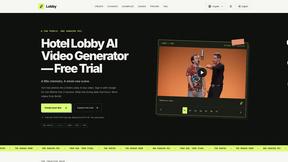
Lobby
Lobby makes short AI duo videos from two photos, with people and pet scenes, three canvas shapes, and adjustable clip length.

Infograph
Infograph transforms articles, notes, and calls into shareable visual stories, with fast diagrams and source-checked numbers.