
Celpify
Celpify helps CELPIP learners prepare across four skills with timed exercises, simulated exams and AI feedback on written and spoken answers.
Visit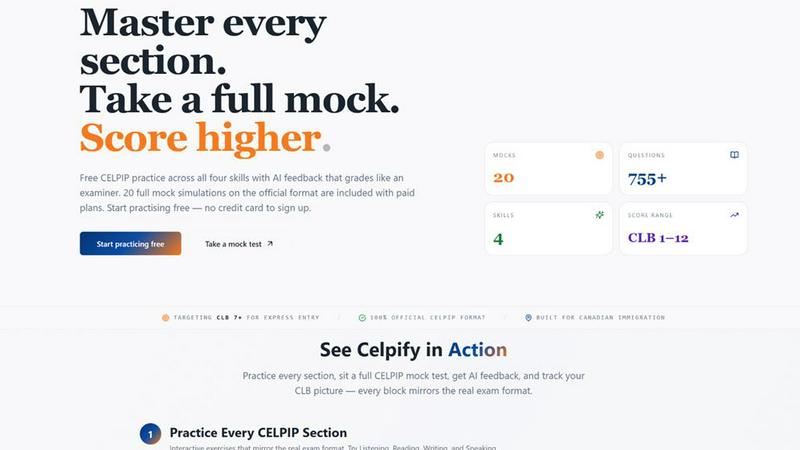
About Celpify
CELPIP preparation often involves switching between individual question practice and complete test rehearsals. Celpify brings both into one browser-based platform. Its Reading and Listening tasks follow the test format, run on a timer and include explanations after submission. Writing learners type responses for AI scoring and suggested corrections; Speaking learners record responses for feedback.
Full mock exams are timed to resemble test day and conclude with a CLB result for each skill. Saved attempts make it possible to see how performance changes between rehearsals. A dashboard shows distance from a target CLB and can lay out a daily practice plan, though learners can also choose a skill themselves. This makes Celpify relevant to candidates who want a structured routine as well as those who prefer to work on a specific section. Celpify offers practice and feedback features, but its pricing breakdown is incomplete.
Features of Celpify
- Four-skill CELPIP practice in the browser.
- Timed Reading and Listening tasks with answer explanations.
- AI review for typed Writing responses and recorded Speaking answers.
- Full timed mocks with per-skill CLB results and saved history.
Use Cases of Celpify
- Rehearse the test pace with a complete mock.
- Use explanations to review Reading and Listening answers.
- Work on Writing or Speaking with scoring and suggested fixes.
- Follow a daily practice plan or select a skill independently.
Frequently Asked Questions
Do the practice tasks have time limits?
Yes. Reading and Listening tasks are timed, and full mock tests are timed to match the test-day format.
How does the platform report mock results?
Each mock ends with a CLB result for every skill, and attempts are saved for progress tracking.
Is practice limited to a fixed plan?
No. The dashboard offers a daily plan, but learners can practise any skill they choose.
Similar to Celpify

Infograph
Infograph transforms articles, notes, and calls into shareable visual stories, with fast diagrams and source-checked numbers.
Evalyy
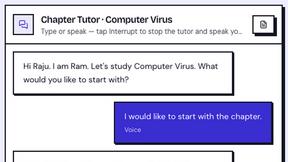
Evalyy turns chapter PDFs into exam practice, multilingual video explainers, and a chapter-aware AI tutor for teachers, students, and parents.
Drawcil
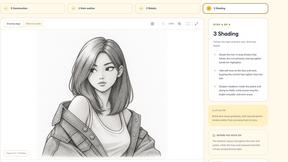
Drawcil guides photo-based pencil practice through four stages, from construction shapes to shading, at the learner's pace.
Wordler
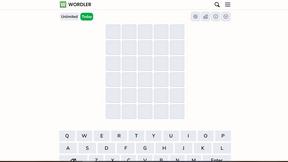
Wordler offers adjustable word lengths, daily and unlimited puzzles, and clue settings for players who want a customizable browser word game.

Bloom
Bloom is an online AI tutor that builds lessons around your learning goals, source materials, questions and feedback.
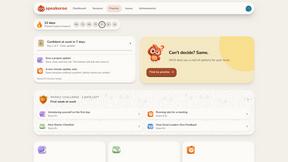
Speakeroo
Speakeroo helps English learners practise speaking with an AI partner, recording drills, and feedback on pronunciation, fluency, and vocabulary.
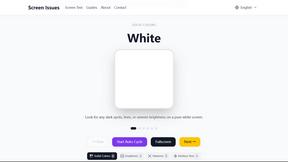
Screen Issues
Screen Issues helps users inspect displays for dead pixels, bright spots, and backlight bleed, then consult guides for possible next steps.
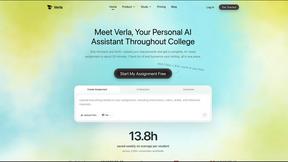
Verla
Verla gives students a rubric-aware coursework workflow with assignment drafting, traceable citations, AI review, and writing refinement.