
Facejam vs fusetweet
Side-by-side comparison to help you choose the right AI tool.

Facejam
Transform your selfies into stunning professional headshots in minutes with Facejam's AI-powered photo generation.
Last updated: February 28, 2026

fusetweet
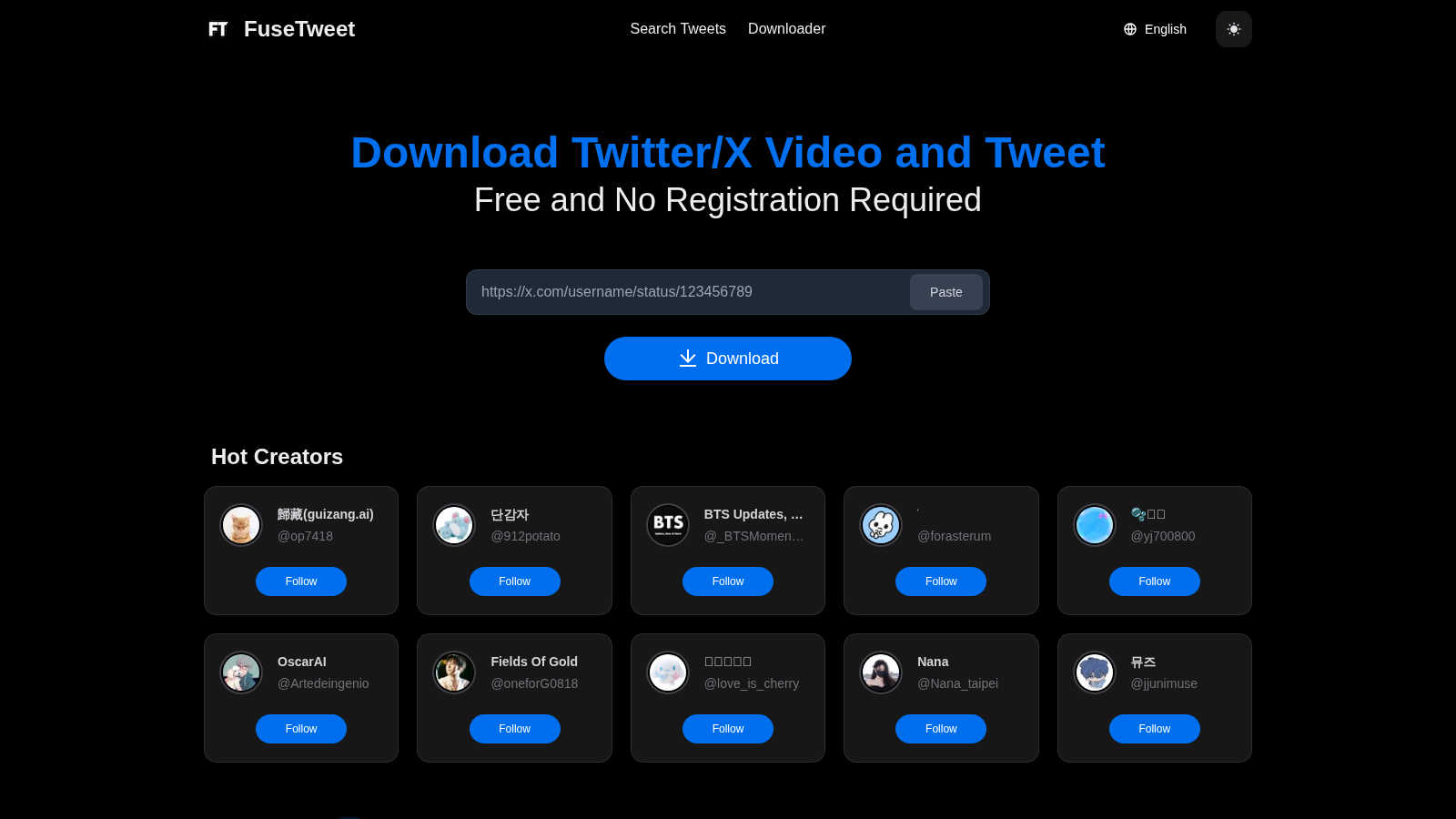
Easily save, edit, and repost Twitter/X videos and tweets for free, no registration needed—join the trend now!.
Visual Comparison
Facejam

fusetweet
Feature Comparison
Facejam
100+ Professional Styles
FaceJam offers a vast library of over 100 professional styles, ensuring you find the perfect look for your specific industry. Whether you are in law, real estate, or tech, there is a tailored option that reflects your professional persona.
Realistic Results
The AI technology behind FaceJam delivers results that mimic studio-quality photography, so your headshots look authentic and polished. Say goodbye to AI-generated images that appear unnatural; FaceJam ensures your photos are indistinguishable from those taken by a professional photographer.
Quick and Convenient
Forget about scheduling awkward photoshoots or waiting for edits. With FaceJam, you can generate high-quality headshots in just minutes. This efficiency saves you time and allows you to focus on what truly matters—your career.
Ownership and Privacy
When you create headshots with FaceJam, you retain full ownership of your images. The platform guarantees your uploaded photos are never used to train AI models or shared with others, ensuring your privacy is respected.
fusetweet
Streamlined Workflow
FuseTweet offers a unique browser-side workflow that allows users to input a tweet URL and receive an edited or translated tweet output without the need for additional software or sign-ups. This efficiency saves valuable time and reduces the risk of errors.
In-Browser Processing
All processing takes place locally within the user's browser. This means that sensitive information, such as the API key, remains secure and is never exposed to external servers. Users can work with peace of mind knowing their data is protected.
Built-In Translation
The translation feature is embedded within the editor, allowing users to modify and refine the wording of their tweets directly. This ensures that the message resonates well with the target audience, enhancing engagement and reach.
Versatile Content Management
FuseTweet is not just a thread downloader or a scheduler; it is a comprehensive tool that supports various aspects of content management. Users can easily archive threads and also schedule their content seamlessly, making it a versatile solution for social media strategies.
Use Cases
Facejam
LinkedIn Headshots
In today's competitive job market, a striking LinkedIn profile is essential. FaceJam allows users to generate professional headshots that enhance their profiles, making them stand out to potential employers and connections.
Corporate Team Photos
Businesses can utilize FaceJam to create cohesive and polished headshots for their team members. This is particularly useful for company directories, email signatures, and promotional materials, presenting a unified brand image.
Personal Branding
For freelancers and entrepreneurs, consistent and professional images across various platforms are crucial. FaceJam helps you create a library of high-quality headshots that can be used on websites, social media, and portfolios.
Resume and Application Photos
FaceJam takes the hassle out of sourcing professional images for job applications. Generate the perfect headshot to accompany your resume, giving you a competitive edge in your job search.
fusetweet
Social Media Managers
Social media managers can utilize FuseTweet to efficiently curate and repurpose content from Twitter. The ability to fetch and edit tweets in one interface streamlines their workflow and helps maintain a consistent brand voice across multiple posts.
Multilingual Campaigns
For businesses targeting diverse audiences, FuseTweet’s built-in translation feature is invaluable. Users can quickly adapt their tweets into different languages, ensuring that messaging is culturally relevant and engaging.
Content Creators
Content creators can benefit from FuseTweet by easily sourcing inspiration from other tweets. They can fetch tweets, edit them for their style, and republish them, generating fresh content without starting from scratch.
Event Promotion
During events or live tweeting sessions, FuseTweet allows users to quickly capture and share important moments. It simplifies the process of reposting key tweets while enabling real-time edits and translations to reach a broader audience.
Overview
About Facejam
FaceJam is a revolutionary AI-driven tool that transforms ordinary selfies into stunning, studio-quality headshots in mere minutes. Designed for professionals who need high-quality images without the hassle of traditional photoshoots, FaceJam provides an accessible solution for anyone from job seekers to business owners. With a user-friendly interface, simply upload a few selfies, select from over 50 distinct styles tailored to various industries, and let the AI do the rest. This tool eliminates the need for expensive photographers and tedious retouching processes, providing realistic and polished images that are perfect for LinkedIn profiles, resumes, and personal branding. Whether you are a realtor, consultant, or creative professional, FaceJam ensures you present yourself in the best light. Protecting user privacy, FaceJam guarantees that your photos are secure and solely yours, making it a trusted choice for crafting a professional image effortlessly.
About fusetweet
FuseTweet is an innovative tool designed to streamline the process of managing tweets, making it a must-have for social media managers, marketers, and anyone who actively engages on Twitter. It eliminates the cumbersome task of manually copying tweet texts, saving images, and recreating posts, especially when translating into different languages. With FuseTweet, users can effortlessly fetch, edit, translate, and republish tweets without the hassle of switching between tools or dealing with uploads and sign-ups. The entire process occurs within the browser, ensuring that the API key remains secure and never leaves the user's environment. By integrating translation capabilities directly into the editing interface, users have the flexibility to adjust wording as needed before posting. Leveraging a standard X/Twitter write-only key, FuseTweet simplifies the workflow by avoiding the complexities of OAuth flows and third-party middlemen. It effectively bridges the gap between thread downloaders and content schedulers, offering a seamless solution for efficient tweet management.
Frequently Asked Questions
Facejam FAQ
How does your AI headshot generator work?
FaceJam operates in two simple steps: upload your selfies and select your desired template. The AI then generates realistic headshots based on your input, making it incredibly easy to get professional images quickly.
What do you do with my uploaded photos?
The uploaded photos are solely used to create a realistic representation of you. Your images will not be used for training the AI or shared with any third parties, ensuring your privacy is maintained.
How many good photos can I expect?
FaceJam guarantees at least one high-quality image in every pack. The total number of impressive images you receive depends on the quality and variety of selfies you upload, with many users reporting 5-10 excellent results.
Who owns my AI photos?
You retain full ownership of your generated AI photos. FaceJam provides a commercial license, allowing you to use your images freely for any personal or professional purpose.
fusetweet FAQ
How does FuseTweet ensure my API key remains secure?
FuseTweet processes all data locally within the user's browser, meaning that your API key never leaves your environment. This local processing guarantees enhanced security.
Can I use FuseTweet for languages other than English?
Absolutely! FuseTweet is designed with built-in translation capabilities, making it easy to convert tweets into a variety of languages, allowing for effective communication with diverse audiences.
Is there a limit on how many tweets I can fetch or edit?
FuseTweet is built to handle multiple tweets efficiently, allowing users to fetch and edit as many tweets as needed without any imposed limits, ensuring a smooth user experience.
Do I need to download any software to use FuseTweet?
No, FuseTweet operates entirely within your browser. There is no need for downloads or installations, making it user-friendly and accessible from any device with internet access.