
SilentCut
SilentCut helps freelance editors and content teams review talking footage faster with automatic silence, filler-word, and retake cuts.
Visit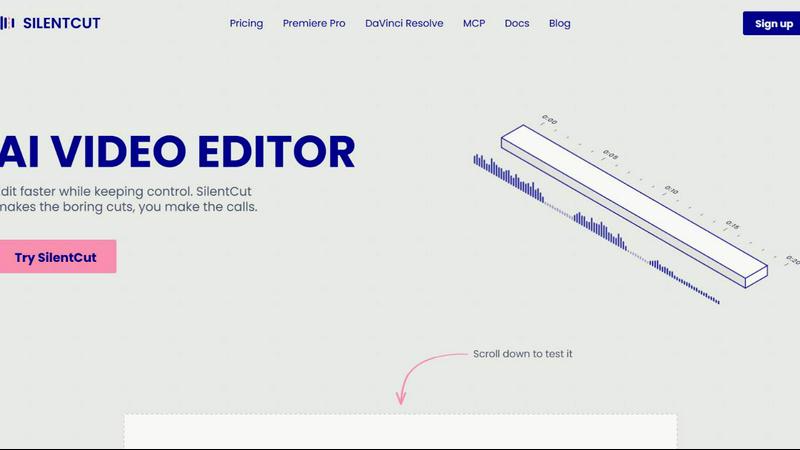
About SilentCut
For a freelance editor juggling client recordings, SilentCut can shorten the repetitive first pass through spoken footage. It detects silences, filler words, and repeated takes, then prepares cuts for review. The editor remains in charge of approving the result, which is useful when pace, emphasis, or a pause matters to the story.
The product can be used in a browser or from Premiere Pro and DaVinci Resolve. Its plans distinguish between occasional cleanup and higher-volume work: the free tier runs one job at a time and includes unlimited silence removal, while the Editor plan adds speech cleanup, best-take selection, and several jobs at once. Teams handling larger monthly workloads may want to compare the included AI hours with the length and volume of their raw recordings before choosing a plan.
Features of SilentCut
- One pass identifies silences, filler words, and repeated takes
- Editor review follows automatic cut suggestions
- Plugins are available for Premiere Pro and DaVinci Resolve
- Paid plans add speech cleanup, best-take selection, and concurrent jobs
Use Cases of SilentCut
- Reduce repetitive editing time on client interview recordings
- Prepare social video or marketing footage for human review
- Process several editing jobs at once with the Editor plan
- Check whether monthly AI-hour allowances match typical source footage volume
Frequently Asked Questions
Can an editor inspect the cuts before finishing a video?
Yes. SilentCut describes the automatic pass as waiting for the editor's review.
What does an AI hour measure?
It counts an hour of footage run through Speech Cleanup or Best-Take Selector; the FAQ says a recording counts once per month regardless of which of those tools run on it.
Does Silence Remover use AI hours?
No. The pricing FAQ says Silence Remover does not use AI hours.
Similar to SilentCut

FoxyLab
FoxyLab turns chat briefs or product URLs into videos and banner sets, with conversational revisions and optional API access.

FLUX 3 Max
Make short videos with sound from prompts, photos or keyframes, choosing clip length, format and resolution before generation.
Clean Audio
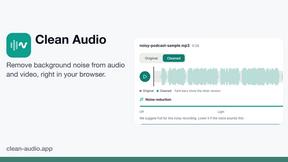
Clean Audio removes background noise from voice recordings and videos in your browser, with controls to compare and adjust the cleaned result.

LayerSplit
LayerSplit turns flat images into named, editable layers, rebuilding hidden areas and backgrounds for designers who need reusable assets.

AI Rap Video
Generate a short rap video from one photo, with original lyrics, a performed vocal and a choice of themed scenes.

Lobby
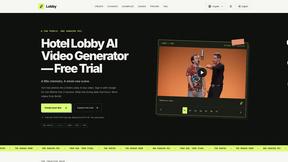
Lobby makes short AI duo videos from two photos, with people and pet scenes, three canvas shapes, and adjustable clip length.

Infograph
Infograph transforms articles, notes, and calls into shareable visual stories, with fast diagrams and source-checked numbers.