
FloatText - Floating Clipboard
A floating clipboard for Android & Windows. Save, manage, and copy multiple text snippets instantly without switching apps.
VisitPublished on:
November 3, 2026
Pricing:
About FloatText - Floating Clipboard
FloatText is a floating clipboard and productivity tool available for Android and Windows.
It makes copying, storing, and accessing text easier without constantly switching between applications.
Key Features:
• Floating clipboard window for quick access.
• Save and manage multiple text snippets.
• Copy individual text entries with one tap.
• Movable and resizable floating interface.
• Quick navigation between saved text.
• Designed for seamless multitasking.
Who is it for?
• Students managing notes and study material.
• Developers accessing frequently used code.
• Content creators managing captions and descriptions.
• Professionals handling repetitive messages.
• Anyone who frequently copies and pastes text.
FloatText helps reduce repetitive actions and makes everyday workflows faster and more convenient.
Available on Android and Windows.
Download FloatText and experience a smarter way to copy and paste!
Similar to FloatText - Floating Clipboard

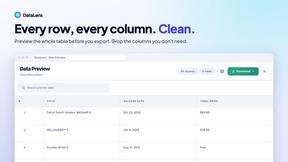
DataLens
AI web scraper for Chrome and Edge. Open a product list, search results or a comment thread, click once, and export clean rows to CSV, Excel or JSON.
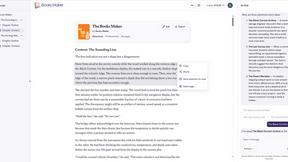
Booksmaker.ai
Books Maker AI is the AI-powered platform that turns your idea into a professional book.

Emailyy
Free email tools for signatures, subject lines, HTML previews, word counts, and email headers. Browser-based, simple to use, and no signup required.

Uniclip
Clip pages, take full-page screenshots and batch-capture list data to Notion, Feishu, Obsidian, Markdown, CSV or JSON.

TroveKey
Search tabs, Chrome bookmarks and history, run browser commands, and save webpages and social posts locally—no account.

KS-Agents
AI platform for HR leaders: spot burnout by cohort, map who your organization runs on, and keep expert knowledge before people leave.