
Quitar Fondo vs Text Remover
Side-by-side comparison to help you choose the right AI tool.

Quitar Fondo
Join millions using Quitar Fondo to remove image backgrounds instantly with perfect AI precision.
Last updated: March 1, 2026
Text Remover
Effortlessly remove unwanted text from images in seconds for a polished, professional look with our AI Text Remover.
Last updated: March 1, 2026
Visual Comparison
Quitar Fondo
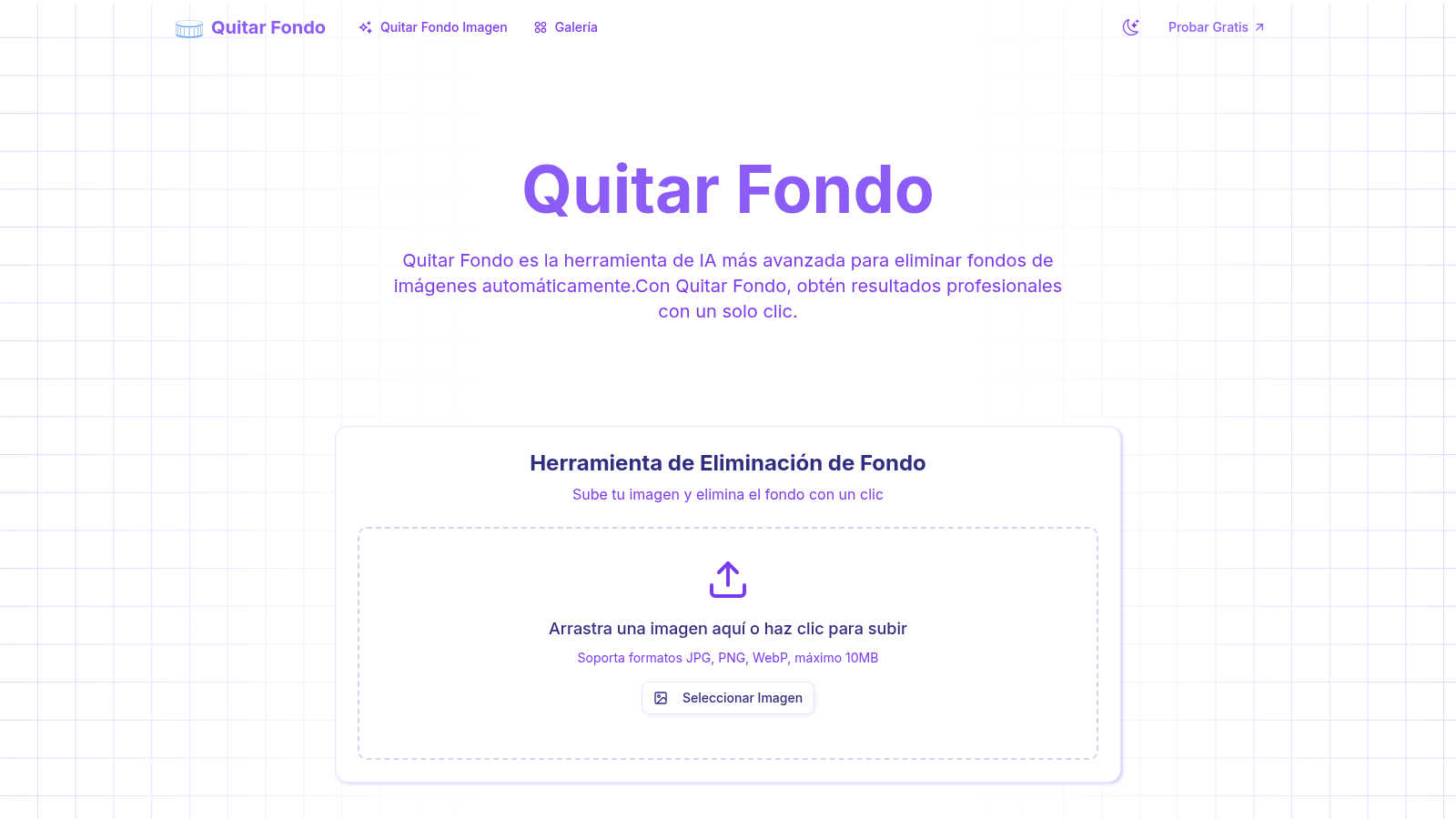
Text Remover

Feature Comparison
Quitar Fondo
Advanced AI & Machine Learning
Powered by state-of-the-art deep learning algorithms trained on a vast dataset of millions of images, Quitar Fondo's AI delivers near-perfect background removal every single time. This isn't just simple detection; it's a sophisticated system that understands context, subjects, and fine details to guarantee professional-grade results without any manual tweaking needed.
Pixel-Perfect Edge Detection
This feature sets Quitar Fondo apart. The AI specializes in recognizing and preserving complex, fine details that other tools destroy. It meticulously detects individual strands of hair, the soft fur of animals, translucent fabrics, and intricate edges with milimeter precision, ensuring your subject is isolated cleanly and naturally for a flawless composite.
Ultra-Fast Cloud Processing
Experience instant results without slowing down your computer. Quitar Fondo uses powerful cloud servers to process your images in an average of just 3 seconds. This means you get high-quality, background-free images almost immediately after uploading, without consuming your device's processing power or memory.
Multi-Format Support & HD Download
Enjoy maximum flexibility with support for all popular image formats including JPG, PNG, WEBP, and GIF. Once processed, you can download your image instantly in high resolution, maintaining the original professional quality. The background is removed to provide a transparent PNG, ready for use in any of your creative or commercial projects.
Text Remover
AI-Powered Accuracy
The AI-powered technology behind Text Remover ensures precision in text removal, maintaining the integrity of the background. This advanced machine learning capability allows for seamless edits that look natural and professional, eliminating any signs of alteration.
Multiple Format Support
Text Remover accommodates various image formats, including PNG, JPG, JPEG, and more. This flexibility means that you can work with the files you already have, without needing to convert them, making the tool versatile for all your image editing needs.
Batch Processing
Efficiency is key, and with Text Remover, you can process multiple images at once. This feature is perfect for users who need to clean up several images quickly, saving you time and effort while maintaining high-quality results.
Quality Preservation
When you remove text from images, quality matters. Text Remover preserves the original resolution and quality of your images, ensuring that your final product remains sharp and professional, ready for any platform or purpose.
Use Cases
Quitar Fondo
E-commerce & Product Photography
Online sellers and shop managers can process hundreds of product images rapidly. Remove distracting or inconsistent backgrounds to create clean, white-background catalog shots or place products into attractive scenes, significantly boosting conversion rates and creating a professional storefront aesthetic in minutes, not hours.
Social Media & Content Creation
Ideal for community managers and influencers who need to create eye-catching content daily. Quickly remove backgrounds from selfies, product shots, or objects to design engaging posts, stories, and ads. Create transparent PNGs for logos or graphics to overlay on different backgrounds, making your social feed pop with professional-looking visuals.
Professional Photography & Portraits
Photographers can save immense post-production time by using Quitar Fondo for client portraits, headshots, and wedding photos. The AI's exceptional handling of hair and fine details means subjects can be perfectly extracted to place them against new, creative backgrounds or to prepare images for composite artwork with stunning accuracy.
Graphic Design & Marketing Materials
Graphic designers and marketing teams can streamline their workflow by instantly removing backgrounds from stock photos, client assets, or logos. This accelerates the creation of brochures, flyers, presentations, and advertisements, allowing for faster iteration and more time to focus on the creative aspects of design projects.
Text Remover
Social Media Content
Social media managers can utilize Text Remover to eliminate unwanted watermarks, timestamps, or overlay text from images. This ensures that their posts look polished and professional, drawing more engagement and attention from followers.
Photography
Photographers can benefit from this tool by cleaning up their images, removing distractions such as price tags or promotional text. This allows them to present their work in the best light, showcasing their talent without unwanted elements.
Meme Creation
For meme enthusiasts, starting with a clean slate is crucial. Text Remover enables users to quickly strip away existing text from memes, allowing for the addition of new, creative captions that resonate with audiences.
Privacy Protection
Text Remover plays a vital role in safeguarding sensitive information by allowing users to delete personal data, addresses, and other private details from images. This feature ensures compliance with privacy regulations and protects your information.
Overview
About Quitar Fondo
Quitar Fondo is the viral AI-powered sensation that's revolutionizing how people edit images. It's the ultimate, no-fuss tool designed to automatically remove backgrounds from any photo with jaw-dropping precision and lightning speed. Forget spending hours with complex software like Photoshop; this platform delivers professional, clean-cut results in mere seconds with just a single click. Built on advanced deep learning algorithms trained on millions of images, it masterfully handles the trickiest details—from stray hairs and fuzzy pet fur to intricate jewelry and complex edges—ensuring every cutout is flawless. Perfect for everyone from professional photographers and graphic designers to social media managers, e-commerce sellers, and even casual users, Quitar Fondo democratizes professional editing. Its super-intuitive interface means no technical skills are required. Simply upload your image in JPG, PNG, or WEBP format, and let the AI work its magic. Join over 10,000 active users and become part of the movement that has already processed more than 100,000 images, streamlining workflows and elevating visual content effortlessly.
About Text Remover
Text Remover is your go-to AI-driven solution for effortlessly eliminating unwanted text from images, making it an essential tool for a diverse range of users including social media managers, photographers, and content creators. This innovative software enhances your workflow by allowing you to quickly and efficiently clean up images, ensuring that your visuals stand out without distractions. With advanced algorithms that not only strip away text but also expertly preserve the background, Text Remover guarantees high-quality results that are ready for professional use. Whether you are looking to remove watermarks, timestamps, or other text overlays, this tool empowers you to focus on what truly matters: your creative content. In just seconds, you can transform cluttered images into stunning visuals, providing you with the freedom to create without the hassle. Enjoy a seamless experience with Text Remover and unlock your creative potential today.
Frequently Asked Questions
Quitar Fondo FAQ
How accurate is Quitar Fondo with complex details like hair?
Quitar Fondo is exceptionally accurate, thanks to its advanced deep learning models specifically trained to detect complex edges. It excels at isolating fine details such as human hair, animal fur, lace, and foliage with professional precision, delivering clean cutouts that often rival manual Photoshop work, all automatically.
What image formats does Quitar Fondo support?
Quitar Fondo supports all major image formats to ensure maximum compatibility for your projects. You can upload images in JPG, PNG, WEBP, and GIF formats. The processed result is typically provided as a high-quality PNG with a transparent background, ready for immediate use in any design software or platform.
Is there a limit to how many images I can process?
No! One of the standout features of Quitar Fondo is that it offers unlimited use. You can process as many images as you need without any hidden restrictions or caps. This makes it an incredibly powerful tool for both one-off projects and high-volume tasks like processing entire e-commerce catalogs.
Do I need to install any software or have technical skills?
Not at all. Quitar Fondo is a 100% web-based, user-friendly platform designed for everyone. There is no software to download or install. Its super-intuitive interface means you simply drag-and-drop your image, and the AI handles the rest. No technical knowledge, design experience, or complex tutorials are required.
Text Remover FAQ
How does Text Remover work?
Text Remover employs advanced AI algorithms to analyze and intelligently fill in the background after text removal. Simply upload your image, mark the text areas, and the tool does the rest, providing a seamless experience.
What image formats are supported?
Text Remover supports popular image formats such as PNG, JPG, and JPEG. This versatility makes it easy to work with the images you already have, without the need for conversions.
Is my data safe with Text Remover?
Absolutely! Text Remover prioritizes your privacy. All processing occurs securely on our platform, and images are not stored after processing, ensuring that your data remains confidential.
Can I use Text Remover for free?
Yes! Text Remover offers a free trial that allows you to test the tool with a limited number of text removal uses. This is a great way to explore its capabilities before committing to a paid plan.
Alternatives
Quitar Fondo Alternatives
Quitar Fondo has exploded in popularity as a go-to AI background remover, celebrated for its one-click precision and lightning speed. It's a powerhouse in the image editing and AI assistant space, trusted by designers and content creators everywhere to instantly strip away backgrounds without the Photoshop headache. Yet, even the most viral tools aren't a perfect fit for everyone. Users often scout for alternatives due to budget constraints, needing specific features like batch processing or higher resolution exports, or simply preferring a different platform like a mobile app or a desktop software integration. The search for the right tool is totally normal. When evaluating other options, focus on what matters most for your projects. Key factors include the accuracy on complex edges like hair, the processing speed for your workflow volume, the supported file formats and output quality, and of course, the overall value—whether it's a freemium model or a straightforward subscription. The goal is to find a solution that feels just as effortless.
Text Remover Alternatives
Text Remover is an innovative AI-driven tool designed to effortlessly erase unwanted text from images, falling within the category of AI Assistants. Users often seek alternatives to Text Remover for various reasons, such as pricing concerns, feature sets that better match their specific needs, or compatibility with different platforms. It's essential to consider factors like ease of use, image quality preservation, and support for multiple file formats when exploring alternative solutions. When choosing an alternative, look for features that prioritize accuracy in text removal while maintaining the integrity of the background. Additionally, consider whether the tool offers batch processing capabilities to enhance productivity, especially for those handling large volumes of images. User reviews and testimonials can also provide valuable insights into the effectiveness and reliability of potential alternatives.