
CreateImg vs Prompt Builder
Side-by-side comparison to help you choose the right AI tool.

CreateImg
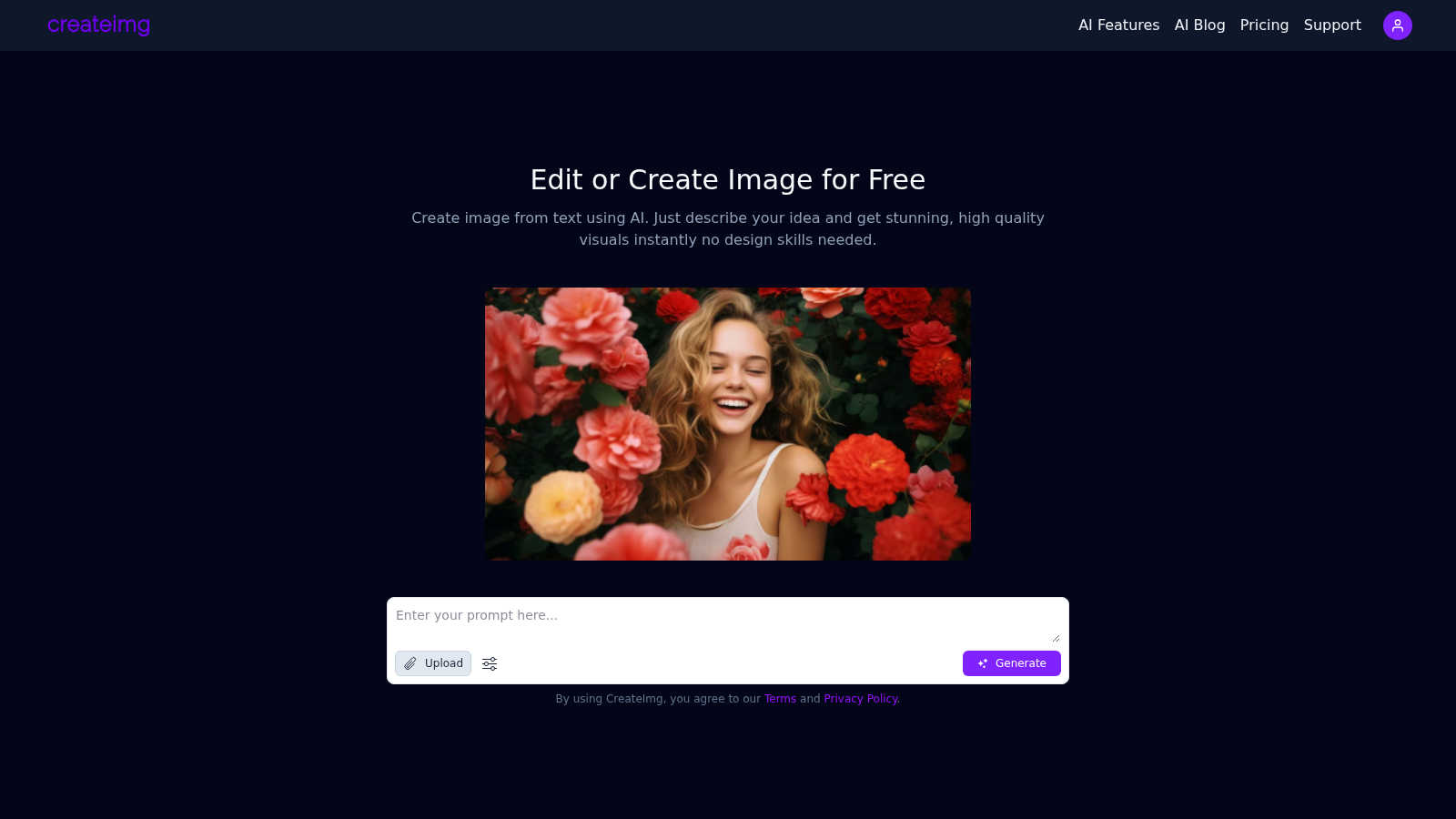
Transform your ideas into stunning, unique images in seconds with CreateImg's easy AI image editor—no skills needed!.
Last updated: March 1, 2026

Prompt Builder
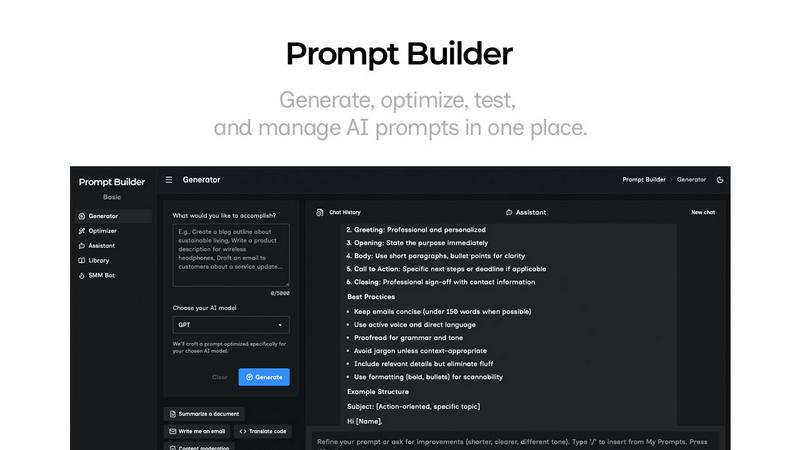
Generate, optimize, test, and manage AI prompts in one place. Turn an idea into a ready-to-use prompt in seconds.
Visual Comparison
CreateImg
Prompt Builder
Overview
About CreateImg
CreateImg is a groundbreaking free AI image editor that revolutionizes the way users enhance and stylize their photos with ease. This versatile platform is designed for photographers, content creators, and anyone eager to elevate their visual content without needing extensive design skills. By harnessing the power of advanced AI technology, CreateImg offers features like automatic background removal, AI upscaling, and unique image generation from text prompts. Users can quickly create stunning visuals in just seconds, making it an essential tool for social media, marketing, and personal projects. The completely free platform ensures that every feature is accessible without subscriptions or hidden fees, promoting a user-friendly experience. CreateImg focuses on simplicity and functionality, allowing everyone—from novices to seasoned designers—to enjoy a seamless editing experience. With its wide array of features, users can unleash their creativity and produce eye-catching images that captivate their audience.
About Prompt Builder
Prompt Builder is a prompt engineering workspace for writing, testing, and saving prompts. Describe the task in plain English, and it helps you create a prompt that matches the model you choose. Start with a draft, refine it in chat, save or pin versions, then run them when you are ready. It works with GPT, Claude, Gemini, Llama, Mistral, DeepSeek, Grok, Perplexity, and more. You also get an Optimizer, an assistant for quick tests, and a library of reusable prompts and templates from the community. Turn an idea into a ready-to-use prompt in seconds. Refine it in chat, save it to your Library, and run it anytime.