
AI Image Maker vs Before After Photo Maker
Side-by-side comparison to help you choose the right AI tool.

AI Image Maker
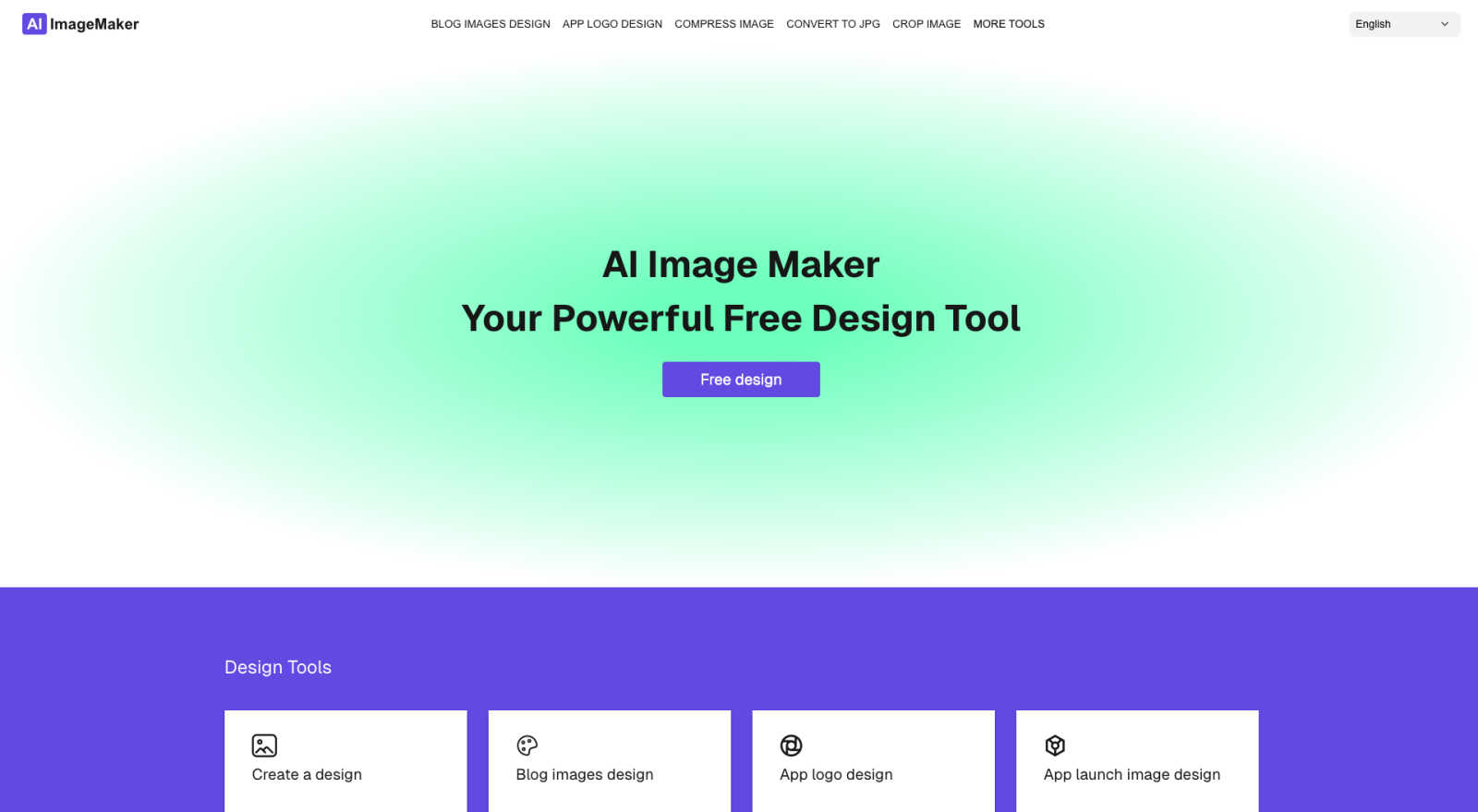
Effortlessly create stunning images and customize with 20+ tools using AI Image Maker, your go-to online design.
Last updated: March 1, 2026

Before After Photo Maker
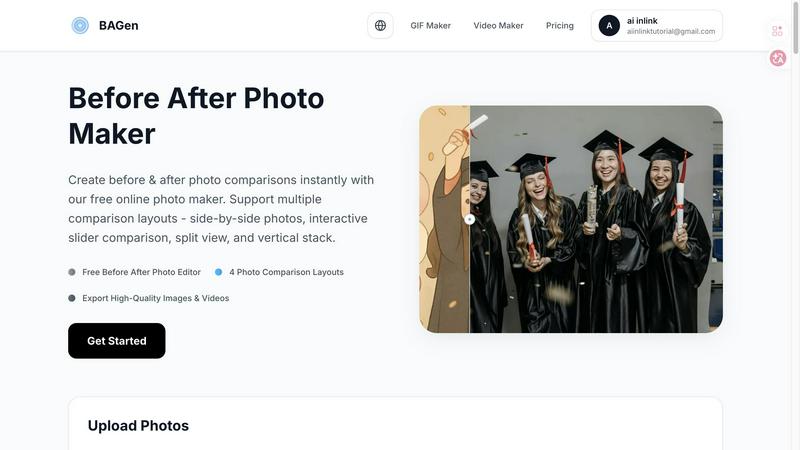
Join thousands creating viral before-and-after comparisons instantly with our free, professional photo maker.
Last updated: March 26, 2026
Visual Comparison
AI Image Maker
Before After Photo Maker
Feature Comparison
AI Image Maker
Design Canvas
The built-in design canvas allows users to create professional-quality blog covers, app icons, and App Store screenshots effortlessly. With intuitive tools and templates at your disposal, designing stunning visuals has never been easier.
Image Compression
Keep your images sharp without compromising on quality. The image compression feature reduces file sizes, ensuring faster loading times and better performance for your website or social media platforms.
Background Removal
Say goodbye to complex editing software. With AI Image Maker's one-click background removal feature, you can eliminate backgrounds from images automatically, allowing you to focus on creativity rather than tedious tasks.
Batch Processing
Maximize your productivity with the batch processing feature, which allows users to handle multiple images simultaneously. This feature is perfect for those who need to edit or format large numbers of images quickly and efficiently.
Before After Photo Maker
Four Dynamic Comparison Layouts
Choose from four professionally designed layouts to match your content's vibe. Go classic with Side-by-Side, create intrigue with the Interactive Slider, make a clean statement with Split View, or optimize for mobile feeds with the Vertical Stack. Each layout is engineered to highlight your transformation in the most visually appealing way, ensuring your comparison looks custom-made for any platform, from Instagram Stories to professional portfolios.
Professional Labeling & Branding Controls
Elevate your comparisons from simple images to branded content. Add customizable "Before" and "After" labels, adjusting their size and corner radius for a perfect fit. For businesses and serious creators, you can upload your company logo to appear discreetly in the corner and control watermark visibility, turning every comparison into a polished, on-brand asset that builds recognition and trust with your audience.
Instant Live Preview & Editing
See your creation come to life in real-time with the instant Live Preview panel. As you upload images, adjust labels, or switch between layouts, the preview updates immediately. This intuitive, what-you-see-is-what-you-get editing flow eliminates guesswork, allowing you to experiment and perfect your comparison in seconds before committing to the final export.
High-Quality Image & Video Export
Don't just create a static image; create shareable content. Export your final comparison as a high-resolution PNG for crisp detail or generate an engaging video/GIF that showcases the transition, perfect for Reels and TikTok. This multi-format output ensures you have the perfect asset for any social network, blog, or presentation, all generated directly in your browser.
Use Cases
AI Image Maker
Social Media Graphics
Content creators can leverage AI Image Maker to craft eye-catching graphics for their social media posts. From Instagram stories to Facebook ads, the platform simplifies the process of creating engaging visuals that capture attention.
Blog Cover Designs
Bloggers can utilize the design canvas to create stunning covers for their articles. With customizable templates and text tools, it’s easy to produce professional-looking blog covers that draw readers in.
App Development
Developers can create app icons and App Store screenshots with ease. The platform’s dedicated features ensure that your app visuals are polished and ready to impress potential users.
Marketing Campaigns
Marketers can generate promotional materials quickly, such as posters and flyers, using AI Image Maker. The ability to resize and customize images on the fly means campaigns can be launched faster and more efficiently.
Before After Photo Maker
Fitness & Wellness Transformations
Fitness coaches and enthusiasts are raving about this tool for showcasing weight loss, muscle gain, and fitness journeys. The interactive slider is particularly viral for revealing dramatic body transformations, creating suspenseful content that generates massive engagement and motivates followers by visually proving real, tangible results over time.
Home Renovation & Interior Design Reveals
Contractors, realtors, and DIY home decor bloggers use it to stunningly highlight renovation projects. The side-by-side or split-view layouts perfectly contrast outdated spaces with stunning makeovers, providing undeniable visual proof of workmanship and design skill that attracts new clients and wows social media audiences.
Beauty, Skincare, & Makeup Tutorials
Beauty influencers and skincare brands leverage the tool to demonstrate product efficacy and makeup artistry. Showing a "before" bare face next to a glamorous "after" look with the vertical stack layout is perfect for Instagram Stories, effectively showcasing makeup results or the long-term benefits of a skincare routine.
Digital Art & Creative Project Progression
Digital artists, game developers, and designers use it to document their creative process. Showcasing a rough sketch next to the final illustrated masterpiece, or a basic game asset beside its polished version, tells a compelling story of skill and dedication, perfect for building a portfolio or engaging a community of followers.
Overview
About AI Image Maker
AI Image Maker is the revolutionary tool that transforms the way you create visuals, making it accessible to everyone, regardless of design expertise. This powerful platform is designed with a diverse audience in mind, including content creators, designers, marketers, and business owners who need high-quality images quickly and efficiently. With AI Image Maker, you can generate stunning graphics such as posters, blog covers, and app icons in just a few clicks. The platform is equipped with advanced AI functionalities that simplify complex tasks, including automatic background removal and seamless image resizing. Users can dive right into their creative projects without needing to sign up or navigate complicated processes. Join the growing community of satisfied users who have elevated their visual content game without the hassle of traditional design tools. AI Image Maker is here to make your creative journey smoother and more productive.
About Before After Photo Maker
The Before After Photo Maker is the viral, browser-based tool taking social media by storm, designed to create stunning, professional-grade photo comparisons in seconds. It transforms the tedious process of manually aligning and editing images into a seamless, drag-and-drop experience. This tool is perfect for creators, marketers, fitness influencers, renovators, and artists who need to showcase dramatic transformations with maximum visual impact. Its core value proposition is powerful simplicity: deliver four distinct, high-engagement layout styles—side-by-side, interactive slider, split view, and vertical stack—without requiring any design skills, software downloads, or registration. Trusted by thousands for its instant preview and high-quality export options, it’s the go-to free solution for crafting compelling before-and-after narratives that stop the scroll and drive real engagement.
Frequently Asked Questions
AI Image Maker FAQ
Can I use this commercially?
Yes, AI Image Maker allows for both personal and commercial use. This means you can create visuals for your business without worrying about licensing issues.
Do I need design skills?
No! AI Image Maker is designed for users of all skill levels. Whether you are a beginner or a seasoned designer, you can easily navigate the platform and create stunning visuals.
Can I customize the template?
Absolutely! The platform provides a flexible design canvas that allows you to customize templates to fit your unique branding and style preferences.
What image tools are included?
AI Image Maker comes packed with over 20 powerful image tools, including background removal, image compression, batch processing, and much more, to fulfill all your design needs.
Before After Photo Maker FAQ
Is the Before After Photo Maker really free to use?
Yes, it is completely free! You can access all four comparison layouts, use the labeling and branding tools, and export your high-quality images without any cost, registration, or watermarks (unless you choose to add your own). It's a fully-featured, free online tool used by thousands daily.
What file formats and sizes are supported for upload?
You can upload your before and after photos in popular formats including PNG, JPG, and GIF. Each image can be up to 10MB in size, which is ample for high-resolution photos from most smartphones and digital cameras, ensuring your comparisons look sharp and professional.
Can I use this tool on my mobile phone or tablet?
Absolutely! The Before After Photo Maker is a web-based tool that works entirely in your browser, making it fully compatible with mobile devices, tablets, and desktop computers. The interface is optimized for touch and click, so you can create stunning comparisons on the go from any device.
How do I save or share my finished before-and-after comparison?
Once you're happy with your creation, simply use the export function. You can download your comparison as a high-quality PNG image directly to your device. For even more impact, you can generate a video or GIF to share the transformation dynamically, making it easy to post directly to social media platforms, emails, or websites.
Alternatives
AI Image Maker Alternatives
AI Image Maker is a cutting-edge design tool that allows users to create stunning visuals effortlessly, catering to a wide audience from content creators to business owners. As a free online platform, its intuitive interface and AI-powered features make it an attractive option for those who need professional-grade images quickly and without prior design experience. However, users often seek alternatives due to factors such as pricing, additional features, or specific platform compatibility that may better suit their needs. When looking for an alternative to AI Image Maker, it is essential to consider several factors including the range of features offered, ease of use, and overall cost. Users should prioritize tools that provide similar functionalities, such as image editing options and access to design materials, while also evaluating the user experience and community support available. A reliable alternative should empower users to create high-quality visuals with minimal hassle, ensuring they can maintain their creative workflow effectively.
Before After Photo Maker Alternatives
Before After Photo Maker is a popular online design tool that lets you create stunning before-and-after photo comparisons in seconds. It falls into the category of visual content creation and design utilities, helping users across various fields showcase transformations with professional flair. People often search for alternatives for several key reasons. Some need more advanced editing features, while others require a tool that works directly on their mobile device or desktop app. Budget is another major factor, as users look for different pricing models, from freemium to one-time purchases, that better suit their long-term needs. When evaluating other options, focus on core capabilities. Look for flexible layout options like sliders and split views, ease of use with drag-and-drop functionality, and the ability to maintain high image quality. Security for your uploaded photos and the tool's overall speed are also critical deciding factors for a smooth workflow.