
Build Mode
A private, one-button Mac time tracker that counts focused work, organizes hours into modes, and keeps all tracking data on your computer.
Visit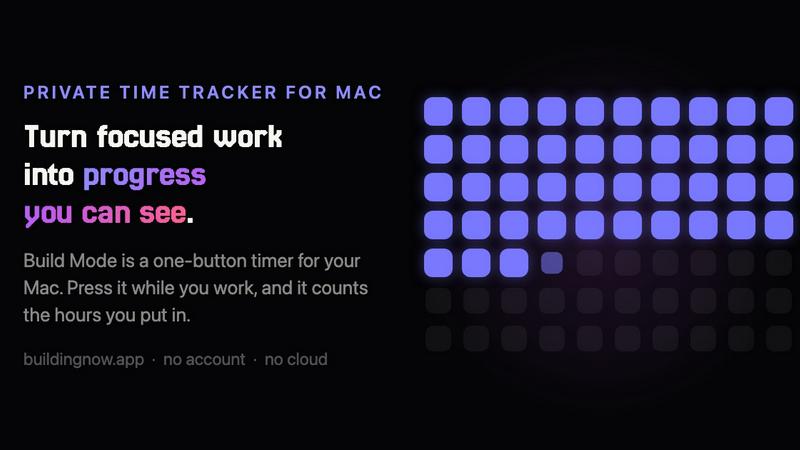
About Build Mode
Build Mode is a Mac time tracker for people who want a visible record of focused effort without setting up projects or timesheets. Start a session with a keyboard shortcut, then let the app count active time and sort hours into work modes. You can add modes as your work changes and review daily, weekly, yearly, or all-time totals.
A local record of work
The app tracks the active app and how long it is used, while removing idle time from session totals. It does not take screenshots, record keystrokes, or capture browser history. Tracking data stays on the Mac, with no account or cloud storage. That keeps the tool focused on personal progress, with activity totals reflecting one Mac rather than a shared team timesheet.
Build Mode suits founders, students, writers, designers, musicians, and others who want to see hours accumulate over time. Its weekly visual reflection can be opened and shared as an image.
Features of Build Mode
- One-button sessions started with a keyboard shortcut
- Active-time counting that removes idle time
- Automatic work modes, with custom modes available
- Daily, weekly, yearly, and all-time progress views; weekly shareable reflection
- Local data storage without an account or cloud
Use Cases of Build Mode
- Track time spent building a product or working on a creative project
- Review study hours by subject, such as biology or essays
- Separate kinds of independent work with custom modes
- See whether regular practice or after-hours learning is adding up
Frequently Asked Questions
Does Build Mode record my screen?
No. The product says it does not take screenshots, record keystrokes, or capture browser history. It tracks the active app and duration.
Where is tracking data stored?
On your Mac. The app has no account or cloud storage.
Which Macs can run it?
The product page says it runs on macOS 14 or later, on Apple Silicon or Intel Macs.
Pricing of Build Mode
The product page lists a $29 one-time lifetime license at the early builder price, with no subscription. It also says the price will rise to $49; the current amount may change.
Explore more in this category:
Similar to Build Mode

Ardelia
Ardelia brings free calculators, planners, and templates together to help people move from everyday work questions to practical next steps.

Infograph
Infograph transforms articles, notes, and calls into shareable visual stories, with fast diagrams and source-checked numbers.

小蜜蜂AI
小蜜蜂AI is a Windows work assistant that combines AI conversations, visual workflows and tool configuration in one workspace.

Leadmatically
Leadmatically helps small businesses spot buyer requests on five social platforms and manage first outreach and replies from one inbox.

GigUp
GigUp helps Upwork freelancers spot relevant new jobs through profile based matching, alerts, and proposal drafts that they review before applying.

Safe Outreach
Look up a Chrome extension against LinkedIn's published detection list, with explanations of list results, browser coverage and session handling.

RenewRoster
RenewRoster helps agencies track client domain and SSL expiries, send branded reminders, and automate renewal workflows.

Nitrozen
Nitrozen connects changelog publishing with developer workflows, offering APIs and release tools alongside public pages and an embeddable widget.