
DigitalMagicWand vs Text Remover
Side-by-side comparison to help you choose the right AI tool.

DigitalMagicWand
Join thousands using DigitalMagicWand for instant AI detection and humanization of text, audio, video, and images.
Last updated: March 18, 2026

Text Remover
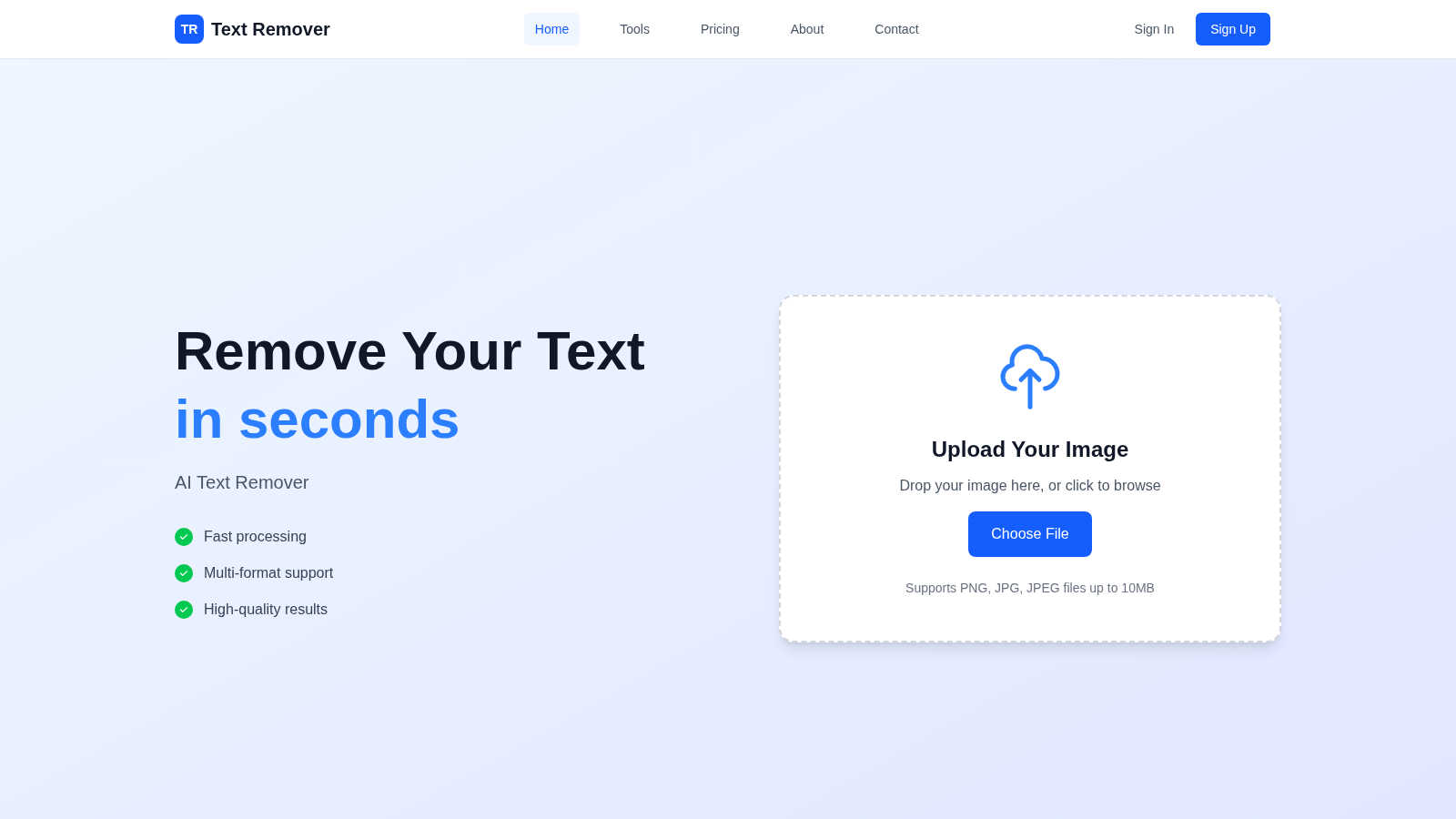
Effortlessly remove unwanted text from images in seconds for a polished, professional look with our AI Text Remover.
Last updated: March 1, 2026
Visual Comparison
DigitalMagicWand

Text Remover
Feature Comparison
DigitalMagicWand
All-in-One AI Creative Suite
Why juggle a dozen different apps? DigitalMagicWand consolidates the most powerful AI tools for image, audio, video, and text into a single, seamless platform. This means you can humanize an essay, unmix a song for a remix, and create a promotional image all in one place without ever switching tabs. It’s the ultimate productivity hack for content creators, saving you time, money, and the headache of managing multiple subscriptions.
Industry-Leading Audio Stem Separation (UnMixIt™ Pro)
Separate vocals, drums, bass, and instruments with studio-grade precision that has musicians and DJs raving. Unlike basic splitters, UnMixIt™ Pro delivers clean, usable stems perfect for professional remixing, sampling, or creating acapellas. It’s the secret weapon behind countless viral mashups and tracks, giving you the creative freedom to deconstruct any song and rebuild it into something uniquely yours.
Undetectable AI Text Humanizer
This isn't just a paraphrasing tool—it's a linguistic revolution. Our proprietary technology doesn't just rewrite; it completely restructures AI-generated text to eliminate every statistical fingerprint that triggers detectors like GPTZero and Turnitin. The output is 100% natural, human-quality writing that preserves your original intent, making it the go-to solution for students, marketers, and professionals worldwide who need flawless, authentic content.
Text-to-Image & Vector Art Generation
Describe it, and watch it appear. Our advanced image generators turn your wildest ideas into photorealistic images or infinitely scalable vector graphics (.svg) in seconds. Famous for flawless text rendering within images and eliminating classic AI artifacts, this feature is perfect for generating logos, illustrations, social media visuals, and marketing materials without needing any design skills or expensive software like Adobe Illustrator.
Text Remover
AI-Powered Accuracy
The AI-powered technology behind Text Remover ensures precision in text removal, maintaining the integrity of the background. This advanced machine learning capability allows for seamless edits that look natural and professional, eliminating any signs of alteration.
Multiple Format Support
Text Remover accommodates various image formats, including PNG, JPG, JPEG, and more. This flexibility means that you can work with the files you already have, without needing to convert them, making the tool versatile for all your image editing needs.
Batch Processing
Efficiency is key, and with Text Remover, you can process multiple images at once. This feature is perfect for users who need to clean up several images quickly, saving you time and effort while maintaining high-quality results.
Quality Preservation
When you remove text from images, quality matters. Text Remover preserves the original resolution and quality of your images, ensuring that your final product remains sharp and professional, ready for any platform or purpose.
Use Cases
DigitalMagicWand
Content Creators & Social Media Managers
Ramp up your content calendar instantly! Generate eye-catching post visuals, create engaging video clips with isolated audio tracks, and craft compelling, human-sounding captions—all at lightning speed. DigitalMagicWand helps you maintain a consistent, high-quality, and authentic online presence that captivates your audience and boosts engagement, turning you from a creator into a viral phenomenon.
Musicians, Producers & DJs
Revolutionize your music production workflow. Transcribe live piano performances into editable MIDI with Digital Ear™, extract pristine stems for remixes with UnMixIt™ Pro, or create instant karaoke tracks for live performances. It’s like having a professional sound engineer and transcriptionist in your pocket, saving you hundreds of hours in the studio and unlocking new levels of creative experimentation.
Students & Academics
Ensure the integrity and originality of your work with confidence. Use the Accurate AI Detector to check your sources and the Undetectable AI Humanizer to refine your drafts into natural, plagiarism-checker-proof prose. It’s the essential toolkit for navigating the new era of AI in education, helping you learn, write, and submit work with complete peace of mind.
Marketing & E-commerce Professionals
Create stunning product visuals, remove backgrounds from hundreds of product photos instantly, and generate persuasive, humanized ad copy in a fraction of the time. The AI Image Editor lets you place products on different models or settings without a photoshoot, drastically cutting costs and accelerating campaign launches. It’s the ultimate force multiplier for any marketing team.
Text Remover
Social Media Content
Social media managers can utilize Text Remover to eliminate unwanted watermarks, timestamps, or overlay text from images. This ensures that their posts look polished and professional, drawing more engagement and attention from followers.
Photography
Photographers can benefit from this tool by cleaning up their images, removing distractions such as price tags or promotional text. This allows them to present their work in the best light, showcasing their talent without unwanted elements.
Meme Creation
For meme enthusiasts, starting with a clean slate is crucial. Text Remover enables users to quickly strip away existing text from memes, allowing for the addition of new, creative captions that resonate with audiences.
Privacy Protection
Text Remover plays a vital role in safeguarding sensitive information by allowing users to delete personal data, addresses, and other private details from images. This feature ensures compliance with privacy regulations and protects your information.
Overview
About DigitalMagicWand
DigitalMagicWand is the viral, all-in-one AI content suite that's taking creators, marketers, and professionals by storm. It’s not just another tool; it's your ultimate creative co-pilot for everything digital. Imagine having a magic wand that instantly transforms your ideas into stunning images, crystal-clear audio stems, human-like text, and professional videos. That's the power we put at your fingertips. From students and social media influencers to musicians, producers, and business owners, anyone who creates digital content can harness this cutting-edge technology to work smarter, not harder. The main value proposition is breathtakingly simple: unparalleled creative freedom without the technical complexity. With over a million users already creating magic, our platform eliminates the need for expensive software, years of training, and tedious manual work. Whether you're detecting AI text to ensure authenticity, converting a piano recording into a perfect MIDI file, or generating a vector logo from a simple description, DigitalMagicWand delivers professional-grade results in seconds. Join the revolution and see why everyone is talking about the platform that makes the impossible, possible.
About Text Remover
Text Remover is your go-to AI-driven solution for effortlessly eliminating unwanted text from images, making it an essential tool for a diverse range of users including social media managers, photographers, and content creators. This innovative software enhances your workflow by allowing you to quickly and efficiently clean up images, ensuring that your visuals stand out without distractions. With advanced algorithms that not only strip away text but also expertly preserve the background, Text Remover guarantees high-quality results that are ready for professional use. Whether you are looking to remove watermarks, timestamps, or other text overlays, this tool empowers you to focus on what truly matters: your creative content. In just seconds, you can transform cluttered images into stunning visuals, providing you with the freedom to create without the hassle. Enjoy a seamless experience with Text Remover and unlock your creative potential today.
Frequently Asked Questions
DigitalMagicWand FAQ
What makes DigitalMagicWand different from other AI tools?
While most platforms specialize in one area, DigitalMagicWand is the trending, all-in-one powerhouse. We don't just offer tools; we offer deeply specialized, best-in-class applications like UnMixIt™ Pro for audio and our proprietary text humanizer, all under one roof. Our focus is on delivering professional, usable results that integrate seamlessly into real creative and professional workflows, not just generating novelty outputs.
Is the AI Humanizer really undetectable?
Yes, and it's been proven by our massive user base! Our humanizer uses advanced linguistic algorithms specifically designed to rewrite text at a fundamental level, removing the statistical patterns that all major AI detectors look for. Users consistently report passing stringent checks from GPTZero, Originality.ai, and Turnitin with ease. It’s the most trusted solution for creating authentic content.
Do I need technical skills to use the audio and image tools?
Absolutely not! The magic of DigitalMagicWand is its simplicity. For audio, you just upload your file and click a button. For images, you simply type what you want. The platform is designed for everyone, from complete beginners to seasoned pros. The complex AI technology works behind the scenes to deliver professional results, requiring zero technical expertise from you.
What kind of image files can I create?
You can create two main types: standard high-resolution images (like JPG/PNG) for photos and social media, and scalable vector graphics (.svg files). The vector art feature is a game-changer for design, allowing you to generate logos, icons, and illustrations that can be resized to any dimension without losing quality, perfect for branding and print materials.
Text Remover FAQ
How does Text Remover work?
Text Remover employs advanced AI algorithms to analyze and intelligently fill in the background after text removal. Simply upload your image, mark the text areas, and the tool does the rest, providing a seamless experience.
What image formats are supported?
Text Remover supports popular image formats such as PNG, JPG, and JPEG. This versatility makes it easy to work with the images you already have, without the need for conversions.
Is my data safe with Text Remover?
Absolutely! Text Remover prioritizes your privacy. All processing occurs securely on our platform, and images are not stored after processing, ensuring that your data remains confidential.
Can I use Text Remover for free?
Yes! Text Remover offers a free trial that allows you to test the tool with a limited number of text removal uses. This is a great way to explore its capabilities before committing to a paid plan.
Alternatives
DigitalMagicWand Alternatives
DigitalMagicWand is a leading all-in-one AI assistant platform that has taken the creative world by storm. It offers a powerful suite of tools for generating and editing images, audio, video, and text, all powered by cutting-edge artificial intelligence. This comprehensive approach has made it a go-to for millions of users looking to streamline their digital content creation. Despite its popularity, users often explore alternatives for various reasons. Some seek more budget-friendly options or specific niche features that better fit their workflow. Others might need a tool that integrates with different platforms or offers a different user experience. The search for the perfect AI assistant is highly personal and depends on individual project needs and technical requirements. When evaluating other platforms, focus on your core needs. Consider the primary media type you work with most—whether it's visuals, audio, or text—and ensure the alternative excels in that area. Also, assess the pricing model, ease of use, and the quality of the AI outputs. The goal is to find a tool that feels like a natural extension of your creative process.
Text Remover Alternatives
Text Remover is an innovative AI-driven tool designed to effortlessly erase unwanted text from images, falling within the category of AI Assistants. Users often seek alternatives to Text Remover for various reasons, such as pricing concerns, feature sets that better match their specific needs, or compatibility with different platforms. It's essential to consider factors like ease of use, image quality preservation, and support for multiple file formats when exploring alternative solutions. When choosing an alternative, look for features that prioritize accuracy in text removal while maintaining the integrity of the background. Additionally, consider whether the tool offers batch processing capabilities to enhance productivity, especially for those handling large volumes of images. User reviews and testimonials can also provide valuable insights into the effectiveness and reliability of potential alternatives.