
CloneUI vs PUNKU.AI
Side-by-side comparison to help you choose the right AI tool.

CloneUI
CloneUI instantly transforms any website screenshot or URL into responsive React, HTML, or Vue code with remarkable.
Last updated: March 1, 2026

PUNKU.AI
PUNKU.AI builds custom AI automations in plain English, trusted by 200+ businesses worldwide.
Last updated: February 28, 2026
Visual Comparison
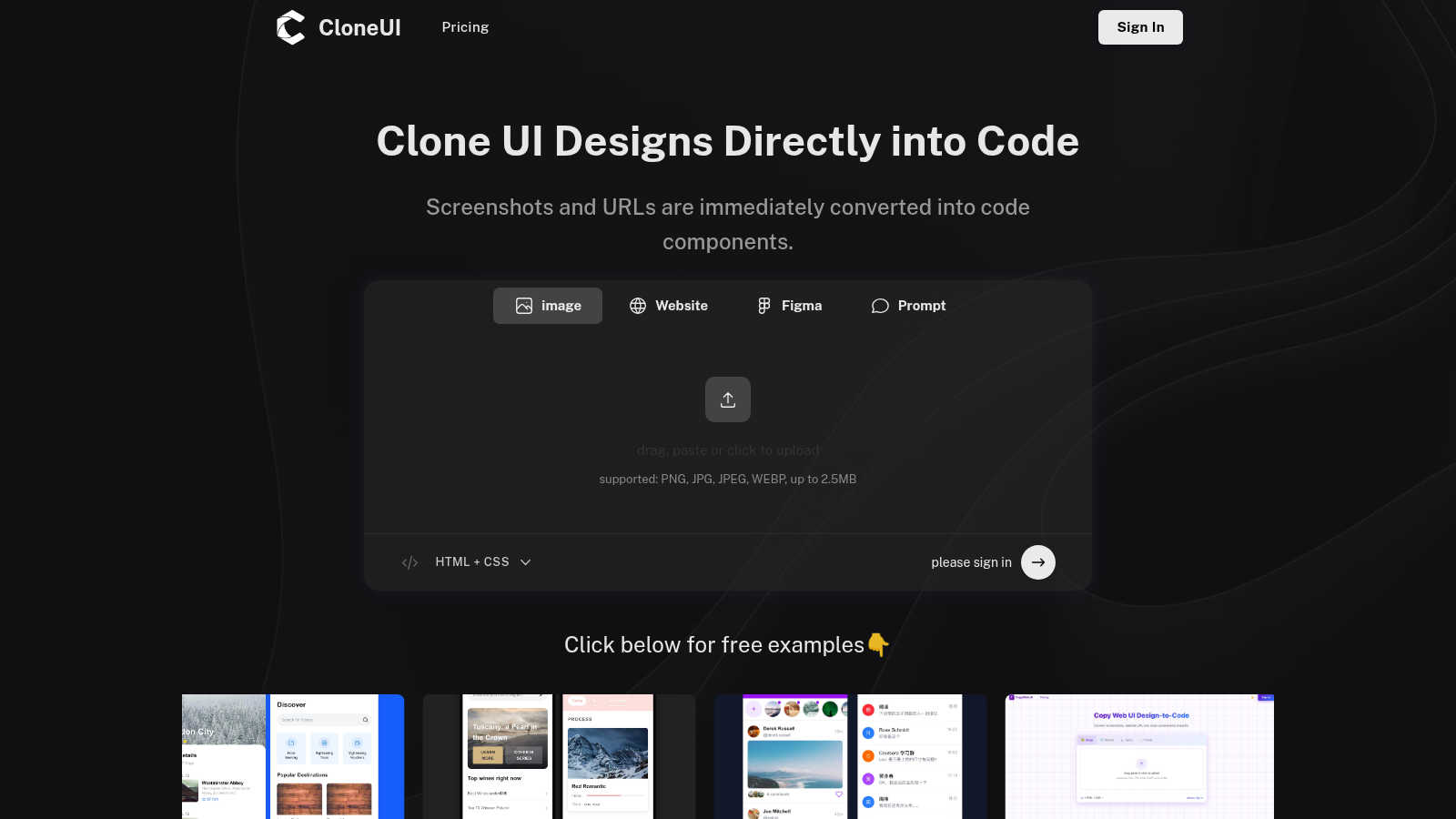
CloneUI
PUNKU.AI

Feature Comparison
CloneUI
URL to Code
CloneUI allows you to replicate entire website structures by simply entering a URL. This feature eliminates the need for manual inspection and coding, providing instant access to clean code that mirrors the original design seamlessly.
Screenshot to Code
Effortlessly convert your design screenshots into pixel-perfect code. All you need to do is upload a screenshot, and CloneUI will deliver responsive HTML and CSS that accurately reflects your design, saving you valuable time in the development process.
Figma to Code
With CloneUI, you can convert your Figma designs to code with just one click. This integration allows designers to maintain their creative workflow while instantly generating the necessary code for implementation, thus bridging the gap between design and development.
Intelligent Component Recognition
CloneUI employs advanced AI technology to automatically identify and map UI components within your designs. This intelligent component recognition ensures that each design element is accurately translated into code, allowing for high fidelity and functionality in the final output.
PUNKU.AI
Natural Language Automation Builder
Simply tell PUNKU.AI what you want to automate using plain English. There's zero coding required. Describe your ideal process, like "Create a customer service chatbot that connects with our booking system and Gmail," and the AI agent understands your requirements, asks clarifying questions, and builds the entire automation for you, acting as your personal engineering team.
Vast Integration Library (3,000+ APIs)
Connect your new AI agents seamlessly into your existing tech stack. PUNKU.AI offers instant, no-code connections to hundreds of popular tools and platforms, including Gmail, Slack, Zoom, Notion, and many more. This ensures your automations can send emails, update calendars, notify teams, and handle data across all the apps you already use daily.
AI-Powered Monitoring & Optimization
Your PUNKU.AI agent doesn't just set and forget. It actively monitors the automations it creates, ensuring they run smoothly 24/7. More importantly, it analyzes performance based on your key indicators and proactively suggests improvements and optimizations, making your workflows smarter and more effective over time without any extra effort from you.
Expert-Designed Template Library
Hit the ground running with a library of 100+ pre-built, expert-designed automation templates. Browse categories like Sales, Marketing, Support, and Operations to find ready-made agents for lead generation, social media scheduling, customer feedback analysis, or booking confirmations. Customize any template in plain English to perfectly match your unique workflow.
Use Cases
CloneUI
Rapid Prototyping
CloneUI is ideal for designers looking to create rapid prototypes. By converting designs to code quickly, teams can iterate on concepts and gather feedback faster, significantly speeding up the project timeline.
Freelance Development
Freelance developers can leverage CloneUI to enhance their service offerings. By using this tool, they can deliver high-quality code to clients in a fraction of the time, allowing them to take on more projects and increase their income potential.
Educational Purposes
Students and educators in web development can use CloneUI to understand the coding process better. By seeing how designs translate into code, learners can grasp the fundamentals of HTML, CSS, and various frameworks more effectively.
UI/UX Design Enhancements
For UI/UX designers, CloneUI serves as a powerful tool to visualize and implement ideas. By quickly generating code from their designs, they can focus on improving user experience without getting bogged down by the technical aspects of coding.
PUNKU.AI
24/7 Customer Support & Engagement
Automate your front-line support with intelligent chatbots that handle common inquiries, process refund requests, and assist with bookings around the clock. This frees your human team to tackle complex issues while ensuring customers get instant, accurate responses anytime, dramatically improving satisfaction and efficiency.
Automated Sales & Lead Nurturing
Power your sales pipeline with AI agents that qualify leads from your website, conduct personalized LinkedIn outreach, send follow-up sequences, and even generate custom quotes for services. Keep prospects engaged with timely, relevant communication, nurturing them automatically until they're sales-ready.
Smart Marketing Campaign Execution
Streamline your marketing efforts by automating entire campaigns. Use PUNKU.AI to manage email marketing sequences, schedule and post social media content across platforms, and analyze competitor data or market trends to inform your strategy, all running autonomously in the background.
Internal Operations & Team Coordination
Eliminate administrative chaos by automating internal workflows. Let PUNKU.AI sync calendars across the company, coordinate and assign team tasks, send meeting reminders, and notify the right people on Slack when important actions occur, ensuring smooth operations and keeping everyone aligned effortlessly.
Overview
About CloneUI
CloneUI is a groundbreaking AI-powered tool designed to revolutionize the way web designers and developers convert website designs into production-ready code. This innovative platform enables users to transform a simple screenshot or a website URL into clean, responsive HTML, CSS, and code tailored for specific frameworks in mere seconds. Whether you are a seasoned web designer, a front-end developer, or an enthusiastic hobbyist, CloneUI streamlines your workflow, allowing you to focus on creativity rather than tedious manual coding. The main value proposition of CloneUI lies in its ability to generate high-quality, production-ready code instantly. This not only saves precious time but also enhances productivity, ensuring that your designs come to life effortlessly. With a user-friendly interface and intelligent component recognition, CloneUI empowers anyone in the UI/UX design space to enhance their coding efficiency and deliver exceptional results quickly. Join the growing community of users who have already embraced this essential tool to elevate their web development experience.
About PUNKU.AI
Tired of drowning in repetitive tasks? Welcome to the revolution. PUNKU.AI is the game-changing automation platform that's empowering over 200 businesses worldwide to reclaim their time and supercharge productivity. This isn't just another tool; it's like having a senior AI engineer on your team, ready to build custom automations from a simple English sentence. Forget complex coding and endless workflow diagrams. You describe what you need—whether it's a customer service chatbot, a lead gen bot, or a meeting recorder—and PUNKU.AI builds it, connects it to your favorite apps like Gmail, Slack, Notion, and Zoom, and manages it 24/7. It seamlessly integrates with over 3,000 APIs, monitors performance against your KPIs, and even suggests improvements. Designed for businesses of all sizes, PUNKU.AI turns your natural language commands into powerful, AI-driven workflows, letting you focus on strategic work that truly matters. Get started in minutes and join the movement.
Frequently Asked Questions
CloneUI FAQ
Which input formats are compatible with CloneUI?
CloneUI supports various image formats, including PNG, JPG, JPEG, and WEBP, with a maximum file size of 2.5MB. This wide range of compatibility ensures users can easily upload their designs without worrying about format limitations.
How is the code generated?
The code is generated through a sophisticated AI algorithm that analyzes the uploaded screenshot or URL. It identifies design elements and translates them into clean, responsive code, tailored for different frameworks like React or Vue.
Supported frameworks?
CloneUI allows for code export to multiple frameworks, including React and Vue, as well as plain HTML and CSS. This flexibility ensures that developers can work within their preferred environment and stack.
Is the generated code customizable?
Yes, the generated code from CloneUI can be customized to meet specific project requirements. Developers have the freedom to edit and refine the code, ensuring it perfectly aligns with their unique needs and standards.
PUNKU.AI FAQ
What makes PUNKU.AI different from other AI platforms?
PUNKU.AI stands out by completely removing the technical barrier. Unlike platforms that require you to build complex workflows, PUNKU.AI acts as an intelligent agent that builds and manages the automation for you based on a simple conversation. It combines natural language understanding with proactive monitoring and optimization, offering an end-to-end, hands-off automation experience trusted by over 200 businesses.
Do I need technical knowledge to use PUNKU.AI?
No! That's the entire point. You need absolutely zero coding or technical expertise. Simply describe what you want to automate in plain English. For example: 'When someone submits a form, send a confirmation email and add them to the calendar.' Your PUNKU.AI agent handles all the technical setup and integration work for you.
How long does it take to get started?
You can get started instantly. Many users have a working automation set up in just minutes. You can either describe your own custom process or choose from over 100 pre-built templates that can be deployed and customized immediately, allowing you to see value and automate tasks almost right away.
How secure is my data on PUNKU.AI?
PUNKU.AI takes data security seriously. The platform uses secure, encrypted connections for all its integrations with external apps and APIs. You maintain control over your data, and PUNKU.AI is built with enterprise-grade security practices to ensure your business information and workflow data are protected at all times.
Alternatives
CloneUI Alternatives
CloneUI is an innovative AI-powered tool that transforms website screenshots and URLs into responsive React, HTML, or Vue code instantaneously. It sits at the intersection of design tools and development, catering to web designers, front-end developers, and anyone involved in UI/UX design. Users often seek alternatives to CloneUI for various reasons, including pricing, specific feature sets, or compatibility with their preferred platforms and workflow requirements. When searching for an alternative, it's essential to consider the features that matter most to you, such as ease of use, the quality of generated code, integration capabilities with design tools like Figma, and overall efficiency in streamlining your coding process. Ensuring that the alternative aligns with your project needs and enhances your productivity is key to making the right choice.
PUNKU.AI Alternatives
PUNKU.AI is a leading no-code automation platform that lets you build powerful workflows using just plain English. It's like having an AI engineer that listens to your needs and connects your favorite apps—from Gmail to Notion—without a single line of code. This category is exploding as teams everywhere ditch manual tasks for intelligent automation. So why look elsewhere? Even with over 200 businesses already boosting productivity with PUNKU.AI, needs vary. Some teams might prioritize a different pricing model, require a specific niche integration, or seek a platform with a particular user interface style. The perfect tool depends on your unique stack and workflow complexity. When evaluating alternatives, focus on core strengths. Look for robust natural language understanding, the depth and breadth of app integrations, and proactive features like automated monitoring and optimization. The goal is to find a platform that not only builds your automations but also helps them run smarter over time.