
Magic Hour vs PhotoFuse
Side-by-side comparison to help you choose the right AI tool.

Magic Hour
Create stunning videos and images in seconds with Magic Hour, the free AI studio trusted by over 3 million creators.
Last updated: March 4, 2026

PhotoFuse
Join thousands creating stunning AI headshots from selfies in seconds, no subscription needed.
Last updated: March 1, 2026
Visual Comparison
Magic Hour

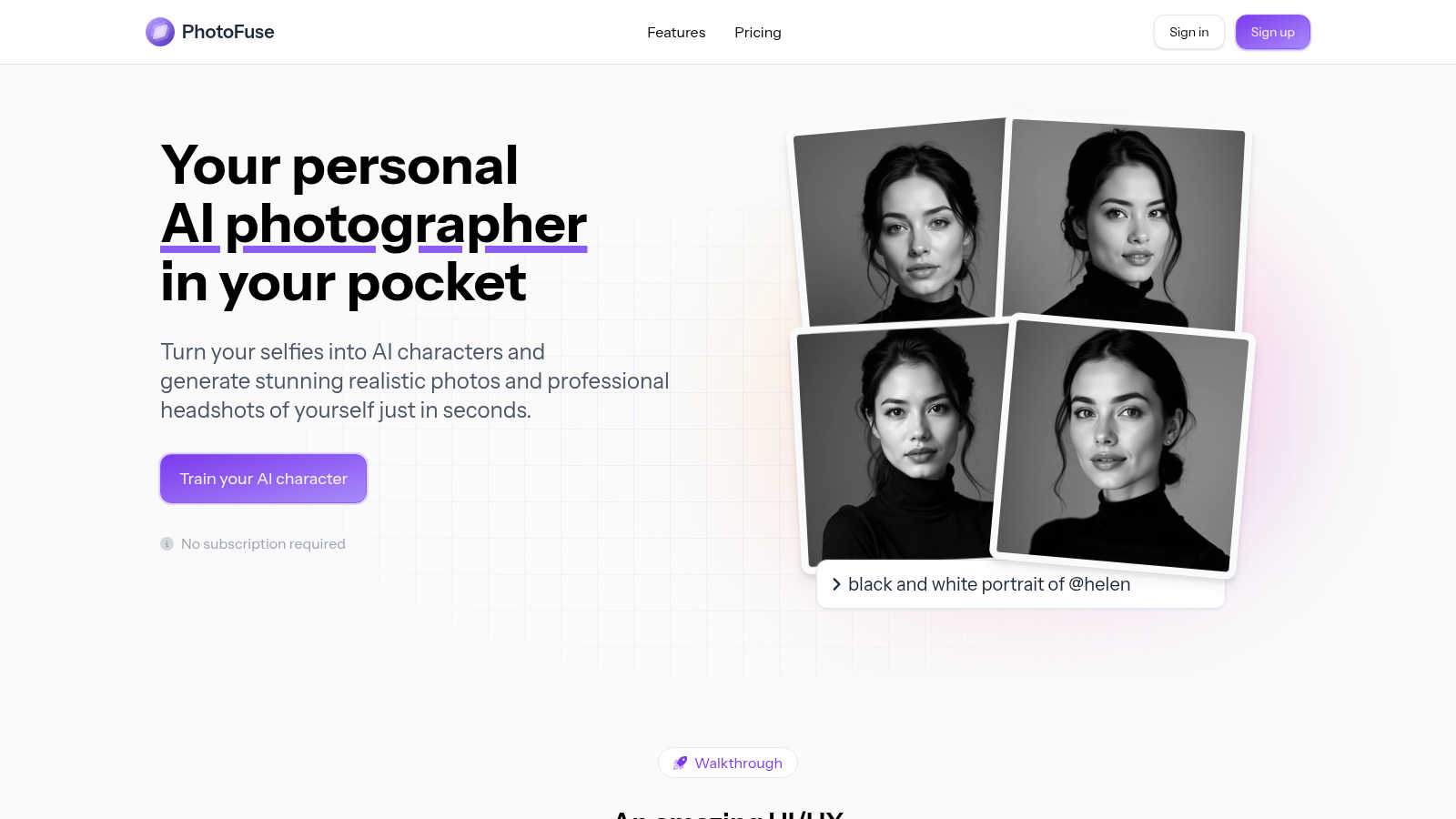
PhotoFuse
Feature Comparison
Magic Hour
AI Video Tools
Magic Hour offers a comprehensive suite of AI video tools that allow users to create and manipulate videos effortlessly. With features like text-to-video and video-to-video, you can turn scripts into captivating visuals or reimagine existing footage with new styles, making video production faster and more creative than ever.
AI Image Tools
The platform also boasts an impressive collection of AI image tools. From the AI Image Editor, which allows for editing with text commands, to the AI Headshot Generator that creates professional-quality headshots, these tools enable users to enhance and create images that stand out, all without needing advanced graphic design skills.
Seamless Collaboration
Magic Hour is built for teams, offering seamless collaboration features that allow multiple users to work on projects simultaneously. This ensures that everyone can contribute to the creative process, leading to faster project completion and a more cohesive output that aligns with brand vision.
Extensive Template Library
With over 10,000 templates at your disposal, Magic Hour simplifies the design process. Users can drag, drop, and publish content perfectly sized for every social media channel. This feature ensures that you're never starting from a blank page and can quickly launch campaigns with visually appealing assets.
PhotoFuse
Hyper-Realistic AI Character Training
Upload just 10-15 photos of a person, and PhotoFuse's advanced AI engine builds a stunningly accurate digital model in mere minutes. This core technology captures unique facial features and expressions to form the foundation for all your generated images, ensuring every photo looks authentically like you or your subject without any technical setup required.
No-Prompt, Template-Driven Playground
Say goodbye to confusing AI commands. PhotoFuse's intuitive playground lets you create amazing photos by simply selecting from a continuously expanded gallery of beautiful, curated templates. Manually design your scene with ease, choosing from professional settings, solid colors, or natural backgrounds to craft the perfect image in seconds.
Professional-Grade Customization Suite
Craft headshots that reflect the real you with zero technical skills. Choose from a wide array of professional outfits like crisp shirts and blazers, select expressions from approachable smiles to confident neutrals, and accessorize with glasses or jewelry. Mix and match hairstyles and finishes to create a polished, on-brand look for any platform.
Unlimited Generations with Full Rights
Enjoy the freedom to experiment and create without limits. Generate 1-4 variations of your photo in seconds, and if you want tweaks, simply adjust your selections and regenerate. All plans come with full commercial rights, so you can confidently use your stunning AI-generated photos for business, marketing, and branding anywhere.
Use Cases
Magic Hour
Content Creation for Social Media
Magic Hour is perfect for social media managers looking to create engaging content quickly. With tools like AI Image Generator and Lip Sync, you can generate eye-catching visuals and videos that resonate with your audience, helping to boost engagement and brand visibility.
Marketing Campaigns
Marketers can leverage Magic Hour to produce high-quality promotional videos and images for campaigns. The platform's ability to create personalized content at scale ensures that you can tailor messaging for different audience segments without straining your resources.
Educational Content Development
Educators and trainers can use Magic Hour to create compelling instructional videos and materials. The text-to-video and AI Image Editor features enable the production of engaging learning resources that cater to various learning styles, enhancing the educational experience.
Event Promotion
If you're organizing an event, Magic Hour can help you create promotional videos and graphics that captivate potential attendees. The extensive template library and AI tools allow you to quickly produce professional-grade promotional materials that attract interest and drive attendance.
PhotoFuse
Professional LinkedIn & Resume Headshots
Instantly elevate your professional online presence. Create a portfolio of stunning, high-quality headshots with varied backgrounds, expressions, and professional attire tailored for your industry. Perfect for job seekers, executives, and freelancers who need a polished, trustworthy profile picture without booking a photographer.
Content Creator & Social Media Branding
Content creators and influencers are obsessed with PhotoFuse for building a consistent and engaging visual brand. Generate a limitless supply of unique, on-brand portraits for YouTube thumbnails, Instagram posts, and TikTok profiles. Experiment with creative concepts, outfits, and styles to keep your audience captivated.
Rapid Marketing & Advertising Visuals
Marketers and small businesses use PhotoFuse to slash production time and costs. Quickly generate realistic model photos for website banners, email campaigns, digital ads, and product mockups. The full commercial rights and fast turnaround make it ideal for testing concepts and creating campaign assets on a tight deadline.
Personal Creative Exploration & Gifts
Unleash your creativity and explore fun digital personas. Create unique AI avatars for gaming profiles, generate imaginative family portraits in fantasy settings, or design one-of-a-kind character art. It's also a viral hit for creating personalized and memorable gifts, like putting a friend into their favorite movie scene.
Overview
About Magic Hour
Magic Hour is the revolutionary all-in-one, browser-based AI studio that transforms how creators, marketers, and teams produce stunning visuals. Designed with accessibility in mind, it empowers anyone—from solo creators to large marketing teams—to create professional-quality videos and images swiftly and effortlessly. The platform consolidates over 100 powerful AI tools into a single, intuitive interface, allowing users to generate, edit, and enhance media in mere seconds. Whether you want to create videos from scripts using text-to-video, apply artistic styles to existing footage with video-to-video, or personalize content through AI Face Swap, Magic Hour has you covered. This innovative tool eliminates the need for expensive equipment or intricate software, enabling rapid iteration and scalability. With its user-friendly features, you can maintain a consistent brand style and produce ready-to-share outputs for social media, advertisements, and training materials—all directly from your web browser. Trusted by over 3 million creators, Magic Hour is your go-to solution for elevating your visual content game.
About PhotoFuse
PhotoFuse is the viral AI tool that's putting a world-class, on-demand photoshoot directly in your pocket. It's your personal AI photographer, revolutionizing how thousands of users create stunning, hyper-realistic images without ever stepping in front of a professional camera. The magic happens in minutes: simply upload 10-15 photos of yourself or any subject, and PhotoFuse's powerful AI trains a unique, lifelike character model. From there, you can generate limitless professional headshots, creative portraits, or unique AI characters tailored to your exact vision. Forget complicated AI prompts and technical skills; choose from a vast, ever-expanding library of beautiful templates, backgrounds, expressions, outfits, and accessories to craft the perfect shot. It's the go-to tool for professionals instantly upgrading their LinkedIn profile, content creators building a visual brand, marketers needing quick campaign assets, and anyone exploring their digital persona. With flexible freemium and pay-as-you-go plans that include full commercial rights, it's no wonder users are ditching expensive, time-consuming traditional photography for this faster, smarter, and more affordable alternative that's taking social media by storm.
Frequently Asked Questions
Magic Hour FAQ
How does Magic Hour work?
Magic Hour operates as a browser-based AI studio, providing users with over 100 tools to generate and edit videos and images. Simply input your text prompt, image, or video clip, and use the intuitive interface to create stunning content in seconds.
Is Magic Hour suitable for beginners?
Absolutely! Magic Hour is designed to be user-friendly, making it accessible for creators of all skill levels. Its intuitive layout and powerful AI tools mean that even those with no prior experience can produce professional-quality content.
Can I collaborate with my team on Magic Hour?
Yes! Magic Hour is built for collaboration, enabling teams to work together on projects in real-time. This feature ensures efficient communication and creative input, resulting in cohesive project outputs.
Is there a cost to use Magic Hour?
Magic Hour offers a free version with access to many of its powerful tools, making it accessible to everyone. For more advanced features and capabilities, additional pricing plans are available. No credit card is required to start creating.
PhotoFuse FAQ
How many photos do I need to start?
You only need to upload 10-15 photos of the person you want to turn into an AI character. PhotoFuse provides clear guidance on the types of photos (e.g., different angles, expressions, lighting) for the best possible results when training your hyper-realistic model.
Do I need any AI or photography skills?
Absolutely not! PhotoFuse is designed for everyone. You don't need to write complicated AI prompts or have any technical photography skills. The entire process is visual and intuitive, using templates and simple dropdown menus to select backgrounds, expressions, and outfits.
Who owns the rights to the generated photos?
You do! PhotoFuse grants full commercial rights to all images you generate. This means you can legally use your AI photos for business purposes, including on your website, in advertising, on social media, or in products you sell.
What are credits and how many photos do I get?
Credits are used to generate images. For example, the popular Basic plan provides 5,500 credits per month, which translates to approximately 550 photos. You can always top up credits on demand if you need more, and unused credits do not roll over to the next month.
Alternatives
Magic Hour Alternatives
Magic Hour is a revolutionary, browser-based AI studio designed for rapid and professional video and image creation. It falls within the content creation category, leveraging over 100 powerful AI tools to empower users in generating stunning visuals with ease. Whether you’re a digital marketer, content creator, or part of a team, Magic Hour streamlines the creative process, making high-quality media accessible to everyone. Users often seek alternatives to Magic Hour due to factors like pricing, specific features, or compatibility with certain platforms. When looking for an alternative, it's essential to consider the user interface, the variety of tools offered, and the overall capabilities of the platform. Prioritizing ease of use and the ability to produce high-quality content quickly can help users find the best fit for their unique needs.
PhotoFuse Alternatives
PhotoFuse is a leading generative art tool that creates stunning AI headshots and portraits from just a few selfies. It’s part of a booming category of AI photo generators that are replacing traditional photoshoots, offering speed, affordability, and incredible creative control. People often search for alternatives for a few key reasons. Some might need a different pricing model, like a subscription instead of pay-as-you-go. Others might be looking for specific features, like different art styles or more advanced editing tools. Platform needs also vary—some users prefer mobile apps, while others want a desktop experience. When choosing a different tool, focus on what matters most for your projects. Consider the realism and quality of the AI output, the ease of use, and the flexibility of the licensing. Look for a platform that makes professional-grade image creation accessible without requiring technical skills or complex prompts.