
GPT Create Image vs RemoveTexts
Side-by-side comparison to help you choose the right AI tool.

GPT Create Image
Join thousands creating stunning images just by describing them with AI.
Last updated: March 1, 2026

RemoveTexts
Join 50,000+ users who instantly remove text from images with AI, no Photoshop skills needed.
Last updated: March 11, 2026
Visual Comparison
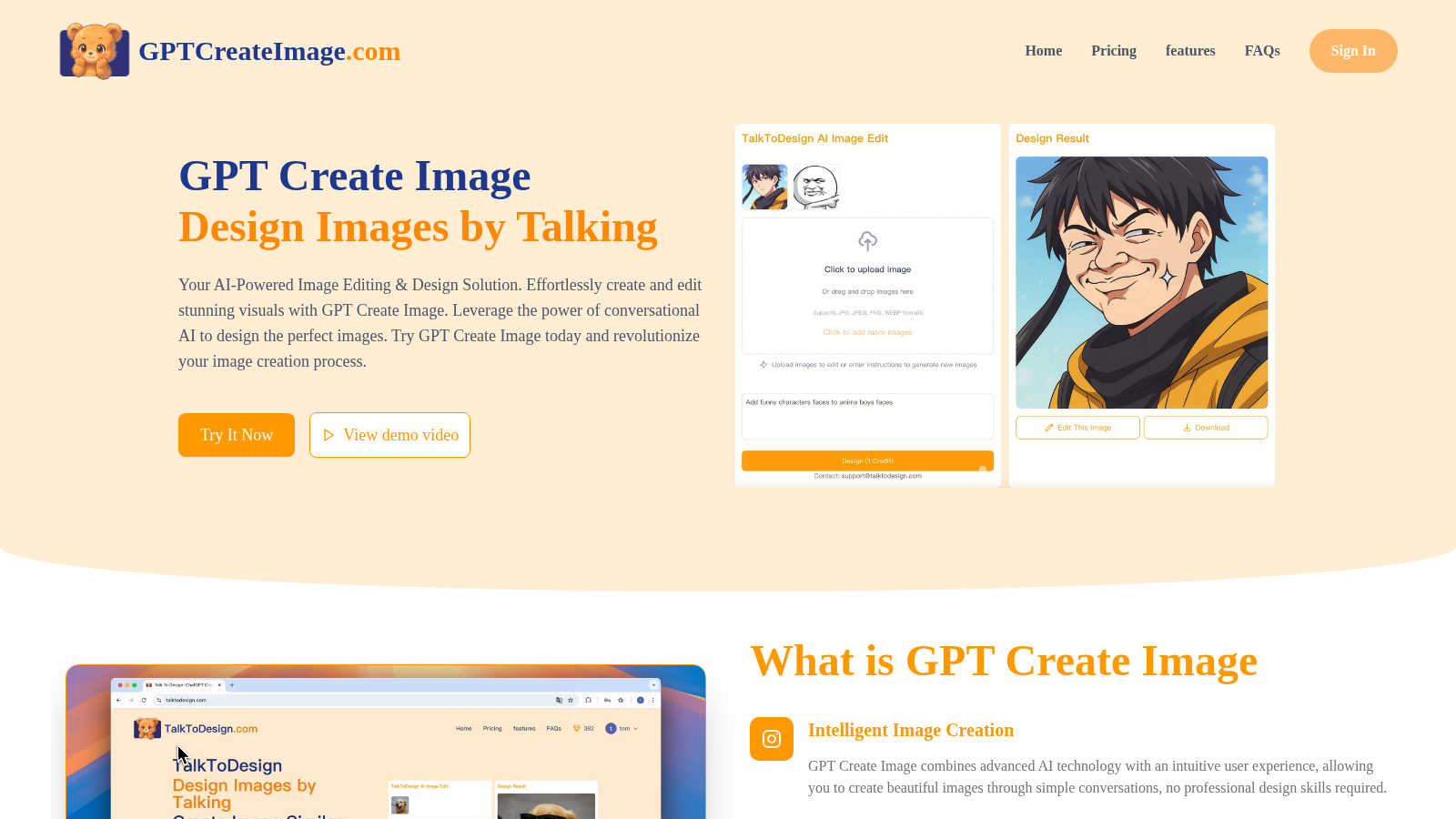
GPT Create Image
RemoveTexts

Feature Comparison
GPT Create Image
Conversational Design Interface
This is the core magic. Simply type or speak what you want in plain English, like "make the background a sunset over mountains" or "add a playful cartoon dog in the corner," and the AI interprets your command to edit or generate the image. It eliminates all dropdown menus and technical jargon, making the process as easy as chatting with a friend.
Intelligent Image Generation & Editing
Go beyond simple filters. The advanced AI understands context and nuance, allowing for complex transformations. Describe a completely new scene to generate from scratch, or instruct it to modify existing photos—remove objects, change styles, adjust colors, or composite elements seamlessly, all through descriptive language.
Professional-Quality Output & Fine-Tuning
Get results that stand out. GPT Create Image is engineered to produce high-resolution, commercially viable visuals suitable for print, web, and social media. The platform includes fine-tuning tools that let you refine the AI's output, ensuring every detail meets professional standards and your specific creative demands.
Unlimited Image History & Commercial Rights
Your creative journey is fully documented and reusable. The platform saves your entire history of generated and edited images, allowing you to revisit, re-edit, or repurpose past work effortlessly. Crucially, you own the output, with clear commercial use rights to use your creations in client projects, marketing, and products.
RemoveTexts
Paint to Remove
Take ultimate control with the intuitive brush tool. Simply paint over the specific text, watermark, or object you want gone. The AI then works its magic only on the selected areas, giving you pixel-perfect precision without affecting the rest of your image. It's the easiest way to target exactly what you need, making it perfect for detailed edits on complex screenshots or photos.
Auto Remove All Text
Why edit manually when AI can do it for you? With one click, this powerful feature automatically scans your entire image, detects every single text element—from tiny watermarks to large captions—and removes them all simultaneously. It delivers a perfectly clean canvas in seconds, saving you hours of tedious work. This is the go-to feature for users processing batches of images quickly.
Edit & Replace Text
Don't just remove text—change it! This groundbreaking feature allows you to replace existing words in an image while having the AI intelligently match the original font style, size, and color. Need to update a price on a menu, correct a typo on a graphic, or localize text for a different audience? This tool makes it look flawlessly authentic, as if the new text was always part of the original design.
Remove Objects & Watermarks
Beyond text, our AI is trained to erase any unwanted element. Accidentally photobombed by a stranger? Have an obtrusive logo on a stock photo? Use this mode to seamlessly remove people, objects, logos, and visual clutter. The advanced inpainting technology analyzes the surrounding background to fill in the gap perfectly, leaving no trace behind.
Use Cases
GPT Create Image
Viral Social Media Content Creation
Content creators and influencers are using GPT Create Image to rapidly produce eye-catching, trend-aligned graphics, thumbnails, and story posts. Describing a vibe like "aesthetic pink neon grid background with a laptop" delivers unique content faster than any template, helping posts stand out and drive engagement.
Effortless Marketing & Advertising Design
Marketing teams and small businesses leverage the tool to quickly generate ad banners, email graphics, and promotional materials without waiting for a designer. Simply describe the campaign concept, target audience, and key elements to get multiple professional design options in minutes.
Personal Project & Hobby Enhancement
Hobbyists, bloggers, and individuals use it to bring personal visions to life. Whether designing a custom t-shirt concept, visualizing a book cover, creating unique party invitations, or simply editing vacation photos to perfection, it turns creative ideas into reality with zero technical barrier.
Rapid Prototyping & Concept Visualization
Designers, entrepreneurs, and product developers use the platform for rapid prototyping. Quickly generate visual concepts for app interfaces, product designs, or architectural ideas by describing them. It's an invaluable tool for brainstorming, client pitches, and iterating on visual ideas before final production.
RemoveTexts
Cleaning E-commerce Product Photos
Online sellers can instantly remove distracting watermarks, price tags, or promotional text from product images sourced from suppliers. This creates a clean, professional-looking catalog that enhances brand credibility and boosts sales, all without needing a graphic designer or expensive software.
Preparing Professional Screenshots & Presentations
Professionals can clean up software screenshots for tutorials, reports, or client presentations by removing irrelevant UI text, personal data, or system watermarks. This ensures communications look polished, focused, and privacy-compliant, elevating the overall standard of your professional materials.
Creating Clean Social Media & Marketing Graphics
Marketers and social media managers can repurpose images by erasing old captions, dates, or branded overlays from memes, stock photos, or user-generated content. This allows for fresh, on-brand visuals that resonate with new campaigns, driving higher engagement without starting from scratch.
Redacting Sensitive Information
Legal, real estate, and administrative professionals can use the tool to quickly and securely redact personal information like names, addresses, or account numbers from documents before sharing. It provides a fast, reliable alternative to traditional black-bar methods, ensuring sensitive data is completely erased from the visual field.
Overview
About GPT Create Image
GPT Create Image is the viral AI sensation that's completely redefining how the world creates and edits visuals. Forget complex software and steep learning curves—this revolutionary platform lets you design stunning, professional-quality images simply by having a conversation. Powered by cutting-edge conversational AI, it understands your natural language descriptions and brings your creative vision to life instantly. Whether you're a seasoned marketer needing a last-minute ad graphic, a social media influencer crafting the perfect post, or a small business owner designing a logo without a budget for a designer, GPT Create Image is your secret weapon. It's democratizing high-end design, making it accessible to everyone regardless of technical skill. Join the thousands of users who are already ditching traditional editors and unlocking a faster, more intuitive, and wildly creative workflow. This isn't just another tool; it's the future of visual creation, and it's taking the internet by storm.
About RemoveTexts
Tired of clunky Photoshop tutorials just to remove a simple watermark or clean up a screenshot? Welcome to the future of image editing. RemoveTexts is the viral, AI-powered online tool that removes any unwanted text from your images in under 30 seconds—no skills needed. It’s the secret weapon for over 100,000 creators, marketers, and designers worldwide who are ditching complicated software for instant, professional results. Simply upload your image, and our state-of-the-art AI does the rest: detecting and erasing watermarks, subtitles, date stamps, logos, and meme text while perfectly reconstructing the background so no one can tell anything was ever there. Whether you're cleaning product photos for your e-commerce store, redacting sensitive info from a document, or perfecting a social media graphic, RemoveTexts delivers 4K output quality with the click of a button. It’s not just an editor; it’s a productivity revolution, processing over 100,000 images and trusted by a global community for its speed, precision, and stunningly seamless results.
Frequently Asked Questions
GPT Create Image FAQ
How does GPT Create Image work?
GPT Create Image uses a sophisticated large language model (LLM) combined with a powerful image generation AI. When you describe what you want in natural language, the LLM interprets your request and translates it into detailed instructions that the image AI executes, creating or modifying the visual exactly as you envisioned.
Do I need any design experience to use it?
Absolutely not! That's the whole point. GPT Create Image is specifically designed for users with zero design or technical expertise. If you can describe what you want to see, you can create it. The conversational interface is intuitive and guides you through the process effortlessly.
Who owns the images I create with GPT Create Image?
You do. According to the provided information, images created with GPT Create Image come with commercial use rights. You retain ownership and are free to use the generated visuals in your projects, for clients, on social media, or in products without licensing issues.
What is a credit and how many do I need?
A credit is typically consumed each time you generate a new image or perform a significant edit. The Free plan offers 100 daily credits, which is perfect for trying the service and handling light to moderate usage. For high-volume creators, exploring other plans would be beneficial as your needs grow.
RemoveTexts FAQ
Is RemoveTexts really free to use?
Yes! RemoveTexts offers a robust free tier that allows you to upload images and remove text with powerful AI. You can start using the core "Paint to Remove" feature immediately without any cost. For access to advanced modes like "Auto Remove All Text" and higher-resolution downloads, there are premium plans available.
What image formats and sizes are supported?
The tool supports the most common web image formats: JPG, PNG, and WebP. You can upload files up to 10MB in size. The AI processes these efficiently and allows you to download your edited image in high quality, preserving the original resolution.
How does the AI remove text without leaving a trace?
RemoveTexts uses advanced deep learning inpainting technology, similar to architectures pioneered by industry leaders. The AI doesn't just delete pixels; it intelligently analyzes the colors, patterns, and textures of the background surrounding the text and generates new pixels that blend in seamlessly, making the edit undetectable.
Can I use it to remove logos or people from photos?
Absolutely! While named "RemoveTexts," the AI is powerfully equipped with a dedicated "Remove Objects" mode. This feature is specifically designed to erase unwanted visual elements like logos, people, or other objects by reconstructing the background just as effectively as it does for text removal.
Alternatives
GPT Create Image Alternatives
GPT Create Image is a leading AI image generator in the content creation and design tools space. It lets anyone create and edit visuals through simple conversation, making professional design accessible without technical skills. This approach has made it incredibly popular for social media graphics, marketing materials, and personal projects. Users often explore alternatives for various reasons. Some need a different pricing model or a free tier with more generous limits. Others might seek specific features like different art styles, more control over outputs, or integration with other platforms they use daily. The search for the right tool is all about finding the perfect fit for a unique workflow and creative goals. When evaluating other options, consider core needs. Look at the quality and style of image generation, the flexibility of the editing tools, and how intuitive the interface feels. Also, check the pricing transparency, any usage limits, and the strength of the community or support around the tool. The goal is to find a platform that feels just as effortless and powerful for your specific vision.
RemoveTexts Alternatives
RemoveTexts is a leading AI-powered image editing tool that specializes in removing unwanted text from any picture. It falls into the category of automated, user-friendly photo editors designed to simplify tasks that once required complex software like Photoshop. Users often seek alternatives for various reasons, including budget constraints, the need for different feature sets, or compatibility with specific operating systems or workflows. When exploring other options, it's crucial to consider several factors. Key considerations include the accuracy of the AI in removing text and reconstructing the background, the speed of processing, the available output quality, and the overall ease of use. The ideal alternative should match your specific needs, whether that's a one-time project or a tool for daily professional use, without compromising on the clean, seamless results you expect.