
AI Image Maker vs Gomotion
Side-by-side comparison to help you choose the right AI tool.

AI Image Maker
Effortlessly create stunning images and customize with 20+ tools using AI Image Maker, your go-to online design.
Last updated: March 1, 2026

Gomotion
Create stunning animations in minutes with Gomotion's AI-powered motion graphics for all your creative needs.
Last updated: February 28, 2026
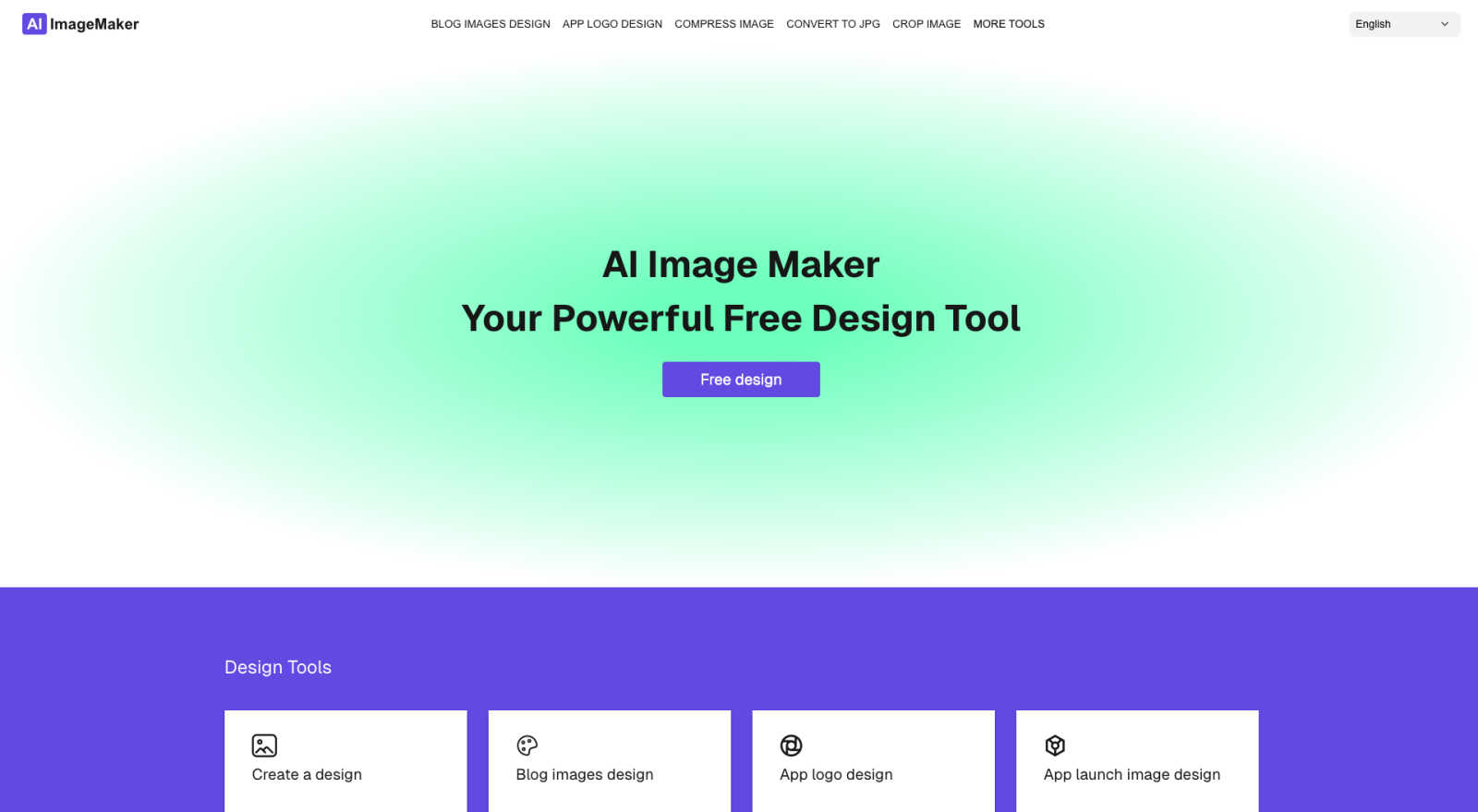
Visual Comparison
AI Image Maker
Gomotion

Feature Comparison
AI Image Maker
Design Canvas
The built-in design canvas allows users to create professional-quality blog covers, app icons, and App Store screenshots effortlessly. With intuitive tools and templates at your disposal, designing stunning visuals has never been easier.
Image Compression
Keep your images sharp without compromising on quality. The image compression feature reduces file sizes, ensuring faster loading times and better performance for your website or social media platforms.
Background Removal
Say goodbye to complex editing software. With AI Image Maker's one-click background removal feature, you can eliminate backgrounds from images automatically, allowing you to focus on creativity rather than tedious tasks.
Batch Processing
Maximize your productivity with the batch processing feature, which allows users to handle multiple images simultaneously. This feature is perfect for those who need to edit or format large numbers of images quickly and efficiently.
Gomotion
Transform Words Into Motion
With Gomotion, you can animate text from simple prompts. Skip the complexities of keyframes—just describe how you want your text to move. This feature allows you to instantly create professional animations for titles, captions, and logos, perfect for product demos or any content that requires a cinematic touch, making it ideal for creators who seek quality without the hassle.
Discover the Narrative Mode
Unlock the power of storytelling with Gomotion's Narrative Mode. This feature allows you to turn written scripts into fully animated stories, complete with synchronized images and videos. Create ready-to-publish ads or short videos in mere minutes, making it easier than ever to communicate your brand's message effectively and engagingly.
Design for Any Screen
Gomotion is designed to cater to all screen sizes, ensuring that your animations look stunning on smartphones, tablets, and desktop displays alike. Whether you are creating a product teaser for Instagram or a detailed ad for TikTok, this feature guarantees that your content is perfectly aligned and visually appealing across every platform.
Complex Animations Made Easy
Say goodbye to tedious animation processes with Gomotion's ability to create complex animations like dynamic charts and simulations. This feature is perfect for explainers, presentations, and simulations, allowing users to visualize data in a compelling manner that captures attention and enhances understanding.
Use Cases
AI Image Maker
Social Media Graphics
Content creators can leverage AI Image Maker to craft eye-catching graphics for their social media posts. From Instagram stories to Facebook ads, the platform simplifies the process of creating engaging visuals that capture attention.
Blog Cover Designs
Bloggers can utilize the design canvas to create stunning covers for their articles. With customizable templates and text tools, it’s easy to produce professional-looking blog covers that draw readers in.
App Development
Developers can create app icons and App Store screenshots with ease. The platform’s dedicated features ensure that your app visuals are polished and ready to impress potential users.
Marketing Campaigns
Marketers can generate promotional materials quickly, such as posters and flyers, using AI Image Maker. The ability to resize and customize images on the fly means campaigns can be launched faster and more efficiently.
Gomotion
Social Media Marketing
Social media marketers can leverage Gomotion to create eye-catching animations that increase engagement on platforms like Instagram and TikTok. With quick turnaround times, marketers can respond to trends and create relevant content that resonates with their audience.
Product Launches
For brands launching new products, Gomotion offers the ability to create professional-grade promotional videos that highlight key features and benefits. These animations can easily be shared across various marketing channels, helping to generate buzz and excitement.
Educational Content Creation
Educators and trainers can use Gomotion to produce animated explainers and tutorials that make complex concepts easier to understand. By visualizing information through dynamic animations, they can enhance learning experiences and retention.
Presentations and Reports
Gomotion's capability to create animated charts and data visualizations makes it an excellent tool for business professionals preparing presentations. By transforming static data into engaging animations, presenters can effectively communicate insights and make a lasting impression.
Overview
About AI Image Maker
AI Image Maker is the revolutionary tool that transforms the way you create visuals, making it accessible to everyone, regardless of design expertise. This powerful platform is designed with a diverse audience in mind, including content creators, designers, marketers, and business owners who need high-quality images quickly and efficiently. With AI Image Maker, you can generate stunning graphics such as posters, blog covers, and app icons in just a few clicks. The platform is equipped with advanced AI functionalities that simplify complex tasks, including automatic background removal and seamless image resizing. Users can dive right into their creative projects without needing to sign up or navigate complicated processes. Join the growing community of satisfied users who have elevated their visual content game without the hassle of traditional design tools. AI Image Maker is here to make your creative journey smoother and more productive.
About Gomotion
Gomotion is the innovative AI-powered tool that is transforming the world of motion design. Celebrated as a perfect fusion of After Effects and advanced generative AI, it allows users of all skill levels—from beginners to expert marketing teams—to create breathtaking brand animations in just moments. Gone are the days of navigating complex keyframes, enduring lengthy learning curves, or paying hefty fees to freelancers. With Gomotion, users can effortlessly describe their animation vision in text or upload an image, and the sophisticated AI engine generates smooth, eye-catching animations that elevate social media engagement, enhance website conversions, and improve ad performance. This tool has become a go-to secret weapon for creators, solopreneurs, and agencies striving to craft captivating, scroll-stopping content quickly and efficiently. Join the community of thousands who are abandoning traditional software in favor of Gomotion, and watch your brand come to life in dynamic motion.
Frequently Asked Questions
AI Image Maker FAQ
Can I use this commercially?
Yes, AI Image Maker allows for both personal and commercial use. This means you can create visuals for your business without worrying about licensing issues.
Do I need design skills?
No! AI Image Maker is designed for users of all skill levels. Whether you are a beginner or a seasoned designer, you can easily navigate the platform and create stunning visuals.
Can I customize the template?
Absolutely! The platform provides a flexible design canvas that allows you to customize templates to fit your unique branding and style preferences.
What image tools are included?
AI Image Maker comes packed with over 20 powerful image tools, including background removal, image compression, batch processing, and much more, to fulfill all your design needs.
Gomotion FAQ
How does Gomotion work?
Gomotion uses advanced AI technology to transform text descriptions or uploaded images into captivating animations. Users simply input their vision, and the software generates animations that align with their specifications.
Is Gomotion suitable for beginners?
Absolutely! Gomotion is designed for users of all skill levels. Its intuitive interface allows beginners to create stunning animations without the steep learning curve typically associated with motion design software.
Can I use my brand assets in Gomotion?
Yes! Gomotion allows users to easily import brand assets, enabling you to create videos that maintain your brand's identity. This feature is essential for ensuring consistency across your marketing materials.
What platforms can I create animations for using Gomotion?
Gomotion is designed for versatility, allowing users to create animations for various platforms, including social media sites like Instagram, TikTok, and Facebook, as well as for websites and presentations, ensuring your content reaches your audience wherever they are.
Alternatives
AI Image Maker Alternatives
AI Image Maker is a cutting-edge design tool that allows users to create stunning visuals effortlessly, catering to a wide audience from content creators to business owners. As a free online platform, its intuitive interface and AI-powered features make it an attractive option for those who need professional-grade images quickly and without prior design experience. However, users often seek alternatives due to factors such as pricing, additional features, or specific platform compatibility that may better suit their needs. When looking for an alternative to AI Image Maker, it is essential to consider several factors including the range of features offered, ease of use, and overall cost. Users should prioritize tools that provide similar functionalities, such as image editing options and access to design materials, while also evaluating the user experience and community support available. A reliable alternative should empower users to create high-quality visuals with minimal hassle, ensuring they can maintain their creative workflow effectively.
Gomotion Alternatives
Gomotion is a revolutionary AI-powered tool designed for creating vibrant motion graphics effortlessly, making it a standout in the design tools category. Users often seek alternatives to Gomotion for various reasons, including pricing concerns, specific feature requirements, or compatibility with different platforms. As the demand for engaging content grows, many creators look for solutions that align with their unique needs, whether it’s advanced customization options, affordability, or user-friendliness. When choosing an alternative, consider factors like ease of use, the flexibility of design options, and how well the tool integrates with your existing workflow. It's essential to find a solution that not only meets your creative vision but also enhances your productivity without sacrificing quality. Exploring various tools can lead to discovering the perfect fit for your motion design needs.