
Text Remover vs Zunvix
Side-by-side comparison to help you choose the right AI tool.

Text Remover
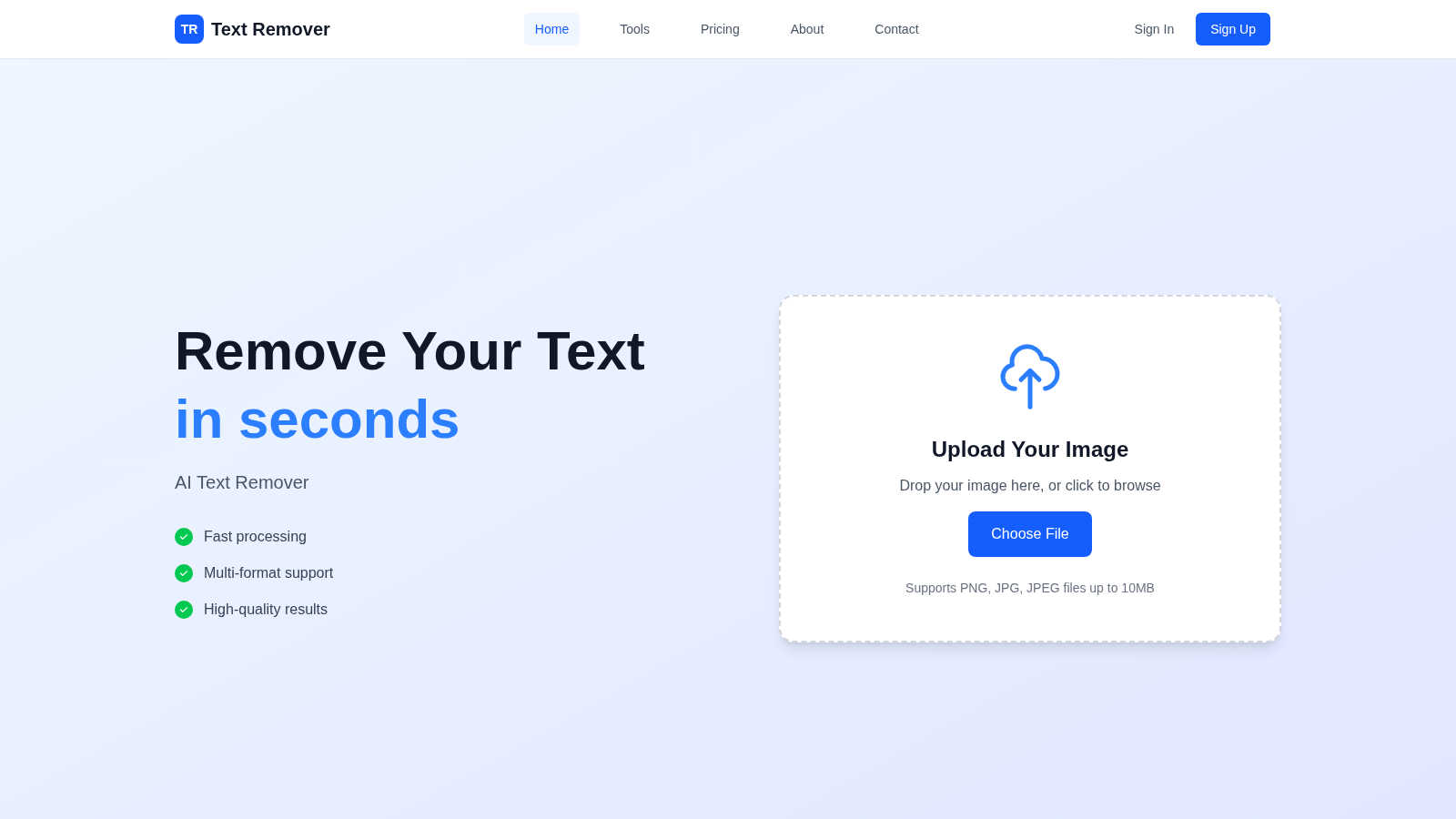
Effortlessly remove unwanted text from images in seconds for a polished, professional look with our AI Text Remover.
Last updated: March 1, 2026

Zunvix
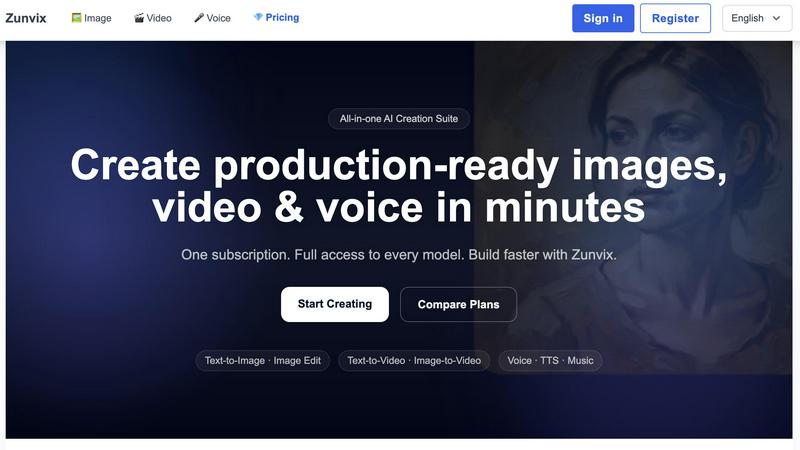
Zunvix is the all-in-one AI suite creators trust for images, video, and voice in one popular subscription.
Last updated: February 28, 2026
Visual Comparison
Text Remover
Zunvix
Feature Comparison
Text Remover
AI-Powered Accuracy
The AI-powered technology behind Text Remover ensures precision in text removal, maintaining the integrity of the background. This advanced machine learning capability allows for seamless edits that look natural and professional, eliminating any signs of alteration.
Multiple Format Support
Text Remover accommodates various image formats, including PNG, JPG, JPEG, and more. This flexibility means that you can work with the files you already have, without needing to convert them, making the tool versatile for all your image editing needs.
Batch Processing
Efficiency is key, and with Text Remover, you can process multiple images at once. This feature is perfect for users who need to clean up several images quickly, saving you time and effort while maintaining high-quality results.
Quality Preservation
When you remove text from images, quality matters. Text Remover preserves the original resolution and quality of your images, ensuring that your final product remains sharp and professional, ready for any platform or purpose.
Zunvix
All Models, One Platform
Stop subscription hopping. Zunvix gives you full, unrestricted access to a powerhouse catalog of top-tier AI models across images, video, and voice in a single dashboard. This means you can leverage the best model for any specific task—be it Sora for video realism or a premium TTS for voiceovers—without managing multiple accounts or paying extra. It's the ultimate creative freedom, putting an entire studio's worth of technology at your fingertips with one login.
Unified Credit System
This is a game-changer for workflow simplicity. Every Zunvix plan comes with a monthly pool of credits that are completely flexible and shared across every single tool: Image, Video, and Voice. No more worrying about separate balances or complicated calculations. Use your credits on whatever you need, whenever you need it. Generate 100 images, then pivot to a video project, all from one seamless balance that renews with your plan.
Commercial-Grade Output
Every piece of content you generate on Zunvix is yours to own and use commercially. This isn't just for personal projects. Create brand assets, ad campaigns, product visuals, and social media content with full confidence. The platform is built to deliver high-resolution, production-ready outputs that meet professional standards, ensuring your creations are scalable and ready for any public-facing channel from day one.
Priority Generation Queues
Time is your most valuable asset. Higher-tier Zunvix plans unlock faster and priority generation queues, drastically cutting down your wait time for complex video renders or large batch image jobs. This means professional creators and teams can maintain a rapid content output, keeping up with demanding schedules and ensuring their projects move forward without frustrating bottlenecks.
Use Cases
Text Remover
Social Media Content
Social media managers can utilize Text Remover to eliminate unwanted watermarks, timestamps, or overlay text from images. This ensures that their posts look polished and professional, drawing more engagement and attention from followers.
Photography
Photographers can benefit from this tool by cleaning up their images, removing distractions such as price tags or promotional text. This allows them to present their work in the best light, showcasing their talent without unwanted elements.
Meme Creation
For meme enthusiasts, starting with a clean slate is crucial. Text Remover enables users to quickly strip away existing text from memes, allowing for the addition of new, creative captions that resonate with audiences.
Privacy Protection
Text Remover plays a vital role in safeguarding sensitive information by allowing users to delete personal data, addresses, and other private details from images. This feature ensures compliance with privacy regulations and protects your information.
Zunvix
Viral Social Media Content
Creators are crushing it by using Zunvix to produce daily, trending content. Generate eye-catching story visuals, transform blog posts into engaging short-form video clips with AI voiceovers, and design consistent character arcs—all in a fraction of the time. The speed and variety allow for rapid testing of what resonates with your audience, helping you stay ahead of the algorithm and grow your following faster.
Lightning-Fast Ad Campaigns
Marketing teams are ditching expensive photoshoots and stock photo subscriptions. With Zunvix, you can generate entire suites of ad creative variants, A/B test different visual styles, and produce compelling product shots in minutes. Quickly adapt messaging for different platforms and demographics, allowing for agile, data-driven marketing that converts without blowing the budget.
Consistent Brand Storytelling
Build and maintain a powerful visual identity effortlessly. Design original character (OC) concepts, generate illustrations in a consistent art style for your website or app, and produce branded video intros and outros. Zunvix ensures all your visual assets, from hero images to social posts, maintain a cohesive look and feel that strengthens brand recognition and trust.
Prototyping & Pre-Visualization
Game developers, filmmakers, and designers are using Zunvix as a powerful brainstorming and prototyping tool. Visualize scenes, generate concept art for characters and environments, and create dynamic animatics or mood videos from simple text prompts. This accelerates the creative development process, allows for rapid iteration of ideas, and helps pitch visions more effectively to teams and stakeholders.
Overview
About Text Remover
Text Remover is your go-to AI-driven solution for effortlessly eliminating unwanted text from images, making it an essential tool for a diverse range of users including social media managers, photographers, and content creators. This innovative software enhances your workflow by allowing you to quickly and efficiently clean up images, ensuring that your visuals stand out without distractions. With advanced algorithms that not only strip away text but also expertly preserve the background, Text Remover guarantees high-quality results that are ready for professional use. Whether you are looking to remove watermarks, timestamps, or other text overlays, this tool empowers you to focus on what truly matters: your creative content. In just seconds, you can transform cluttered images into stunning visuals, providing you with the freedom to create without the hassle. Enjoy a seamless experience with Text Remover and unlock your creative potential today.
About Zunvix
Forget juggling a dozen different AI apps. Zunvix is the all-in-one creative suite that's blowing up on social media, and for good reason. It's the secret weapon for creators, marketers, and businesses who need to ship stunning visual and audio content at lightning speed. Imagine having instant access to the world's most advanced AI models—like Sora, Kling, and Veo for video—all under one roof, with one simple subscription. That's Zunvix. It demolishes the barrier between a simple idea and a production-ready asset, enabling you to generate high-quality AI images, cinematic videos, and professional voiceovers in minutes, not days. Whether you're a solo creator building your brand, a startup on a tight budget, or an enterprise team scaling content production, Zunvix delivers professional-grade results without the professional-grade complexity or cost. Its intuitive platform and flexible credit system mean you can pivot from generating ad creatives to character designs to video scripts without ever leaving the dashboard. Join the thousands of creators who are already ditching fragmented tools and unlocking limitless creativity with the platform that truly does it all.
Frequently Asked Questions
Text Remover FAQ
How does Text Remover work?
Text Remover employs advanced AI algorithms to analyze and intelligently fill in the background after text removal. Simply upload your image, mark the text areas, and the tool does the rest, providing a seamless experience.
What image formats are supported?
Text Remover supports popular image formats such as PNG, JPG, and JPEG. This versatility makes it easy to work with the images you already have, without the need for conversions.
Is my data safe with Text Remover?
Absolutely! Text Remover prioritizes your privacy. All processing occurs securely on our platform, and images are not stored after processing, ensuring that your data remains confidential.
Can I use Text Remover for free?
Yes! Text Remover offers a free trial that allows you to test the tool with a limited number of text removal uses. This is a great way to explore its capabilities before committing to a paid plan.
Zunvix FAQ
Do all plans include every AI model?
Yes, absolutely! This is the core of Zunvix's viral appeal. Every single subscription plan, from the entry-level Starter tier all the way up to Business, unlocks the complete and full catalog of AI models for image, video, and voice generation. There are no locked features or premium paywalls for specific models.
Can I use the generated content commercially?
Yes, you own the outputs. All content you generate with Zunvix comes with a commercial license, meaning you can legally use it for business purposes, in client work, in advertisements, and on merchandise. You are the copyright owner, as long as the content doesn't infringe on third-party rights like trademarks.
How do credits work?
Credits are your universal currency on Zunvix. Your monthly plan provides a set amount of credits that are shared flexibly across all tools—Image, Video, and Voice. Different tasks (e.g., a 10-second HD video vs. a standard image) consume different amounts. Your balance resets and renews automatically at the start of each billing cycle, giving you predictable control over your usage.
Is there a free trial?
While the current plans are subscription-based, Zunvix often showcases its capabilities through a public gallery and may offer promotional trials. The best way to experience it is to choose a plan that fits your output needs; many creators find the value immediate, with the cost of one month often equating to a single asset from traditional sources.
Alternatives
Text Remover Alternatives
Text Remover is an innovative AI-driven tool designed to effortlessly erase unwanted text from images, falling within the category of AI Assistants. Users often seek alternatives to Text Remover for various reasons, such as pricing concerns, feature sets that better match their specific needs, or compatibility with different platforms. It's essential to consider factors like ease of use, image quality preservation, and support for multiple file formats when exploring alternative solutions. When choosing an alternative, look for features that prioritize accuracy in text removal while maintaining the integrity of the background. Additionally, consider whether the tool offers batch processing capabilities to enhance productivity, especially for those handling large volumes of images. User reviews and testimonials can also provide valuable insights into the effectiveness and reliability of potential alternatives.
Zunvix Alternatives
Zunvix is a powerhouse in the AI content generation space, specifically designed as an all-in-one creative suite for images, videos, and character design. It's become a go-to for creators and brands looking to produce commercial-ready visual assets quickly. But with the AI landscape exploding, it's no surprise people are shopping around. Users often explore alternatives for a few key reasons. Maybe they need a tool that fits a tighter budget or offers a specific niche feature Zunvix doesn't cover. Others might be developers seeking deeper API customization or teams that require different collaboration workflows. The "best" tool is highly personal. When evaluating other platforms, focus on what matters most for your projects. Consider the quality and style of the AI outputs, the speed and reliability of the generation process, and the overall value for the price. Also, check how easy it is to integrate into your existing workflow, whether through a user-friendly interface or a robust API for developers.