
ClubDJ Pro vs Singify AI Vocal Remover
Side-by-side comparison to help you choose the right AI tool.

ClubDJ Pro
ClubDJ Pro is the only professional DJ software with built-in video mixing, a one-time purchase loved by thousands.
Last updated: March 19, 2026

Singify AI Vocal Remover
Join millions using Singify AI to instantly separate vocals from any song for free.
Last updated: March 1, 2026
Visual Comparison
ClubDJ Pro

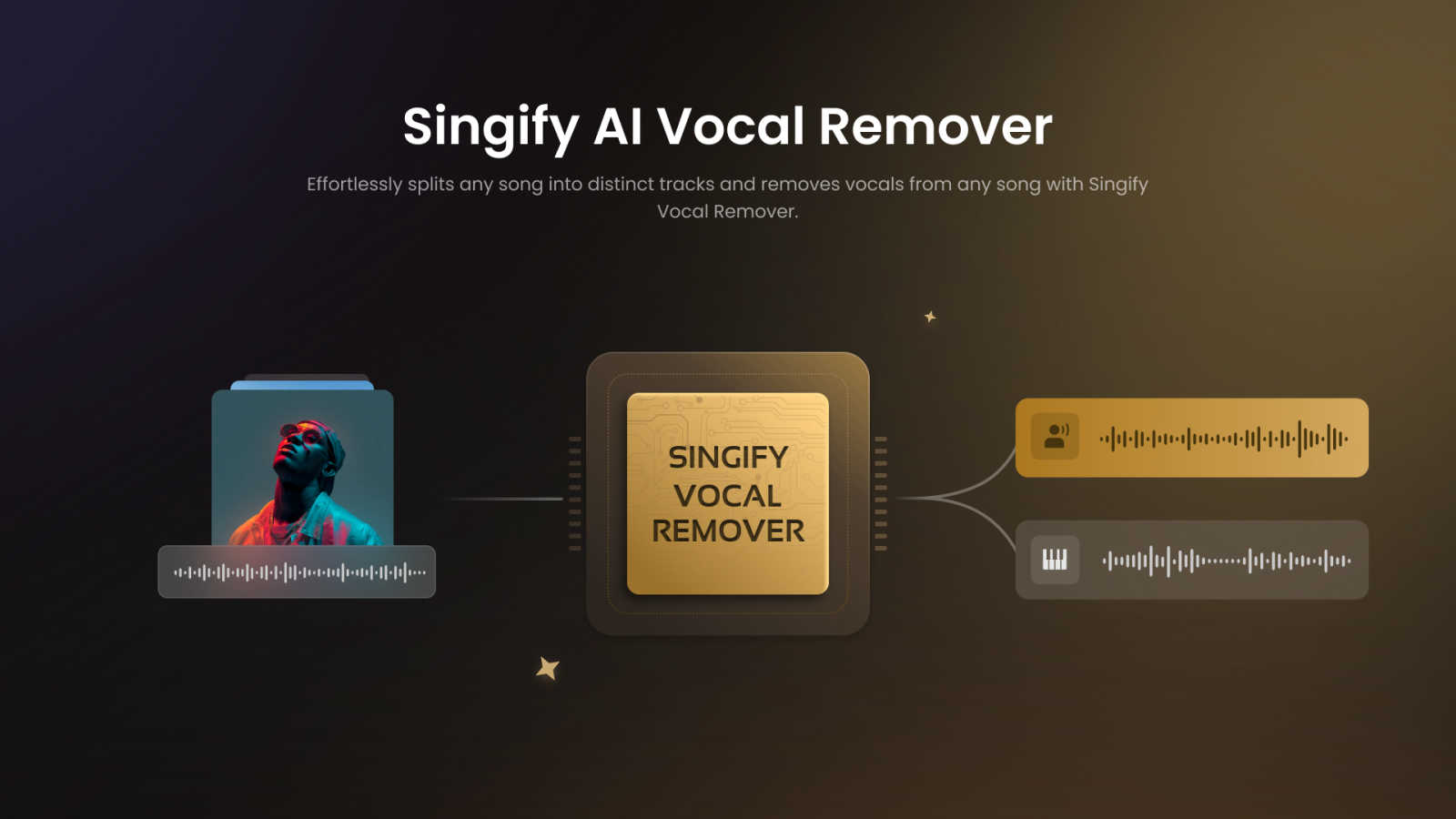
Singify AI Vocal Remover
Feature Comparison
ClubDJ Pro
Built-in Dual-Deck Video Mixing
This is the game-changer that’s going viral. Unlike other software that treats video as an afterthought, ClubDJ Pro has professional video mixing baked right into its core. Mix and scratch two independent video tracks simultaneously with stunning 41+ shader-based transitions. It’s the secret weapon for VJs and DJs wanting to create unforgettable visual performances without any extra software or subscriptions.
25+ GPU-Accelerated Video Effects & Overlays
Supercharge your visual performance with a massive library of real-time effects powered by your computer's GPU for buttery-smooth operation. Apply stunning filters like invert, grayscale, and posterize directly per deck, and layer on 13+ animated VFX overlays including strobe, matrix, and kaleidoscope effects to build incredible energy and atmosphere during your live sets.
Professional Audio Engine with Beat Sync & Vinyl Scratching
At its heart, ClubDJ Pro is built for impeccable sound. Its advanced BASS audio engine delivers crystal-clear, low-latency playback. Features like auto BPM detection with 2-decimal precision and continuous phase-locked beat sync ensure your tracks stay perfectly aligned. Plus, experience true, responsive vinyl scratching with bidirectional playback for that authentic tactile feel every DJ loves.
Cross-Platform Freedom & Free Online Mixer
Why be locked to one device? ClubDJ Pro gives you unparalleled freedom. Use the full-featured desktop app, the touch-optimized iOS app with MIDI support, or instantly access the completely free, no-download-required online mixer from any web browser. This flexibility, especially the wildly popular free web version, is a major reason for its explosive growth and fan loyalty.
Singify AI Vocal Remover
10-Stem AI Separation Powerhouse
Go beyond simple vocal removal. Singify's state-of-the-art AI models can isolate up to 10 distinct stems from a single track, including vocals, drums, bass, piano, electric guitar, acoustic guitar, synthesizers, and even separate lead from backing vocals. This surgical precision gives you unparalleled creative control for remixing, sampling, and learning.
Effortless & Free-to-Start Workflow
Jump right in with zero barriers. The platform is designed for instant gratification—no complicated software to install, no upfront fees, and an incredibly intuitive interface. Simply upload your audio or paste a YouTube link, select your separation model, and let the AI work its magic. It's the accessibility that has made it a trending sensation.
Flawless, Studio-Ready Sound Quality
This tool is praised for its output quality. Using cutting-edge audio processing, Singify preserves the intricate details and fidelity of your original track. You get clean, distortion-free stems without the phasing artifacts or "underwater" sound common in lesser tools, making the results ready for professional use.
Cross-Platform & Multi-Format Support
Create anywhere, on any device. Singify works flawlessly on web browsers, iOS, Android, macOS, and more. It supports a wide range of input formats (MP3, WAV, FLAC, MP4, MOV) and lets you export your high-quality separated tracks in the format that best suits your project's needs.
Use Cases
ClubDJ Pro
The Aspiring Bedroom DJ
Perfect for beginners diving into the world of DJing! With its intuitive interface, free online mixer to start practicing instantly, and comprehensive "Learn to DJ" resources, ClubDJ Pro removes the financial and technical barriers. You can learn beat matching, looping, and scratching on any device without a huge upfront investment or subscription pressure.
The Mobile & Wedding DJ
For DJs on the move, ClubDJ Pro is a lifesaver. The robust iOS app turns your iPad or iPhone into a powerful mixing station, compatible with popular MIDI controllers. Its reliability and one-time purchase model mean you can set up quickly at any event—from a wedding reception to a corporate party—without worrying about internet-dependent subscriptions or software crashes.
The Video VJ & Club Performer
This is where ClubDJ Pro dominates. For club DJs, event producers, and visual artists, the built-in dual-deck video mixing is a revolutionary tool. Seamlessly mix music videos, visuals, and custom content with 41+ transitions and GPU effects, outputting in 1080p to projectors and screens to create a fully synchronized audio-visual spectacle that captivates any audience.
The Producer & Creative Hobbyist
Ideal for music producers and hobbyists who want to experiment. Use the precise looping tools, beat-synced cues, and waveform displays to test mashups, extend song breaks, and practice transitions. The ability to quickly load tracks and experiment with video layers makes it a fantastic creative sandbox for developing unique mixes and visual ideas.
Singify AI Vocal Remover
Create Instant Karaoke Tracks
Transform any song into a ready-to-sing backing track in under a minute. Perfect for party hosts, singers, and music teachers. The vocal removal is so clean, you'll feel like you have the official instrumental version, making it the go-to tool for viral sing-along content and practice sessions.
Music Production & Sampling
Producers and beatmakers use Singify to isolate pristine drum loops, basslines, and melodic hooks from existing songs to sample and flip into new, original compositions. The ability to extract individual instruments with high fidelity is a revolutionary shortcut for creative inspiration and sound design.
Content Creation for Social Media
YouTubers, TikTokers, and streamers leverage Singify to remove copyrighted vocals from music for use in vlogs, gameplay montages, and background tracks without fear of demonetization. Isolating instrumental beds or creating custom audio snippets helps content stand out and stay compliant.
Music Learning & Analysis
Aspiring musicians and students use the stem splitter to isolate guitar solos, piano parts, or vocal harmonies to study and learn by ear. Removing other instruments allows you to focus on a single component, dramatically improving practice efficiency and musical understanding.
Overview
About ClubDJ Pro
ClubDJ Pro isn't just another DJ software; it's a viral sensation taking the mixing world by storm, celebrated for bringing professional-grade power without the predatory subscription fees. Born in 2004 and completely reborn with cutting-edge tech, it’s the go-to choice for over a million DJs who demand performance, simplicity, and groundbreaking features. This powerhouse application delivers a clean, ultra-responsive interface that runs flawlessly on Windows, macOS, and iOS, letting you mix anywhere—from your bedroom studio to the main stage.
But here’s what truly makes it trend: ClubDJ Pro is famously one of the only DJ platforms with built-in, dual-deck VIDEO mixing as a core, first-class feature. No clunky plugins, no extra costs. It’s all there, ready to transform your sets into immersive audio-visual experiences. Designed for everyone from absolute beginners taking their first spin to seasoned pros, ClubDJ Pro cuts through the complexity of bloated competitors. It focuses on what matters most: speed, rock-solid reliability, and the essential tools you need to create, perform, and own the crowd. With a massive one-time purchase price and a legendary free online mixer, it’s no wonder the community is buzzing and switching in droves.
About Singify AI Vocal Remover
Forget everything you thought you knew about audio editing. Singify AI Vocal Remover is the viral, game-changing tool that's taking TikTok, YouTube, and Instagram by storm, making professional music production accessible to everyone. This isn't a clunky, complicated software; it's a sleek, AI-powered powerhouse that uses cutting-edge 8-stem separation technology to surgically split any song into its core components. Imagine isolating crystal-clear vocals for a remix, creating the perfect karaoke track in seconds, or extracting a pristine drum loop for your next beat—all with a few clicks. Designed for bedroom producers, professional audio engineers, content creators, and music enthusiasts alike, Singify's main value proposition is undeniable: lightning-fast, studio-quality results that are completely free to start. It eliminates the hours of manual work and the muddy, artifact-filled audio of old methods. Praised across social media for its shocking accuracy and ease of use, Singify is the secret weapon for anyone who wants to play, study, or create with music in ways they never thought possible.
Frequently Asked Questions
ClubDJ Pro FAQ
Is ClubDJ Pro really free to use?
Yes! You can download the full desktop application completely free with all features unlocked for unlimited sessions. For permanent, unrestricted use on desktop, a one-time license is available for $39.99. There’s also a completely free, full-featured online mixer that requires no download or account. No subscription is ever required.
What makes ClubDJ Pro different from VirtualDJ or Serato?
ClubDJ Pro stands out by offering professional built-in video mixing, a one-time purchase model, and a free web app—all in one package. While competitors like VirtualDJ charge hefty yearly subscriptions ($299/year) for video, and Serato doesn’t support it at all, ClubDJ Pro includes it upfront at a fraction of the cost, making it a massively popular and cost-effective choice.
Can I use ClubDJ Pro with my MIDI controller?
Absolutely! The ClubDJ Pro desktop and iOS applications both offer full support for a wide range of popular MIDI controllers. This allows you to use physical jog wheels, faders, and pads for a more tactile and professional mixing experience, bridging the gap between software and hardware.
Do I need an internet connection to use ClubDJ Pro?
No, you do not. Once the ClubDJ Pro desktop application is installed on your Windows or Mac computer, it operates fully offline. This is crucial for reliable live performances where internet connectivity can be unstable. The iOS app also works offline for playing local files. Only the free online mixer requires an internet connection.
Singify AI Vocal Remover FAQ
Is Singify AI Vocal Remover really free?
Yes! You can start using Singify's powerful vocal removal and stem separation features immediately for free with included credits. This free tier is what has fueled its viral growth, allowing everyone to experience professional-grade audio separation. For high-volume users, there are optional premium plans for more credits.
What audio formats does it support for upload?
Singify supports a wide range of popular audio and video formats to make the process seamless. You can directly upload files in MP3, WAV, FLAC, AIFF, MP4, and MOV formats from your computer, ensuring compatibility with almost any file you have.
Can I remove vocals from a YouTube video?
Absolutely! This is a hugely popular feature. Simply copy and paste the URL of any YouTube video into Singify's interface. The tool will automatically extract the audio in the cloud and prepare it for stem separation, allowing you to work with any song or audio found online.
How accurate is the AI at separating instruments?
Singify uses advanced, regularly updated AI models specifically trained for music source separation, resulting in shockingly accurate results. It excels at producing clean stems with minimal artifacts, a key reason it's recommended by creators and producers across social media for its studio-quality output.
Alternatives
ClubDJ Pro Alternatives
ClubDJ Pro is a professional DJ software mixing application that has carved out a dedicated following in the audio and music space. Known for its clean, performance-focused interface, it delivers the core tools for mixing across iOS, macOS, and Windows. Its revival with modern tech proves its staying power in a crowded market. DJs often explore other options for various reasons. Some need more advanced features for complex live sets, while others might be on a strict budget or require specific hardware integrations. The quest for the perfect workflow drives constant comparison in the DJ community. When searching for a different platform, focus on what matters most for your style. Consider your essential features, preferred device compatibility, and long-term value. The goal is to find software that feels like an extension of your creativity, not a barrier to it.
Singify AI Vocal Remover Alternatives
Singify AI Vocal Remover is the viral, AI-powered tool that's redefining music editing for millions. It belongs to the audio stem separation category, using advanced technology to instantly split any song into vocals, drums, bass, and other instruments. It's become a social media sensation for creators seeking free, high-quality karaoke tracks and isolated samples. Users often explore other options for various reasons. Some need specific features like more stems, higher bitrate exports, or integration with professional DAW software. Others might be looking for different pricing models, such as a one-time purchase instead of a subscription, or require an offline desktop application for their workflow. When evaluating other tools, focus on what matters most for your projects. Key factors include separation quality and clarity, processing speed, supported file formats, and overall cost. The best choice balances power, ease of use, and value, ensuring you get clean stems without compromise, just like the millions who rely on Singify.